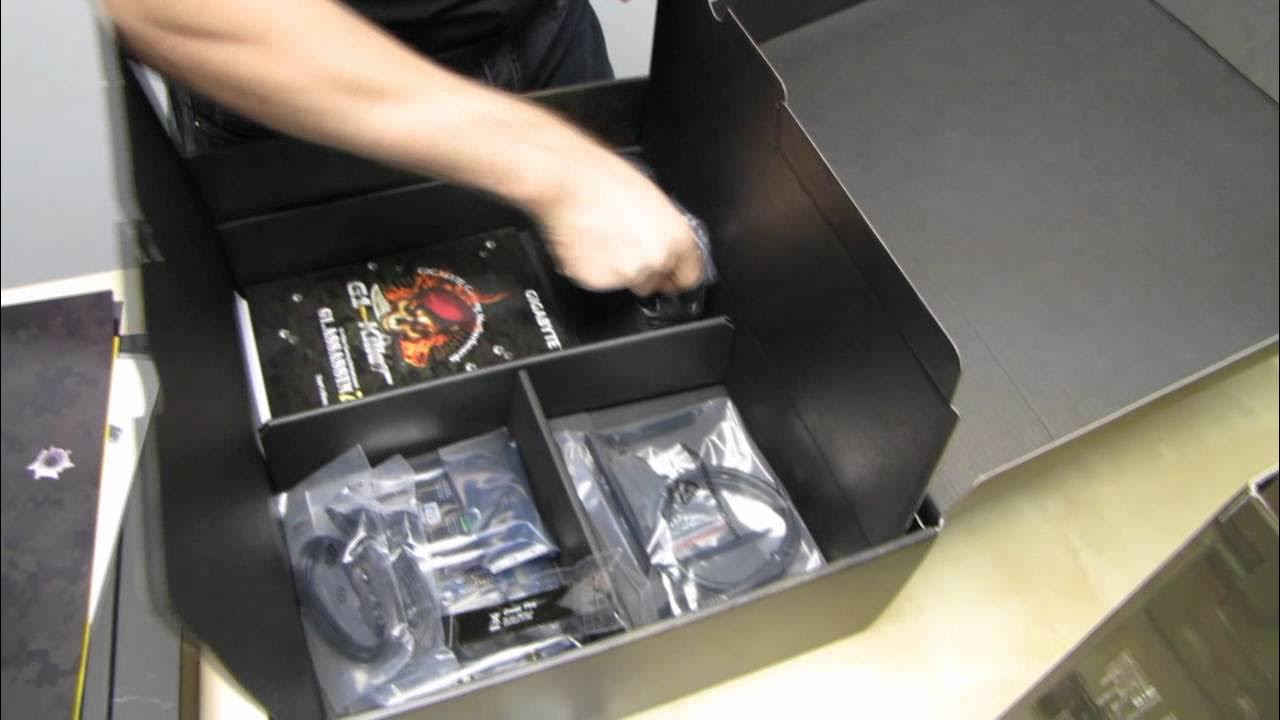
Gigabyte G1.Assassin 2 LGA2011 SLI Gaming Motherboard Unboxing & First Look Linus Tech Tips
Your rating
Reactions
Description
ncix.com Unlike the previous generation G1.Assassin on LGA1366, this one is not a "top of the range" board, but I would say it's more similar to the positioning of the G1.Sniper. The features gamers need, but without the fluff.
AI Overview
The Linus Tech Tips unboxing of the Gigabyte G1.Assassin 2 LGA2011 SLI Gaming Motherboard provides a thorough first look at this mid-to-high end board from Gigabyte’s G1 series. The host compares it to the older LGA1366 G1 Assassin and the G1.Sniper platforms, highlighting the updated Bluetooth 4.0 and Wi‑Fi card included with the package, the patent pending 3D BIOS dual UEFI features, and Gigabyte’s three‑phase digital power delivery. He walks through the unboxing process, showing a generous accessories bundle that includes an 8‑pin and 24‑pin power layout, various SATA cables, front USB 3.0 header cables, crossfire and SLI bridges, a USB data cable, and a dual‑disc software package for the board and wireless card. The host emphasizes practical design choices, noting the location of essential connectors, several fan headers, and the board’s overall size as an ATX with support for quad‑channel memory. His commentary also includes light humor about the packaging and some early impressions on aesthetics, airflow considerations, and the board’s features aimed at gamers rather than excessive memory configurations. By the end of the video, he summarizes the board’s core strengths for gamers: robust expansion options, strong networking, and an amplified onboard audio solution, while noting a missing dedicated back panel microphone port and offering a plan to test further with real installations. The tone remains measured and informative, aiming to help viewers decide whether this board fits a high‑end gaming build without overpaying for features they won’t use. In addition to the hardware overview, the video serves as a practical guide for enthusiasts evaluating 2011‑era enthusiast boards. The unboxing scene demonstrates how Gigabyte packaged the G1.Assassin 2, drawing attention to the Wi‑Fi/Bluetooth adapter, SLI and Crossfire capabilities, and the array of I/O options that are crucial for multi‑GPU setups. The presenter also points out the board’s design cues, including the distinctive heat sink arrangement and the claim of three‑way power delivery, while clarifying what “3D power” means in Gigabyte’s marketing terms. He notes the board’s back‑panel connectivity, including USB and eSATA options, and discusses how the layout impacts cable management and thermal performance within typical ATX builds. Throughout the unboxing, the host blends descriptive product details with approachable, sometimes humorous commentary, ultimately positioning the G1.Assassin 2 as a feature‑rich option for gamers who want multi‑GPU readiness and solid networking without the premium hops of the top‑tier model. He finishes with a forward‑looking note about testing the board in a future build and exploring advanced BIOS features in upcoming videos.
Topics · technology · computer hardware · hardware unboxing · pc gaming
Questions answered
- What CPU power delivery and memory support does the Gigabyte G1.Assassin 2 offer?
- The board supports quad‑channel memory with four DIMM slots and up to 32 GB of RAM using 8 GB modules.
- Does the back panel include a dedicated microphone input, and how should users connect a mic if needed?
- The back panel microphone input is not listed as a separate mic port; users can use the front panel mic input for microphones, or rely on the onboard audio and rear audio outputs for headsets.






