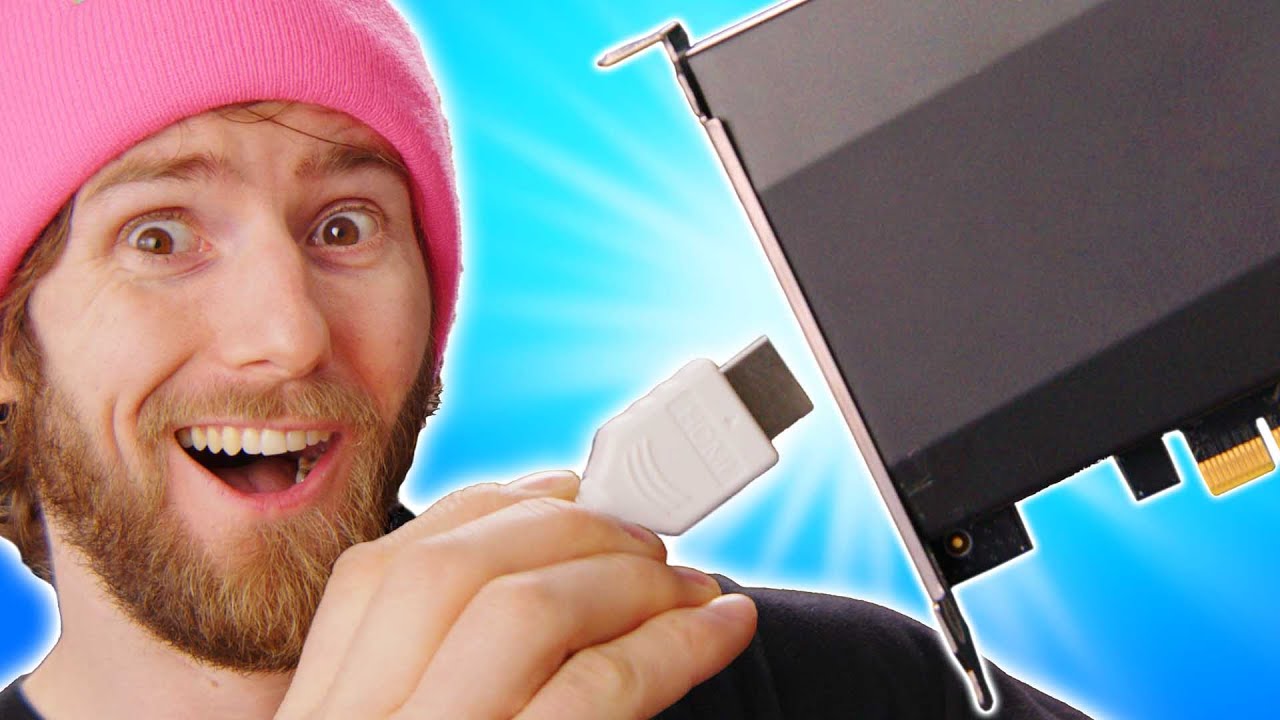
We can FINALLY Test This!! - Capture card latency
Your rating
Reactions
AudioEnglish (original)Auto-dubbed: Dutch, French, German, Spanish, Arabic, Bangla, Hebrew, Hindi, Indonesian, Italian+10 more
Promos
Shout out to VIZIO for sponsoring this video! Purchase the VIZIO M-Series Quantum 7 here: vizio.ink For all of VIZIO’s Top Deals, click here: vizio.com Don’t forget to follow VIZIO on Facebook: @vizio Instagram: @vizio and Twitter: twitter.com For all of their latest giveaways and sweepstakes! VIZIO always recommends that you plug your gaming console directly into the display to achieve the best gaming experience. What happens to your gaming experience when you add a capture card, a sound bar, or another video device between your gaming PC and your TV? Let’s find out… Buy Elgato 4K60 PRO Capture Card (PAID LINK): geni.us Buy Elgato HD60 S+ Capture Card (PAID LINK): geni.us Buy Logitech G203 Lightsync Mouse (PAID LINK): geni.us Buy AMD Ryzen 9 3900XT CPU (PAID LINK): geni.us Buy Nvidia RTX 2080 Super (PAID LINK): geni.us Purchases made through some store links may provide some compensation to Linus Media Group. Discuss on the forum: linustechtips.com ►GET MERCH: lttstore.com ►SUPPORT US ON FLOATPLANE: floatplane.com ►LTX EXPO: ltxexpo.com AFFILIATES & REFERRALS --------------------------------------------------- ►Affiliates, Sponsors & Referrals: lmg.gg ►Check out our podcast gear: kit.co ►Private Internet Access VPN: lmg.gg ►Our Official Charging Partner Anker: lmg.gg ►MK Keyboards: lmg.gg ►Nerd or Die Stream Overlays: lmg.gg ►NEEDforSEAT Gaming Chairs: lmg.gg ►Displate Metal Prints: lmg.gg ►Official Game Store: nexus.gg ►Epic Games Store (LINUSMEDIAGROUP): lmg.gg ►Amazon Prime: lmg.gg ►Audible Free Trial: lmg.gg ►Streamlabs Prime: geni.us ►Our Gear on Amazon: geni.us FOLLOW US ELSEWHERE --------------------------------------------------- Twitter: twitter.com Facebook: @LinusTech Instagram: @linustech Twitch: twitch.tv FOLLOW OUR OTHER CHANNELS --------------------------------------------------- Techquickie: lmg.gg TechLinked: lmg.gg ShortCircuit: lmg.gg LMG Clips: lmg.gg Channel Super Fun: lmg.gg Carpool Critics: lmg.gg MUSIC CREDIT --------------------------------------------------- Title: Laszlo - Supernova Video Link: youtube.com iTunes Download Link: itunes.apple.com Artist Link: soundcloud.com Outro Screen Music Credit: Approaching Nirvana - Sugar High youtube.com Monitor And Keyboard by vadimmihalkevich / CC BY 4.0 geni.us Mechanical RGB Keyboard by BigBrotherECE / CC BY 4.0 geni.us Mouse Gamer free Model By Oscar Creativo / CC BY 4.0 geni.us
AI Overview
The video investigates real world latency across a family of devices placed between a gaming console and a TV, focusing on practical implications for gaming performance. It starts by outlining the problem: not every device advertised as zero latency truly stays latency-free, and passing a signal through a soundbar, AV receiver, or capture card can introduce measurable delay. The host explains the testing baseline using a high-end PC setup and Nvidia’s latency measurement tool to capture total chain latency from input to a visible brightness change on the monitor. Early results show that even devices marketed for low latency, such as certain capture cards, add noticeable delays, though typically within a frame at 60 Hz. The video then documents a step-by-step testing sequence: establishing a baseline with the Vizio M-Series TV in game mode, introducing a soundbar, and evaluating two popular capture cards, the Elgato HD60 S+ and the 4K60 Pro, along with a TV AVR receiver. These measurements reveal that while the devices do not achieve true zero latency, most configurations remain below perceptible thresholds for casual play, with one frame of delay commonly observed at 60 Hz for some links. The host dives deeper into chaining multiple devices and the complexities of handshakes, EDID, and HDCP, demonstrating that adding more links can yield inconsistent results and, in some configurations, even cause flickering or resolution changes. The main takeaway is that latency compounds in some setups but tends to stabilize within a range, and for the most part, modern gear can be used for competitive gaming if users tackle the handshaking order and connect devices directly to the display when possible. Finally, the video highlights Vizio’s own gaming-oriented features, such as low latency game mode, auto low latency mode, and firmware improvements, while acknowledging that for true zero latency a direct connection remains the safest path, with the caveat that most users will not notice the small delays introduced by common configurations.
Topics · technology · hardware · gaming · audio_visual
Questions answered
- What is the measured total input delay when using a single capture card like the Elgato HD60 S+ in the tested setup?
- The Elgato HD60 S+ added about three to four milliseconds of delay on average in the tested configuration.
- Does chaining multiple devices between the TV and PC eliminate latency or cause more delay?
- Chaining multiple devices can result in mixed outcomes; in some configurations the total delay is similar to using a single device, while in others it can cause additional delay or signal reliability issues, indicating there is not a simple linear sum of delays.
- What is the recommended setup for minimizing latency in a gaming setup with these devices?
- To minimize latency, plug the console directly into the TV and have audio pass through to the soundbar via eARC, and use direct connections rather than routing through multiple devices when possible.






