Personal Rig Update 2012 Part 15 - Dead Monitor & Bad Cable Management Linus Tech Tips
Your rating
Reactions
Description
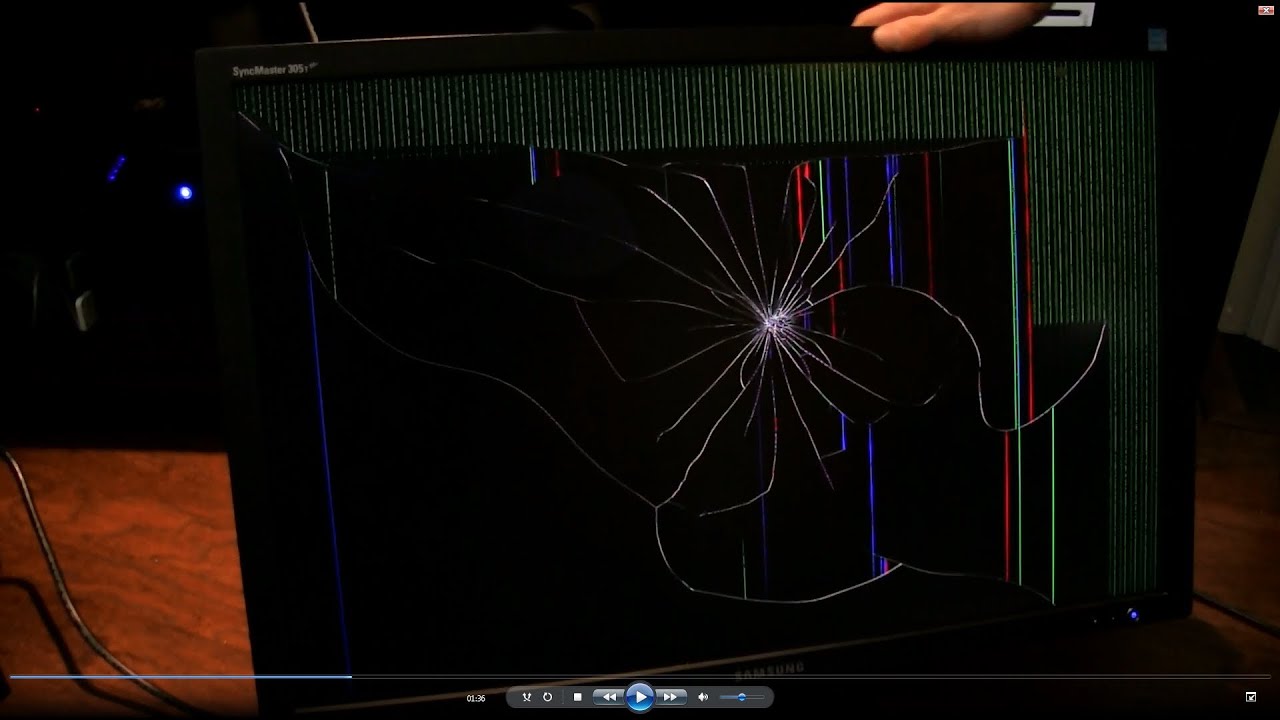
Broken monitor... Broken man... Wife already kaiboshed my 4K monitor schemes, and I gave her my 1920x1200 monitor when I upgraded to 30" so it's back to 1080p for me :(
AI Overview
Personal Rig Update 2012 Part 15 documents Linus Tech Tips host Linus as he closes out a long running build project and confronts a damaged setup. The video opens with a candid admission that the rig is nearly complete, but a few tasks remain including bleeding the loop and reformatting the operating system due to age. A critical incident occurs when Linus recounts his catlike companion rumble knocking into a 30-inch monitor, causing visible damage while the monitor was powered off; upon powering on, the system shows a dead display on the main monitor, forcing him to reassess his monitor arrangement and potential replacements such as testing a 2560x1600 panel at a higher refresh rate. He quizzes a potential monitor option with Paul from New Egg TV and contemplates how to proceed, all while sharing his notorious cable management situation. The video leans into the chaos of finishing touches, revealing an intentionally imperfect but functional cabling layout in the back, and a more refined, tidier presentation on the front side of the rig. Linus openly discusses the practical limitations of space, the use of hacks like MOX to SATA adapters and quad splitters, and the ongoing struggle to balance aesthetics with airflow and quiet operation. The host emphasizes the emotional and logistical hurdles of completing a sprawling build, ends with a reaffirmation of the gaming rig status minus a usable monitor, and invites viewers to subscribe for more updates, unboxings, and other, sometimes depressingly honest, content about personal hardware projects.
Topics · technology · hardware · pc_build · cable_management · overclocking · water_cooling · system_build · tech_vlog
Questions answered
- What caused the monitor to fail during the rig update?
- A cat or small animal, referred to as Rumble, jumped onto the setup and knocked the monitor, which contributed to the display failure.
- What workaround does Linus describe for powering multiple drives and components with limited space?
- He describes fashioning adapters from MOX to left-angle SATA and Molex, and using quad SATA splitters to power eight drives via a single MOX connector.
- Why does Linus consider reformatting the OS, and what does this indicate about the project timeline?
- The OS is outdated and hasn't been used in a long time, indicating the project has taken an extended period and needs a refresh before continuing.






