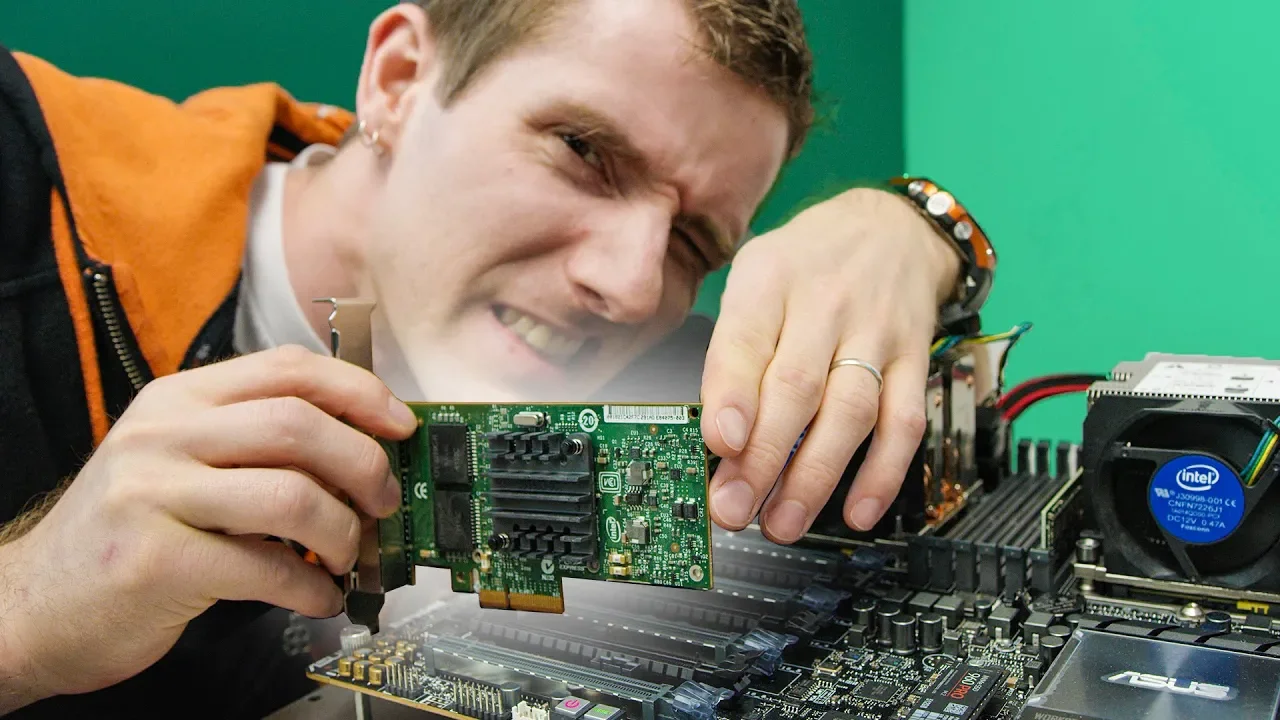
I've NEVER been so FRUSTRATED... Hot-Swapping PCIe Cards
Your rating
Reactions
Promos
Buy noblechairs ICON Series Real Leather Gaming Chair at geni.us Sign up for Private Internet Access VPN at privateinternetaccess.com This may be the most frustrating project Linus has EVER worked on... Buy video cards on Amazon: geni.us Discuss on the forum: linustechtips.com Our Affiliates, Referral Programs, and Sponsors: linustechtips.com Linus Tech Tips merchandise at designbyhumans.com Linus Tech Tips posters at crowdmade.com Our Test Benches on Amazon: amazon.com Our production gear: geni.us Get LTX 2018 tickets at ltxexpo.com Twitter - twitter.com Facebook - @LinusTech Instagram - @linustech Twitch - twitch.tv Intro Screen Music Credit: Title: Laszlo - Supernova Video Link: youtube.com iTunes Download Link: itunes.apple.com Artist Link: soundcloud.com Outro Screen Music Credit: Approaching Nirvana - Sugar High youtube.com Sound effects provided by freesfx.co.uk
AI Overview
The video documents a hands-on experiment by Linus Tech Tips to test PCIe hot swapping on a consumer motherboard, exploring whether you can safely plug and unplug PCIe cards while the system is powered. It starts by outlining the concept of hot swapping, noting that USB and some other interfaces support it, while some components like CPUs and memory may not or require server-grade designs. The host sets up a collection of random PCIe cards with dubious value and begins testing them in various PCIe slots, observing system responses, BIOS prompts, and Windows boot behavior as he cycles power states. Early attempts show mixed results: some cards show up after a restart, others fail to be detected, and others crash the OS or produce driver errors before the system stabilizes. Throughout, he quizzes whether the device, the motherboard BIOS, or the operating system is at fault and documents the iterative process of adjusting BIOS options, trying different OSes, and ultimately discovering hidden board features. The middle sections reveal deeper exploration, including Intel and ASUS white papers and a beta BIOS, as well as an unusual backplane setup that promises hot plug capabilities via U.2 connections. In the final stretch, the host demonstrates a breakthrough: enabling hot plug across multiple ports and actually hot plugging devices like a network card and a USB stick with no crashes, effectively turning PCIe cards into plug-and-play peripherals in a powered system. The video closes with a celebratory tone, confirming that hot swapping PCIe cards can work under specific conditions and configurations, and it ends with promotions and calls to action for viewers to engage with the channel and its sponsors.
Topics · technology · hardware · pc-build · troubleshooting · testing · server
Questions answered
- What is PCIe hot swapping and why is it considered risky on consumer hardware?
- PCIe hot swapping is the ability to add or remove PCIe expansion cards while the system is powered on. It is risky on consumer hardware because not all components or motherboards support hot plug, drivers may fail, and removing or inserting cards can cause system instability or data loss. Server-grade hardware and specific BIOS settings are often required to safely implement hot swap.
- Did the host ultimately succeed in hot plugging PCIe cards on this motherboard?
- Yes, after exploring BIOS settings, a beta BIOS, and a custom backplane approach, the host demonstrated working hot plug on several PCIe devices, including a network card and a USB device, within a powered system.






