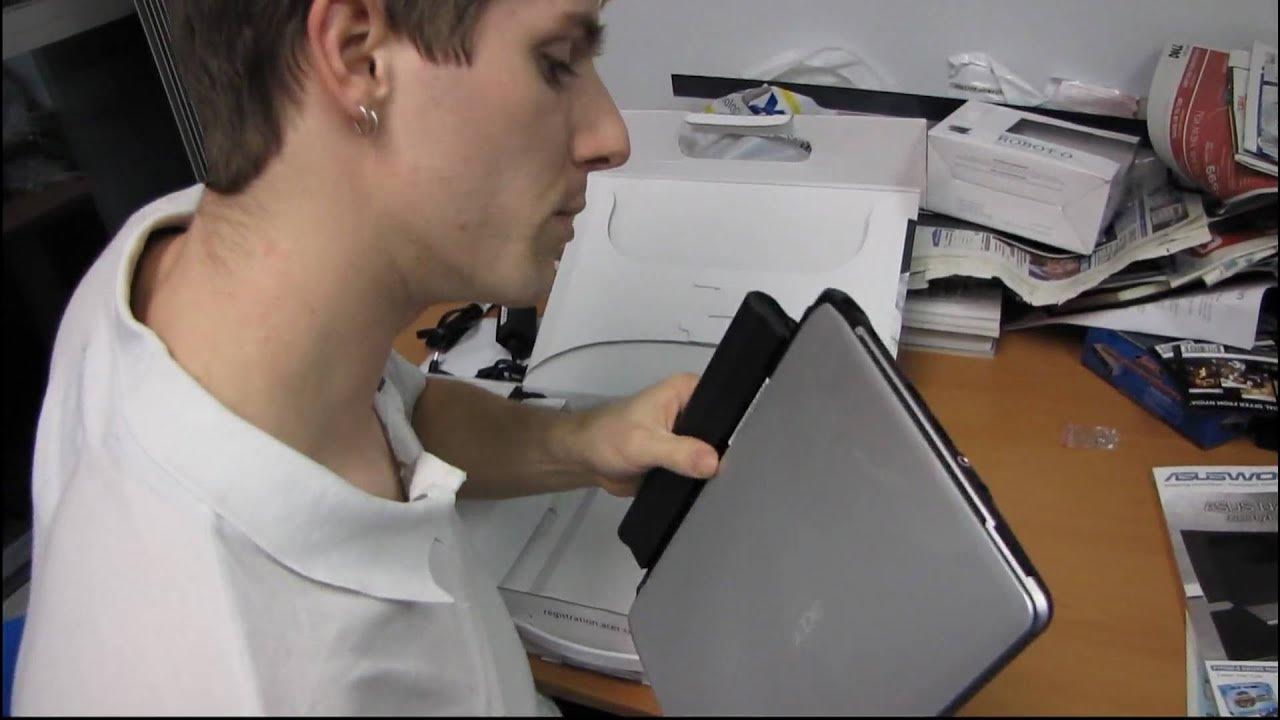
Acer Aspire 1410 Olympics Edition Notebook/Netbook Computer Unboxing Linus Tech Tips
Your rating
Reactions
Description
Vancouver 2010! It's a big enough event that it merits its own line of notebooks and netbooks. I have a quick look at this thing, which honestly feels like a great showcase for how far Acer has come in the last 5 years. It's solidly built, slick looking, and I'm genuinely impressed!
AI Overview
The video opens with Linus introducing an Olympic Edition Acer Aspire 1410, presenting it as a Vancouver 2010限定 model with the familiar LinusTechTips energy. He notes that the device is positioned as a netbook-class machine, powered by a Celeron processor, an 11.6 inch display, 2 GB of memory, a 250 GB hard drive, Wireless N, Bluetooth, and a six-cell battery. The unboxing focuses on build quality and upgradeability, with attention given to accessible components such as the RAM and the hard drive, which Linus demonstrates as easily replaceable. He examines the exterior styling, including the Olympic rings branding, and comments on the chassis feel, keyboard layout, and overall durability. Throughout the segment, there is emphasis on practical use cases, such as battery life, portability, and the kind of tasks a light notebook like this could handle. The unboxing proceeds to reveal the included accessories like the warranty and quick start guide, alongside a compact AC adapter, which reinforces the notion that the unit is energy efficient. Linus then powers up and provides first impressions of the keyboard, warmth, and screen finish, noting the glossy display and the webcam placement while evaluating typing comfort. He closes with reflections on how the Aspire 1410 fits into a travel or school scenario, acknowledging some missed details but delivering a concise snapshot of the Olympic Edition’s appeal and limitations. The video ends with a recap of the key specs and an invitation to check the channel for more hands-on hardware insights, leaving viewers with a sense of where the device shines and where it might fall short for heavy computing tasks.
Topics · technology · unboxing · laptops · consumer electronics · computers · product-review · olympics branding






