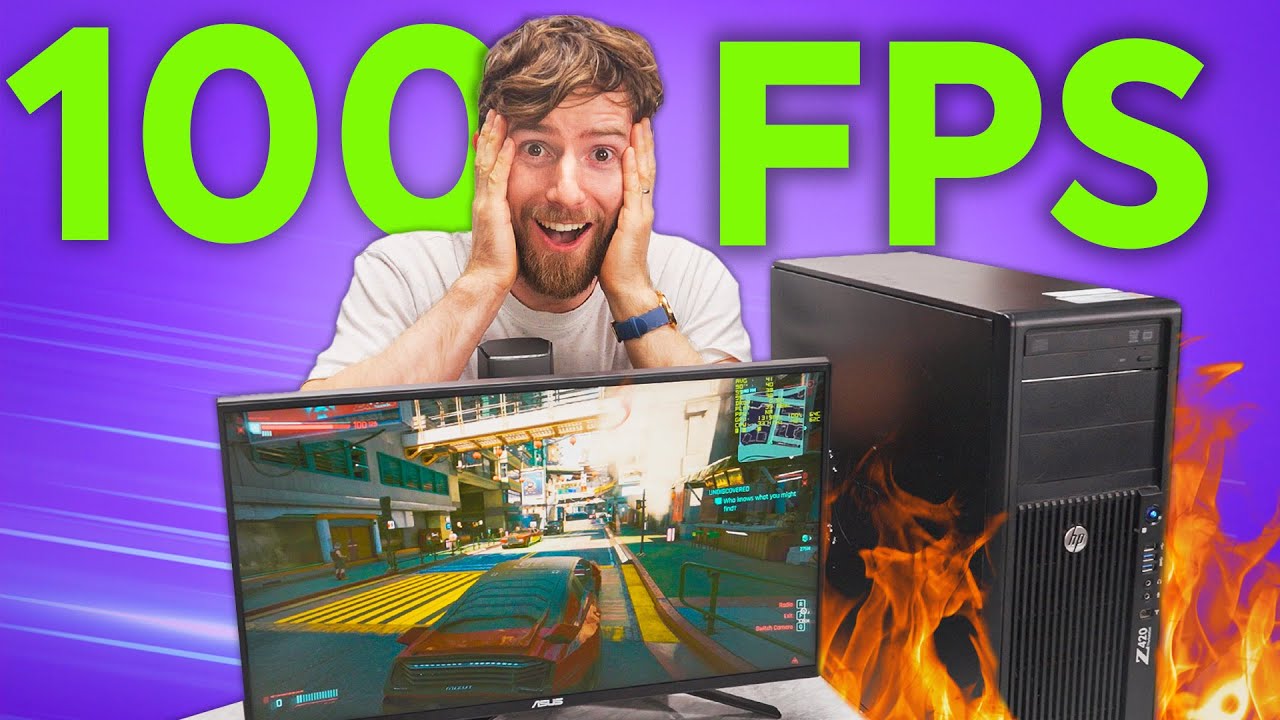
Can’t afford a Gaming PC? This one's $169
Your rating
Reactions
Description
Thanks to Capital One Shopping for sponsoring a portion of this video. You can
Promos
check out Capital One Shopping here: capitaloneshopping.com After spending $69 on a gaming PC, where can we go from here? Let’s look at how we can get the most bang for the buck in all your favorite AAA games Discuss on the forum: linustechtips.com Buy an ADATA SU760 512GB SATA III: geni.us Buy an M.2 NVME to PCIe 3.0 x4 Adapter: geni.us Buy a Samsung 970EVO Plus SSD: geni.us Buy an Asus RX 580: geni.us Buy an Intel Xeon E5 2687W: geni.us Buy a Coolermaster Hyper 212 EVO: geni.us Buy a goCoax RTL8125B 2.5GBase-T PCIe Network Card: geni.us Purchases made through some store links may provide some compensation to Linus Media Group. ► GET MERCH: lttstore.com ► SUPPORT US ON FLOATPLANE: floatplane.com ► AFFILIATES, SPONSORS & REFERRALS: lmg.gg ► PODCAST GEAR: lmg.gg FOLLOW US --------------------------------------------------- Twitter: twitter.com Facebook: @LinusTech Instagram: @linustech TikTok: @linustech Twitch: twitch.tv MUSIC CREDIT --------------------------------------------------- Intro: Laszlo - Supernova Video Link: youtube.com iTunes Download Link: itunes.apple.com Artist Link: soundcloud.com Outro: Approaching Nirvana - Sugar High Video Link: youtube.com Listen on Spotify: spoti.fi Artist Link: youtube.com Intro animation by MBarek Abdelwassaa @mbarek_abdel Monitor And Keyboard by vadimmihalkevich / CC BY 4.0 geni.us Mechanical RGB Keyboard by BigBrotherECE / CC BY 4.0 geni.us Mouse Gamer free Model By Oscar Creativo / CC BY 4.0 geni.us CHAPTERS --------------------------------------------------- 0:00 Intro 1:01 Upgrading the GPU 2:54 Testing out some games 4:04 But what about the CPU? 6:47 Errors aplenty 8:38 Capital One Shopping! 9:21 How to fix CPU cooling error 11:56 Speed holes! 12:40 Time to cRAM in some more parts 15:10 More storage = more games 19:33 Conclusion 20:23 Outro
AI Overview
The video launches with a sponsorship message from Capital One Shopping before diving into a practical budget PC project. The host revisits the idea of a $69 gaming PC and asks how far that budget can go, setting up the challenge of raising the price to $169, $269, and $420 while preserving gaming viability. He walks through component choices, starting with a minimal four gigabyte VRAM target and weighing options like the GTX 1660, 1650 Super, 1060, or 970, ultimately choosing a GTX 1060 due to price and availability. The narrative emphasizes real-world constraints such as power supply compatibility and safe adapter usage, warning against dangerous 8-pin configurations and recommending reliable 6-pin to 8-pin adapters for safety. This segment ends with a plan to test the system in 1080p high settings on games like DOOM Eternal, illustrating the value proposition of budget hardware when paired with smart tuning and upgradability.
Topics · technology · gaming · hardware · budget_pc · sponsorship
Questions answered
- What is the minimum GPU budget outlined for the initial build and which GPU was ultimately chosen?
- The minimum budget started with four gigabytes of VRAM and options like the GTX 1660, 1650 Super, 1060, or 970, and they ultimately went with the GTX 1060 due to price and availability.
- What challenges did the builder face with the Z420 workstation, and what CPU upgrade was identified as a viable option?
- The BIOS on the Z420 prevented upgrading to newer Intel Xeon chips, but the E5-2687W was identified as a powerful, affordable option that could be used with the right cooling.
- What storage upgrade approach was demonstrated to improve system responsiveness?
- They added a fast SSD by using an adapter to enable an M.2 NVMe drive on a PCIe slot and used Clover boot loader to recognize the NVMe drive, significantly improving system responsiveness.
- How did the team address cooling and fan header compatibility during the upgrade?
- They solved fan header issues by using a 4-pin fan splitter and reconfiguring a 5-pin header, avoiding costly brackets, and ensuring safe signal grounding to prevent fire risk.
- What is the recommended outcome regarding gaming performance for the $269 configuration?
- With the $269 setup, they achieved smooth 10 ADP gaming, with 120 fps in some games and generally playable performance for modern titles at reasonable settings.






