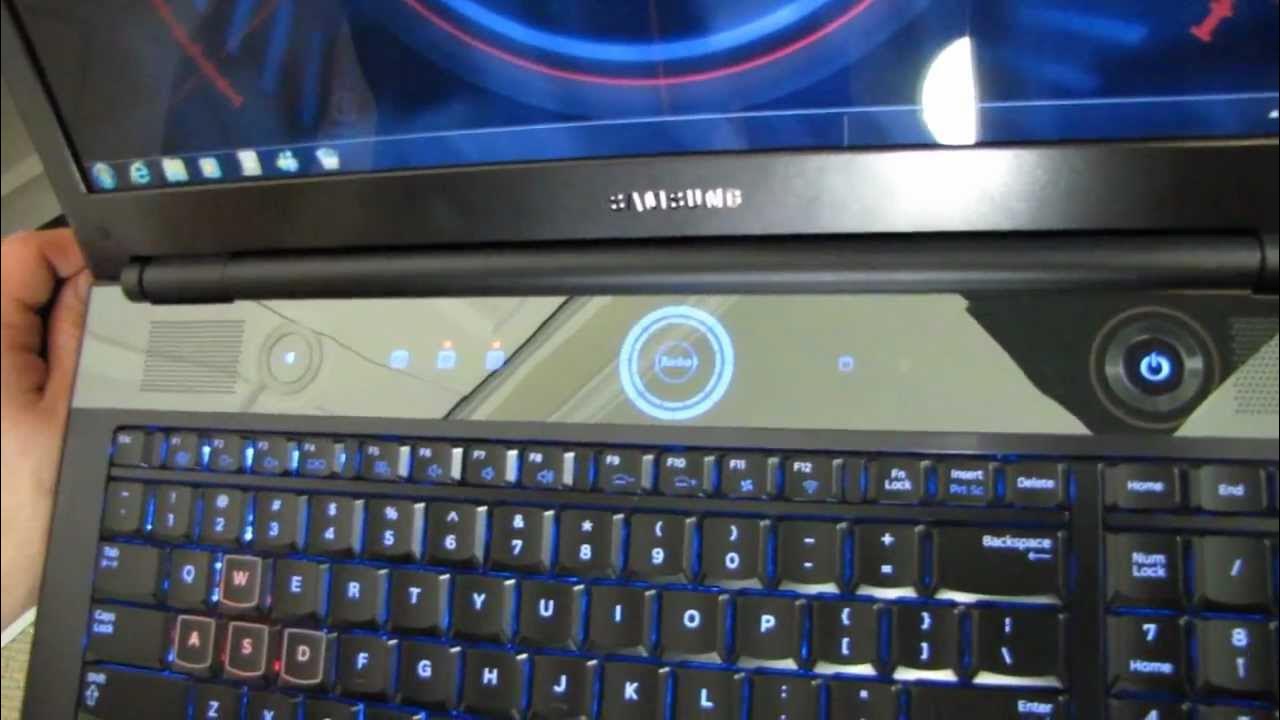
Samsung Series 7 NP700G7C Ivy Bridge GTX 675 Gaming Notebook Unboxing & First Look Linus Tech Tips
Your rating
Reactions
Description
CA: ncix.com US: us.ncix.com When it comes to gaming laptops, Samsung might not be the first name to come to mind, but they are very serious about making this machine a BEAST for gaming. With its Ivy Bridge processor and GTX 675M graphics card, this is about as good as it gets until you get into some pretty crazy prices!
AI Overview
The video is an in-depth unboxing and first-look at the Samsung Series 7 NP700G7C gaming notebook, focusing on its build, packaging, and initial impressions of the hardware. Linus walks through the box contents, noting the substantial power brick, battery specification, and the peculiar packaging shape of the accessories. He highlights the notebook’s design language, including a glossy brushed-aluminum look on a primarily plastic chassis and a prominent cooling system with large vents. Early on, he confirms key specifications such as a 17.3-inch full HD display, Ivy Bridge core i7 processor, GTX 675M graphics with 2 GB GDDR5, 16 GB of RAM, a Blu-ray drive, and the inclusion of modern connectivity options like gigabit LAN, USB 3.0, HDMI, and Bluetooth 4.0. The setup sequence includes Windows 7 Home Premium with an eye toward Windows 8 upgrade availability, and initial thoughts about keyboard illumination and overall heft, establishing expectations for gaming performance and potential future upgrades. By the end of the unboxing, he emphasizes the notebook’s premium-feel keyboard, cooling system, and the emphasis on gaming-ready features as a core selling point.
Topics · technology · computers · laptops · unboxing · hardware-review
Questions answered
- What are the main hardware specifications of the Samsung Series 7 NP700G7C as shown in the unboxing?
- The notebook features a 17.3 inch full HD display, Ivy Bridge core i7 3610 QM processor, GTX 675M graphics with 2 GB GDDR5, 16 GB memory, a Blu-ray drive, gigabit LAN, USB 3.0 ports, HDMI, DisplayPort, Bluetooth 4.0, and a large 89 Wh battery.
- What notable design or hardware features does Linus highlight during the unboxing?
- He highlights the glossy layer over the brushed plastic chassis with actual aluminum touches, the very large cooling system, the illuminated keyboard, backlit keys, a gaming mode switch, and the ability to upgrade storage with dual drives plus an SSD cache.






