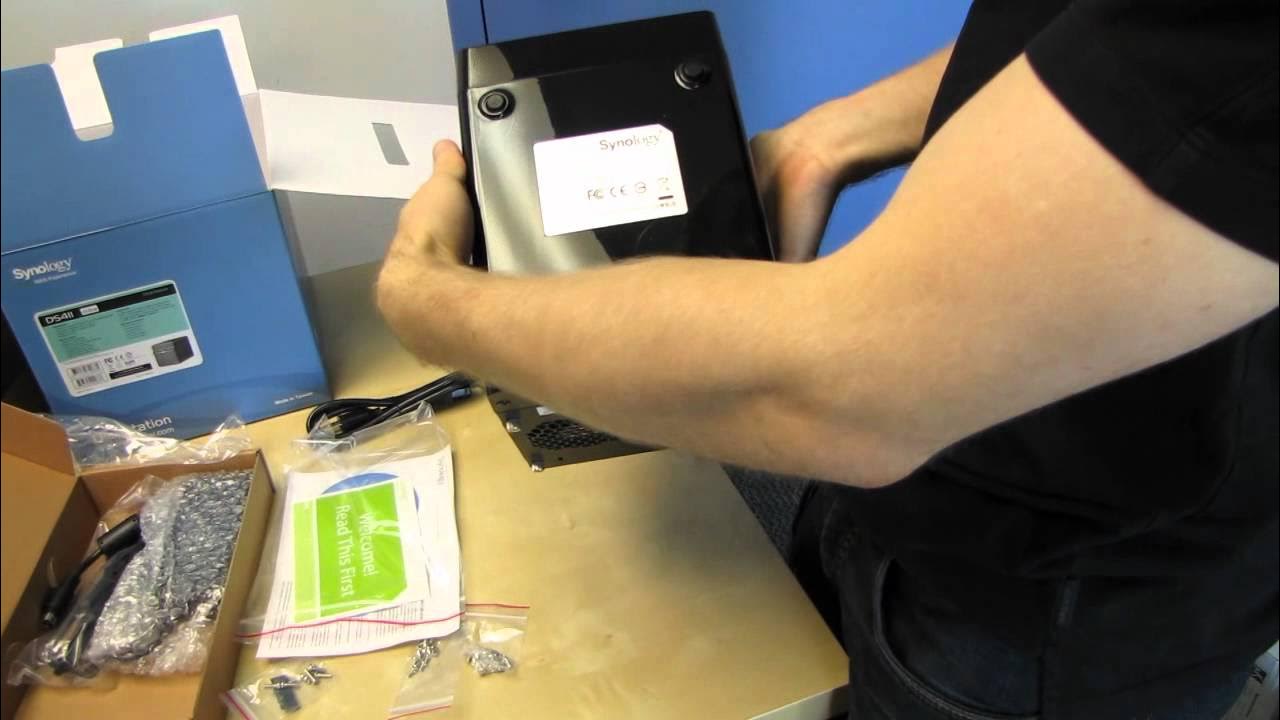
Synology DS411 DiskStation 4 Bay NAS Unboxing & First Look Linus Tech Tips
Your rating
Reactions
Description
Network NAS storage is all the rage these days. Synology is a leading brand with their outstanding interface and great performance! CA: ncix.com US: us.ncix.com
AI Overview
The video provides an in-depth unboxing and first-look at the Synology DS411 DiskStation, a four-bay NAS device. The presenter introduces Synology as a high-quality NAS brand and outlines the key features visible in the box, including file sharing capabilities, web hosting, data protection through RAID, mobile access, and compatibility with Windows, Mac, and Linux systems. He then delves into RAID options, explaining how RAID 5 offers a balance between storage capacity and protection, while RAID 6 in a four-bay enclosure is questioned for its real-world performance implications. The discussion continues with emphasis on the impact of the processor speed on RAID parity calculations and overall system performance, particularly under RAID 5, and contrasts it with RAID 10 for improved performance but different redundancy characteristics. After showing the device exterior and listing the included accessories, the host demonstrates the drive installation process using the drive sleds, explains the backplane and the proprietary motherboard, and notes the optional security enhancements that the extra screws can provide. The unboxing wraps with a quick practical note on using WD Red drives for reliability, then a recap of what was covered and a call to subscribe for more Linus Tech Tips NAS content. Overall, the video blends basic specifications, practical assembly tips, and opinions on optimal RAID configurations for maximizing storage while maintaining data protection. The second paragraph summarizes the hands-on portion and user experience cues: the DS411 footprint is shown as rear-loaded with easy access via thumb screws, and the front indicators and power switch are highlighted for quick status checks. The presenter stresses that the unit’s performance depends on the network controller and the drive parity processor, and he demonstrates opening the back panel to access drive bays and sleds, noting the potential for extra security screws for transport. He also points out that the included quick-start guide has multilingual support, though English was briefly difficult to locate, and he reinforces the practical takeaway that the DS411 is designed to be quiet and compact with 80 mm fans. The review closes with a reminder about WD Reds being a recommended choice for NAS use due to reliability and warranty, and with a sign-off inviting viewers to subscribe for more unboxings, reviews, and computer videos.
Topics · technology hardware · network-attached storage · consumer electronics · data storage · computer hardware
Questions answered
- What are the recommended RAID configurations for the DS411 to balance storage and redundancy?
- RAID 5 is recommended for a good balance between storage capacity and data protection, with RAID 10 offering higher performance but different redundancy characteristics. The video discusses RAID 6 as less practical in a 4-bay enclosure due to parity overhead and performance impact.
- What factors influence the DS411's performance besides RAID choice?
- The processor speed and the network controller performance are key factors, especially for RAID parity calculations in RAID 5, as well as the overall network throughput which affects real-world transfer speeds.






