Acomdata Samba USB 3.0 3.5" SATA Hard Drive Enclosure Unboxing & First Look Linus Tech Tips
Your rating
Reactions
Description
ncix.com Yeah I saw a couple times that the thing on the front is a button, but it's really not.
AI Overview
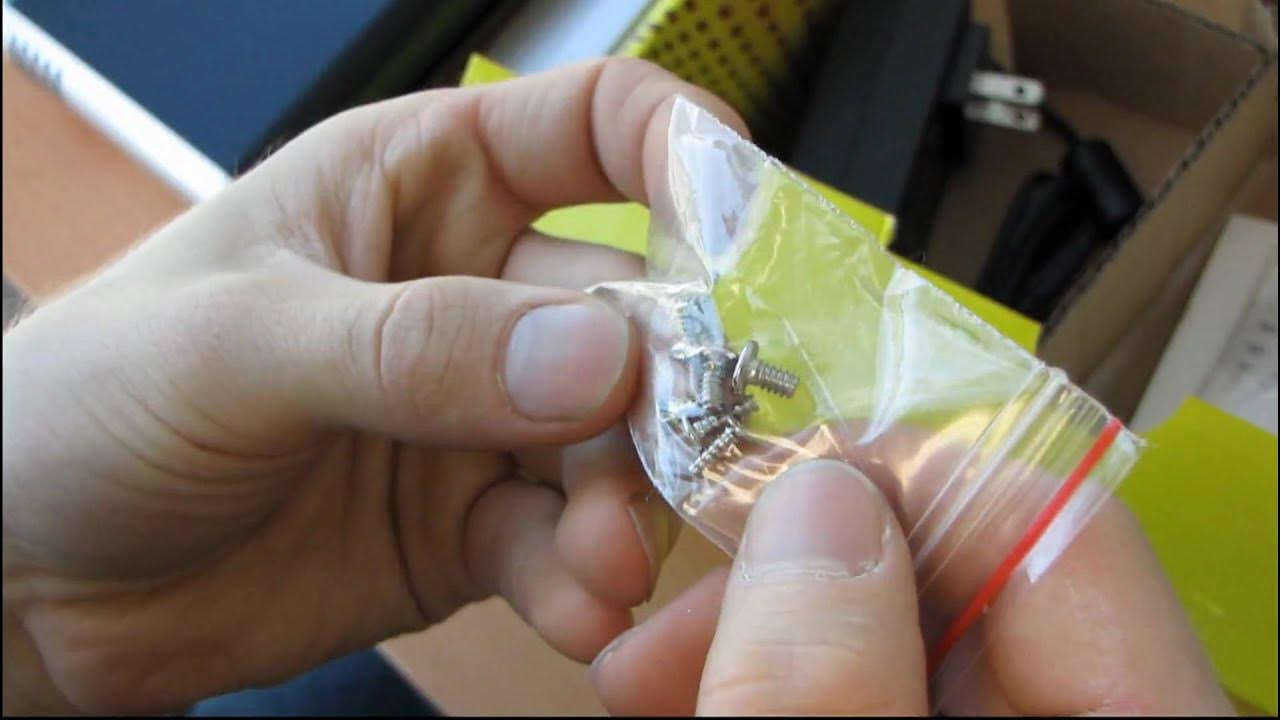
The video provides a detailed unboxing and first look at the Acomdata Samba USB 3.0 3.5" SATA hard drive enclosure. Linus walks through the packaging, identifying each included item: the bulky 12-volt power adapter, a USB 3.0 cable with a distinctive connector, a stand, mounting screws, and a comprehensive installation guide. He notes the enclosure’s build quality, including the brushed finish and ventilation grills, and demonstrates how the enclosure is assembled, including how the drive is mounted from the bottom and the enclosure is reassembled around it. The host also covers compatibility, showing that USB 3.0 is backward compatible with USB 2.0 and USB 1.x, and discusses system requirements for Windows versions and Mac OS X. He points out that the manual is bilingual in English and French, appropriate for Canadian users, and highlights slight quirks observed during the unboxing, such as the need to remove internal components to attach the stand. In the longer segment, Linus delves into the internal layout of the Samba enclosure, describing the internal PCB, the USB-to-SATA bridge chipset, and the general interior construction. He explains how the power and drive activity indicators are wired, and he demonstrates the practical steps for inserting a hard drive, securing it with screws from the bottom, and sliding the drive back into the interface. Throughout, he emphasizes the intended use case as a desktop external enclosure rather than a portable device, citing the sizable power brick and the overall footprint. The video closes with a recap of the tested setup and a nod to future performance testing comparing USB 3.0, USB 2.0, eSATA, and FireWire connections, setting the stage for empirical speed comparisons and real-world usage impressions.
Topics · hardware · storage · unboxing · tech_review
Questions answered
- What USB interfaces does the Acomdata Samba enclosure support and are USB 3.0 speeds possible with USB 2.0 connections?
- USB 3.0 is backward compatible with USB 2.0 and USB 1.x, but to achieve USB 3.0 speeds you need a USB 3.0 host connection.
- Do you need to use the power adapter when using the enclosure, and how is the drive mounted inside?
- Yes, a 12V 2A power adapter is used, and the hard drive is mounted from the bottom with screws before sliding the drive into the interface.






