Bigfoot Networks Killer Xeno Pro Software Update First Look Linus Tech Tips
Your rating
Reactions
Description
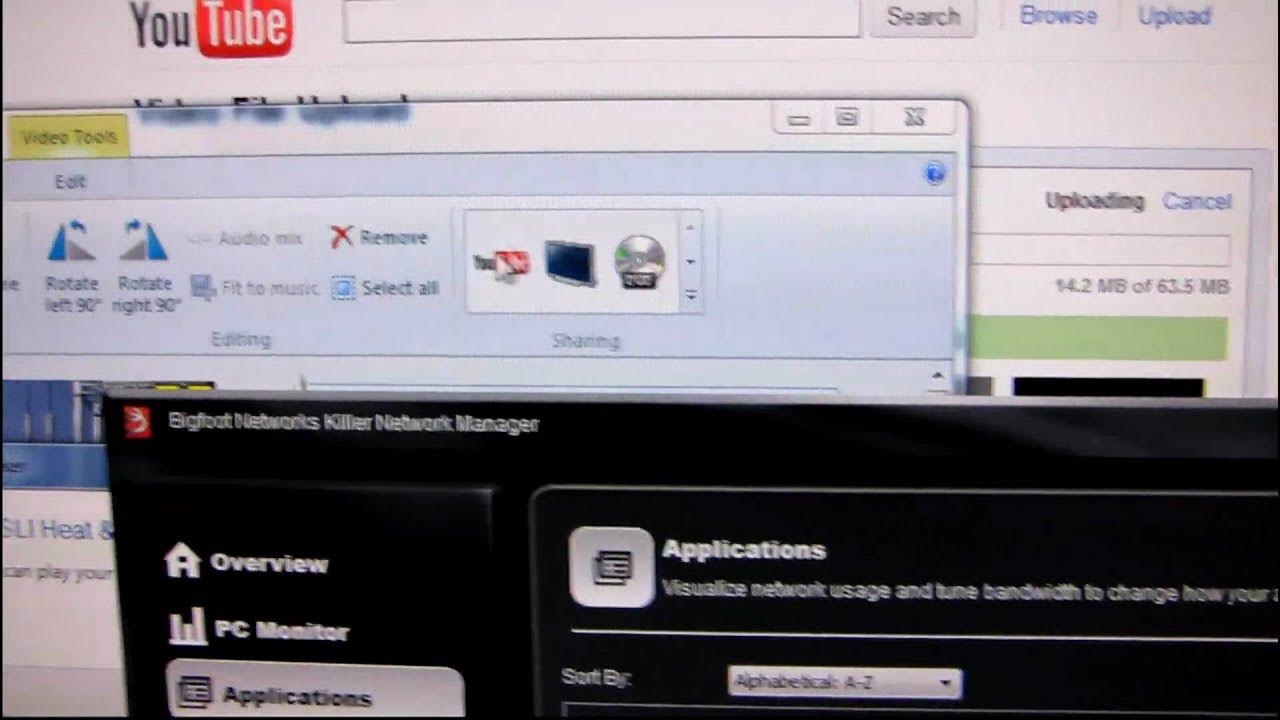
Bigfoot Networks has released a big update to their Xeno Pro network cards, and I have a quick look at a couple of the features included in the new software suite.
AI Overview
In this quick look, Linus Tech Tips examines the newly released software suite for Bigfoot Networks Killer Xeno Pro NICs, highlighting a significantly expanded and more capable control console. The video showcases a PC monitoring dashboard that displays pings, CPU usage, network processing unit activity, memory usage, and even frames per second when applicable, such as during video rendering. Linus walks through configuring bandwidth, noting that the default settings use bits while the advanced panel lets you choose units, bandwidth caps in both upload and download, and per-application priorities. A practical use case is demonstrated where QoS-like controls are applied to manage a home network with multiple devices and simultaneous tasks, such as uploading a video while encoding another, to prevent one task from saturating the entire connection. The speaker emphasizes the ease of adjusting upload limits to a modest value, ensuring other devices stay responsive, and highlights the ability to block or prioritize individual applications. Overall, the update appears to extend the Xeno Pro’s networking features beyond basic performance, offering tangible control over traffic shaping, streaming, and performance stability across a home network, with mention of a forthcoming look at the Killer 2100 line.
Topics · Technology · Computer Networking · Hardware · Software
Questions answered
- What new capabilities does the Killer Xeno Pro software update add to the NIC control panel?
- The update introduces a more complex console with a PC monitor view, bandwidth management for upload and download, advanced units selection, per-application priority settings, and the ability to visually monitor network activity, memory usage, and frames per second where applicable.
- How can the new software help manage home network traffic during simultaneous tasks like video encoding and uploading?
- You can manually set upload and download bandwidth limits for specific applications and set application priorities, helping to prevent one task from saturating the network and ensuring other devices stay responsive.
- Is the updated software limited to Killer Xeno Pro hardware, or can other cards benefit as well?
- The update is described as for the Xeno Pro users, with mention of a forthcoming look at the Killer 2100, but the video does not specify support for non-Xeno hardware.






