Your rating
Reactions
Description
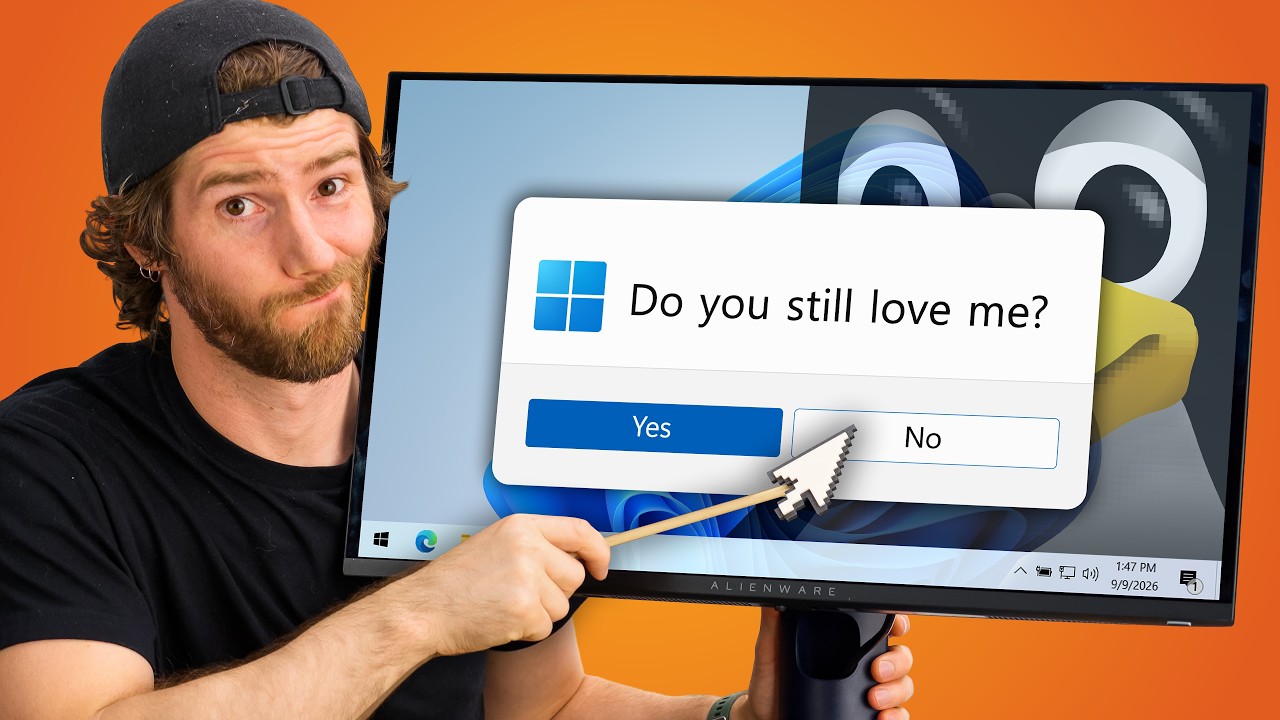
Meter is funding the next generation of network engineers with grants of up to $2,000 for courses, certifications, and tools. Apply today: meter.com If you've ever thought about switching to Linux but have been afraid of learning a new operating system, it's time to stop being afraid! We're here to tell you how to switch from the clutches of Windows into the vast, open, free sea that is Linux. Don't be tepid young one, you got this. Discuss on the forum: linustechtips.com
Check out the LABS article: lttlabs.com
Channels and socials
Check out our Channel Partners: Secretlab - Grab a TITAN Evo ergonomic gaming chair: lmg.gg - Grab an ATLAS ergonomic office chair: lmg.gg PIA - Get the VPN of our choice: piavpn.com dbrand - Buy a "Circuit" series skin for your device: dbrand.com ► SHOP LTT PRODUCTS: lttstore.com ► GET EXCLUSIVE CONTENT ON FLOATPLANE: lmg.gg ► DIVE DEEPER ON THE LTT LABS WEBSITE: lmg.gg ► SPONSORS, AFFILIATES, AND PARTNERS: lmg.gg Purchases made through some store links may provide some compensation to Linus Media Group. Affiliate links powered in part by affilimate.com Linus Sebastian is an investor in Framework Computer, Inc and HexOS by Eshtek. CHAPTERS --------------------------------------------------- 0:00 Intro 1:56 Choosing a distro 3:24 Tools to install Linux 4:02 Backing up data 4:38 Installing Linux 6:02 Where is everything? 6:36 The file manager 8:42 Getting apps 12:20 Drivers 13:47 YOU DID IT!! 15:40 Outro
AI Overview
This guide walks new users through switching from Windows to Linux, starting with choosing a distribution. It recommends trying distributions in a browser, using a questionnaire-style chooser, or checking popularity and reviews to narrow the options. Before installation, back up files from the Windows user folder and check applications for data stored elsewhere. The guide explains how to create a bootable USB drive, select it in UEFI, and install Linux, including the option of using a separate drive for dual booting. After installation, it introduces the Linux file system and explains that a user's home folder holds familiar personal files while many other directories are for system use. The overall advice is to expect some adjustment and explore Linux rather than immediately returning to Windows.
Topics · linux · computer · distro · gaming · science & technology
Questions answered
- How should a beginner choose a Linux distribution?
- Try distributions in a browser with DistroSea, use the preference questionnaire at DistroChooser, or compare popularity, release news, and reviews on DistroWatch.
- What should I back up before installing Linux?
- Copy valuable files from the Windows user folder to network or cloud storage, and check installed applications for data saved in hidden folders or program directories.
- Can I install Linux without wiping every drive in my PC?
- Yes. Back up important data, disconnect drives that should not be changed, and install Linux to the selected drive. A separate drive can also support choosing between Linux and Windows at startup.
- How do I install software on Linux?
- Start with the graphical package manager available for the distribution. Flatpak is a widely supported option, while Bottles can help run some Windows-only applications, though compatibility is not guaranteed.
- Can Windows games run on Linux?
- Steam's Proton can run many Windows games on Linux, but some games with kernel-level anti-cheat or certain DRM may not work. Dual booting is presented as the most reliable workaround for games that are incompatible.






