Your rating
Reactions
Promos
Check out Storyblocks Video at videoblocks.com Just how bad can a $95 3D printer be? Well, its actually... not as bad as we thought? Buy Easythreed printers On Amazon (PAID LINK): geni.us On Banggood: geni.us Buy Monoprice Select Mini On Amazon (PAID LINK): geni.us On Newegg (PAID LINK): geni.us Buy Prusa Mini Direct from Prusa3D: lmg.gg Buy 3D printer filament On Amazon (PAID LINK): geni.us On Newegg (PAID LINK): geni.us Purchases made through some store links may provide some compensation to Linus Media Group. Discuss on the forum: linustechtips.com Learn more at storyblocks.com/linustechtips Our Affiliates, Referral Programs, and Sponsors: lmg.gg Get Private Internet Access VPN at lmg.gg Get a Displate Metal Print at lmg.gg Get a 30-day free trial of Amazon Prime at lmg.gg Linus Tech Tips merchandise at lttstore.com Our Test Benches on Amazon: amazon.com Our production gear: geni.us Get your ticket to LTX 2020: ltxexpo.com Twitter - twitter.com Facebook - @LinusTech Instagram - @linustech Twitch - twitch.tv Intro Screen Music Credit: Title: Laszlo - Supernova Video Link: youtube.com iTunes Download Link: itunes.apple.com Artist Link: soundcloud.com Outro Screen Music Credit: Approaching Nirvana - Sugar High youtube.com
AI Overview
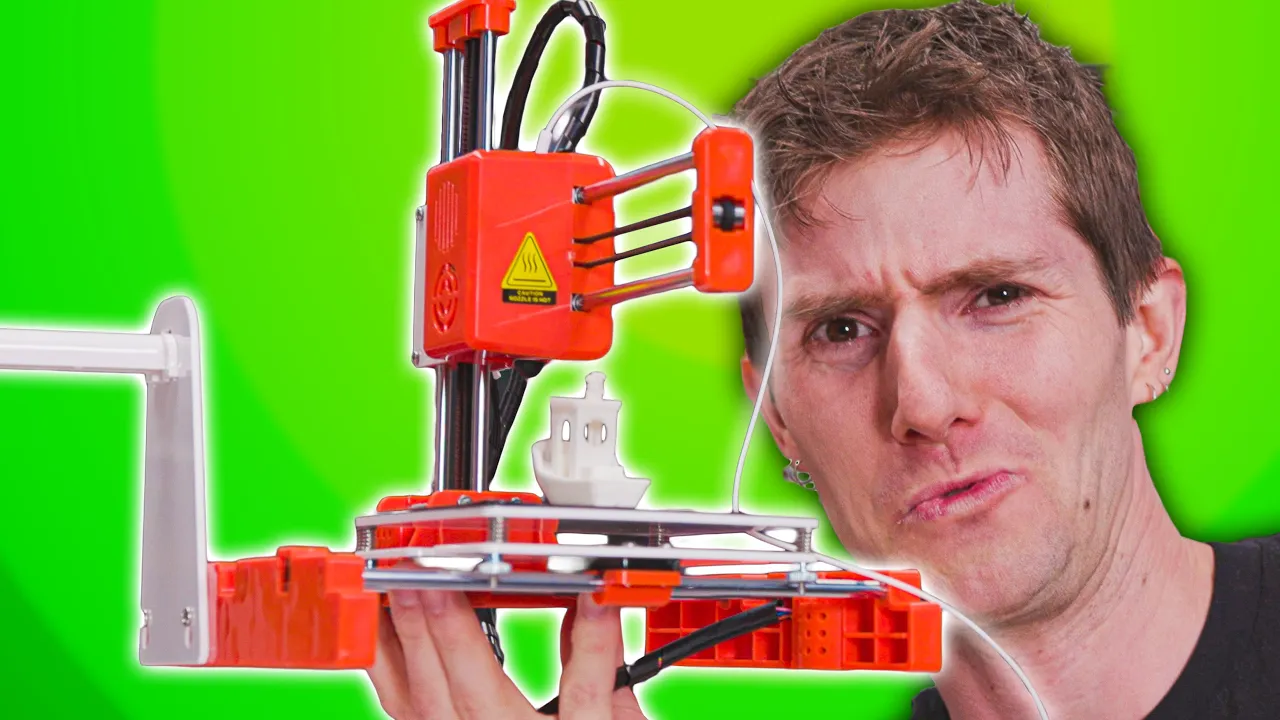
The video opens by framing the Easythreed X1 as an extremely affordable entry into the world of 3D printing, highlighting its sub $100 price from Shenzhen and noting that it still performs basic functions like moving and extruding. The host acknowledges the skepticism many users will have about a printer in this price tier, yet emphasizes that there is real value in getting a functioning device at such a low cost. The introductory hardware assessment points out that the X1 uses injection-molded parts, ships nearly preassembled, and comes with a lean accessory kit including a small screwdriver, a short length of PLA, a microSD with manuals and a test file, and a 12-volt power supply. A key design limitation is the absence of a heated bed, which confines printing to PLA and causes adhesion and warping issues with other plastics; the host reinforces that for decorative prints or simple toys, the X1 can still deliver usable results when paired with decent filament. The narrative then pivots to initial print results, where a simple cat model reveals stringing and poor cooling, indicating a lack of adequate part cooling rather than a hardware failure. After diagnosing the filament as low quality and inconsistent in diameter, the host demonstrates how switching to better filament dramatically improves print quality, underscoring the importance of material quality at this price point. The video then documents a workflow shift from the included Easyware slicer to PrusaSlicer, with mixed outcomes: Easyware works but is awkward, and PrusaSlicer initially worsens prints due to overextrusion and improper first-layer height, prompting multiple iteration cycles. By adjusting layer cooling, reworking print settings, and increasing test print optimization with coins to assist cooling, the team begins to achieve more respectable results, though still imperfect. The Benchy benchmark,chosen for its variety of challenging features,reveals the X1’s limitations: while some features print adequately, there are noticeable infill gaps, edge softness, and undersides with patterning, all attributed to under-extrusion and insufficient cooling. The host contrasts these results with a higher-end printer, the Ultimaker 3 Plus, noting superior edge sharpness and fewer stringing issues, though acknowledging the X1’s reduced capabilities are expected given its price. The final assessment concludes that while the Easythreed X1 is not a reliable choice for consistent, plug-and-play printing, it offers tangible value as a starter unit for tinkering and learning, especially for hobbyists who can tolerate some trial-and-error. For buyers seeking reliability and minimal setup effort, the video recommends stepping up to a Monoprice Mini or a Prusa Mini, but it also suggests that with time and care, the X1 can be coaxed into producing useful results, particularly with quality filament and patient tuning. The video closes with a sponsor plug and a nod to related content about higher-end printers, reinforcing the theme that price drives capability in the hobbyist 3D printing space.
Topics · technology · do-it-yourself · product_review · 3d_printing
Questions answered
- What is the Easythreed X1 best used for given its limitations?
- The X1 is best used as a beginner-friendly tinkering platform for hobbyists who want to learn 3D printing fundamentals, experiment with slicer settings, and practice tuning, rather than a reliable, plug-and-play workhorse.
- Why does the video suggest upgrading to a Prusa Mini or Monoprice Mini?
- Because those models offer more consistent print quality, better reliability, and easier setup for productive 3D printing without extensive modifications.






