HomeFeatured videos and new releasesBrowseLatest videos, playlists, and topicsCreatorsYouTube creators and their videosNewsHeadlines from publishers' feedsHistoryResume recently watched videos
Theme
Language
AccountAccountSign in
PrivacyCookiesTermsAboutContactRemovalMethodology
Account
Sign in
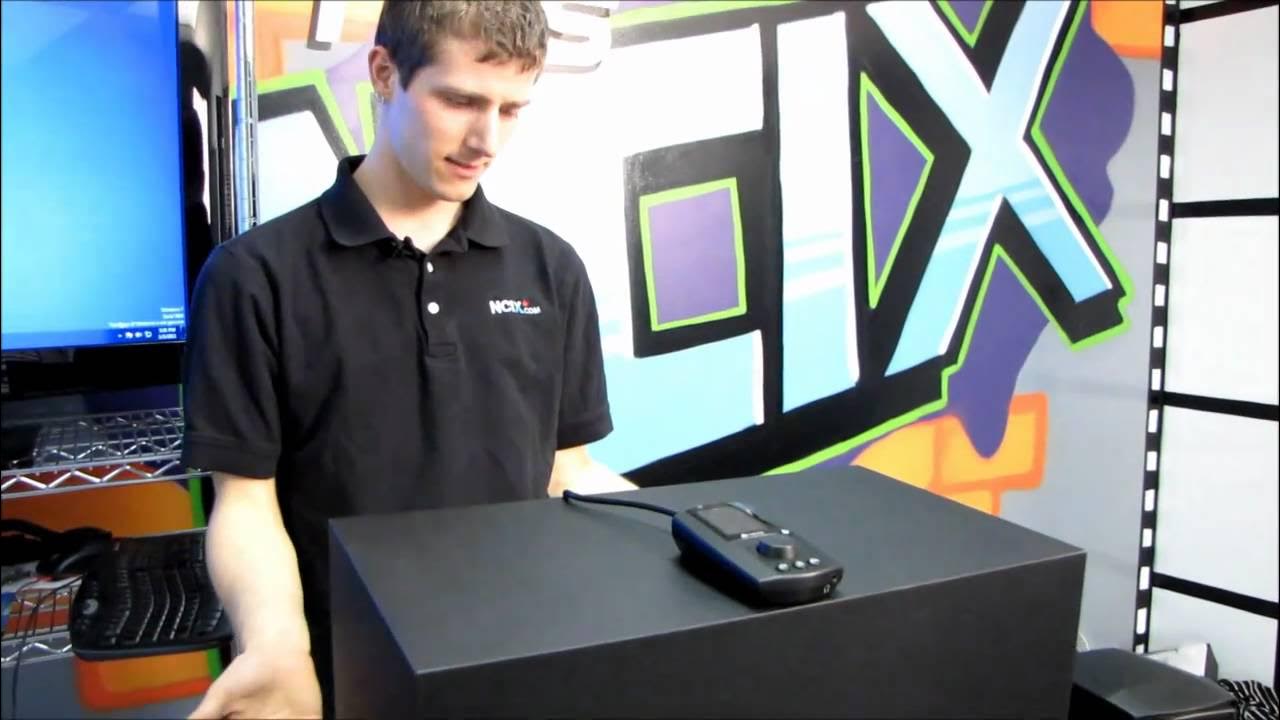
Corsair SP2500 2.1 Gaming Speakers Setup Guide Linus Tech Tips
Video · 0:00

Corsair SP2500 2.1 Gaming Speakers Setup Guide Linus Tech Tips

Linus Tech Tips@LinusTechTips•119.4K views•Jan 12, 2011•4:28

Your rating

Rate this video from 1 to 5

Reactions

Reactions to this video

Share

WhatsAppXReddit
Source
YT
Views
119.4K
Subscribers
16.9M
vs. channel typical
0.2x
Likes per 100
0.6
Comments
300

Description

ncix.com The SP2500 speaker set was all the rage at CES this year.

Check out how to set up your own gaming speakers!

Start

AI Overview

This setup guide for the Corsair SP2500 2.1 gaming speaker system walks the viewer through a straightforward, user friendly installation. The presenter begins by outlining where to plug everything in on the back of the subwoofer, showing color coordinated ports for dual amped satellite speakers and the included proprietary cables. He demonstrates connecting the audio cable from the computer to the back of the unit, and notes an auxiliary line in for additional sources, making the system versatile for multiple inputs. The on remote, there are multiple input options and a built in menu to adjust input selection, EQ presets, and backlight color, including modes like classic, pop, jazz, and FPS action for gaming audio. He explains how the subwoofer and satellite channels interact, including a feature to redirect bass away from the subwoofer to satellites for different listening experiences, and mentions the practical addition of a headphone jack for quiet listening. The guide also covers a few extra adjustments such as volume and subwoofer level control on the remote, the inclusion of desk stands to optimize stereo imaging by aiming satellites at the listener’s ears, and ends with a quick reminder to subscribe for more Linus Tech Tips content.

Topics · audio · hardware · tech

Questions answered

What inputs can you use with the Corsair SP2500 setup?
You can use the auxiliary line in and the back input for a computer connection, plus an additional input on the remote for other sources, with selectable input in the menu.


More from Linus Tech Tips

  • I am One Failure Away From Data Loss
    22:44

    I am One Failure Away From Data Loss

    56.2K views•20 hours ago
  • The $40 GTA 6 Gaming Setup is MUCH Better Than You'd Think
    18:45

    The $40 GTA 6 Gaming Setup is MUCH Better Than You'd Think

    534K views•2 days ago
  • My Investment is on SALE
    1:42

    My Investment is on SALE

    305K views•2 days ago
  • You Were Right About my Braces
    15:09

    You Were Right About my Braces

    582.4K views•3 days ago

Related videos

  • Samsung Galaxy S10e Review: Why Not?
    7:14

    Samsung Galaxy S10e Review: Why Not?

    6.4M views•8 years ago
  • The Worst Hot Takes in Tech
    14:30

    The Worst Hot Takes in Tech

    4.8M views•3 years ago
  • Dope Tech: The Biggest Ultrawide Monitor!
    10:39

    Dope Tech: The Biggest Ultrawide Monitor!

    4.4M views•6 years ago
  • Nothing Ear(1) Review: Transparent Buds!
    10:12

    Nothing Ear(1) Review: Transparent Buds!

    4M views•5 years ago
  • HTC One M8 Review!
    15:37

    HTC One M8 Review!

    3.7M views•13 years ago
  • Sony Xperia 1 III: The Ultimate Enthusiast Phone!
    13:21

    Sony Xperia 1 III: The Ultimate Enthusiast Phone!

    3.4M views•5 years ago

