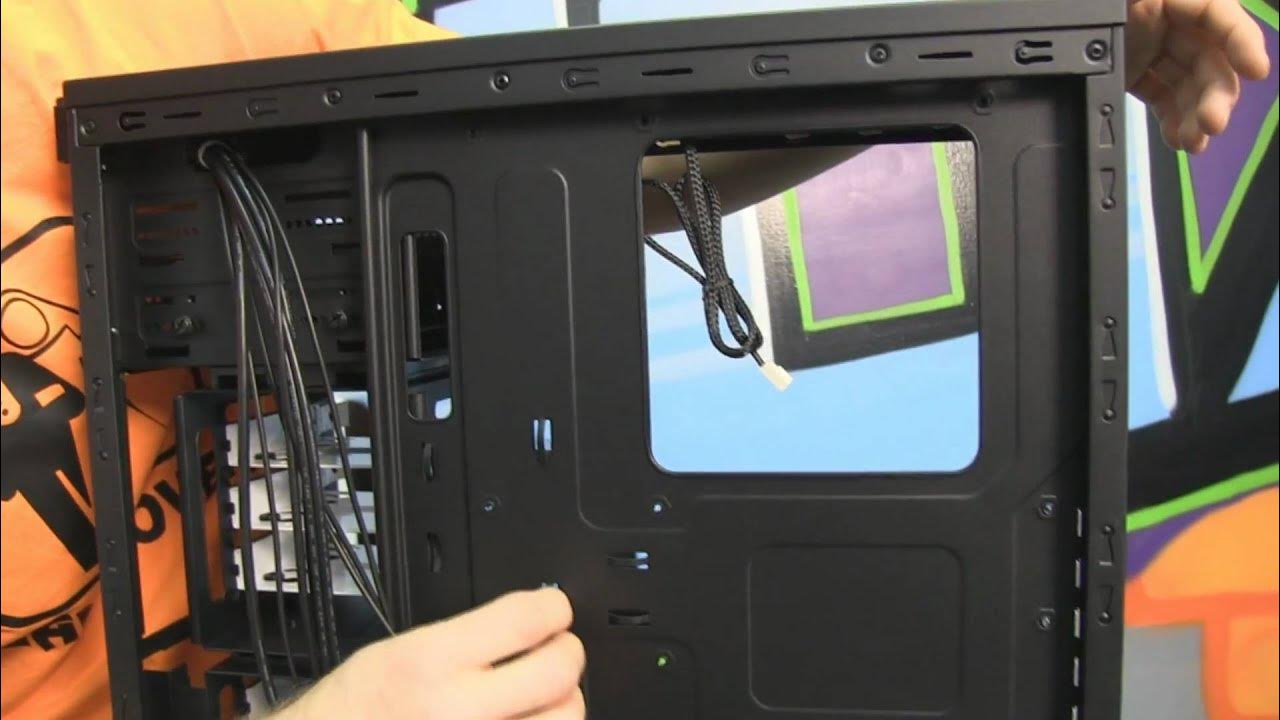
Fractal Design Core 3000 Gaming Computer Case Unboxing & First Look Linus Tech Tips
Your rating
Reactions
Description
ncix.com Great budget gaming case
AI Overview
The unboxing and first look at the Fractal Design Core 3000 case concentrates on value oriented design and practical build options. Linus begins with the visual impression, noting the front grille and overall clean lines that define the Core 3000 as a gaming oriented yet affordable chassis. He demonstrates the unboxing process, showing the installation of side panels and the straightforward access to internal components. The front panel includes a headphone and microphone jack, USB 2.0 ports, and a simple drive bay layout, while the top and rear areas reveal standard mounting points for 120 and 140 millimeter fans. Linus also discusses materials used inside, highlighting the absence of premium sound-dampening compared to higher end Fractal models, which sets user expectations for quieter operation in a value oriented chassis. Throughout the first half, the emphasis is on the practical, modular layout, accessible tool-less screws, and the ability to swap in common components with minimal fuss. The video moves from exterior observations to a quick peek at the interior and expansion options, including drive sleds, power supply orientation possibilities, and cable management considerations that keep wires tidy despite the more budget friendly build. By the end of the segment, Linus reiterates that the Core 3000 offers solid airflow potential with multiple fan mounting options and a cable routing approach that favors functional airflow over premium cosmetic touches. In closing, the overall verdict is that this is a capable, value focused case that covers the essentials well while remaining accessible to builders who want to start with a sensible mid tower chassis.
Topics · technology · hardware · computer_case · unboxing_review
Questions answered
- What are the key features of the Fractal Design Core 3000 in this unboxing?
- Key features include a front perforated grill and airflow oriented front panel, support for up to two 140 mm fans in the front and the option for 120 or 140 mm fans in the top, a bottom mounted power supply with intake from under the case, six 3.5/2.5 inch drive mounting options, standard ATX motherboard compatibility, seven PCI slots, and a cable management area at the back with some routing holes. The case ships with quiet Fractal fans and a basic accessory box including screws and a fan controller.
- How does the Core 3000 compare in terms of value and build quality to Fractal's premium Define/R3 lines?
- The Core 3000 is positioned as a value oriented option with fewer premium features like full rubber grommets and premium sound dampening compared to the Define Series. It provides solid airflow, modular drive mounting, and easy assembly, which makes it a practical choice for budget builds while still offering respectable build quality and quiet operation from Fractal's fans.






