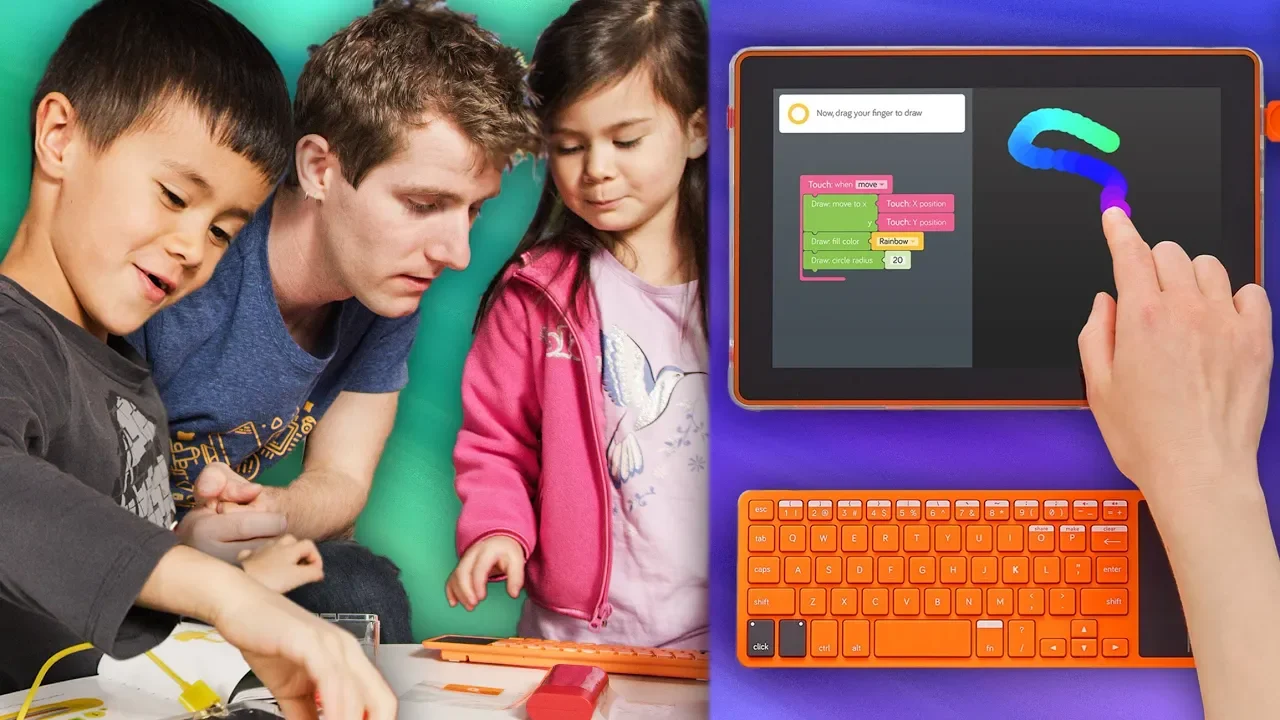
Building the DIY Tablet PC - Kano Computer Kit Touch Showcase
Your rating
Reactions
Promos
Thanks Kano for sponsoring this video! You can get the Harry Potter Kano Coding Kit for a special price of only $79.99 this holiday season at kano.me and you can learn more about the Computer Kit Touch featured in this video at kano.me AND, if you use code FRIEND20 at checkout you'll save an additional 20% off ANY Kano Kit. Twitter - twitter.com Facebook - @LinusTech Instagram - @linustech Twitch - twitch.tv Intro Screen Music Credit: Title: Laszlo - Supernova Video Link: youtube.com iTunes Download Link: itunes.apple.com Artist Link: soundcloud.com Outro Screen Music Credit: Approaching Nirvana - Sugar High youtube.com
AI Overview
This video provides a hands-on showcase of the Kano Computer Kit Touch, framed by Linus and his child exploring a DIY tablet project. The hosts introduce the kit as an upgraded version of the earlier Kano computer kit, emphasizing its touchscreen integration and modular design. Early on, they discuss the Harry Potter wand promotion, highlighting gesture control and a sequence of 70 step-by-step coding challenges to familiarize users with programming concepts in a wizarding theme. The presenters then unpack the kit, identify components like the screen, display controller, and battery, and explain basic electronics concepts such as how a touchscreen detects finger input through a grid of wires beneath a protective layer. Throughout the demo, they emphasize cable management, alignment, and the importance of following the booklet’s instructions to assemble the unit, while stopping to have light-hearted exchanges about who is doing the assembly and who is playing with foam pieces. By mid-video, they demonstrate connecting the brain (controller), power supply, and display, and discuss how the project ultimately becomes a functional tablet that can run a basic OS-like interface and a game environment, including a Pong-like project in the Story Mode. In the closing segment, the video refines the user experience by noting the kit’s portability, screen integration, and reconfigurability, then directs viewers to promotional offers and discount codes for Kano kits while inviting them to check out related kits and merchandise. The overall takeaway is that the Kano Kit Touch transforms a traditional DIY computer into a tactile, education-focused tablet-building experience with engaging software challenges and accessible hardware assembly. The video balances educational content with humor and family-friendly dynamics, underscoring both the educational value and the fun of hands-on electronics learning for a younger audience. Finally, viewers are reminded of promotions and where to purchase, reinforcing the kit as a practical entry point into hardware hacking and coding for beginners.
Topics · Technology · Education · DIY · Gadgets · STEM
Questions answered
- What is the Kano Computer Kit Touch and what does it enable to build?
- The Kano Computer Kit Touch is an upgraded DIY computer kit with a touchscreen that lets you assemble a tablet-like device and learn to code through interactive challenges and projects.
- What promotional offers are mentioned for Kano kits?
- The video mentions a Harry Potter wand kit at 79.99 and an extra 20 percent discount with code FRIEND20 on Kano kits.
- What basic concepts are demonstrated during the build?
- The build demonstrates touchscreen input, display controllers, cable management, power and battery connections, and basic concepts of how a tablet internally connects its components.
- What kind of software experiences are showcased with the kit?
- The kit showcases creative challenges, art, games, music, and a Pong-style game in the Story Mode to illustrate coding concepts.