D-Link Amplifi Whole Home Router 1000 Unboxing & First Look Linus Tech Tips
Your rating
Reactions
Description
CANADA: ncix.com USA: us.ncix.com We still have to test this before I can declare it to be a big winner, but it's definitely intriguing technology!
AI Overview
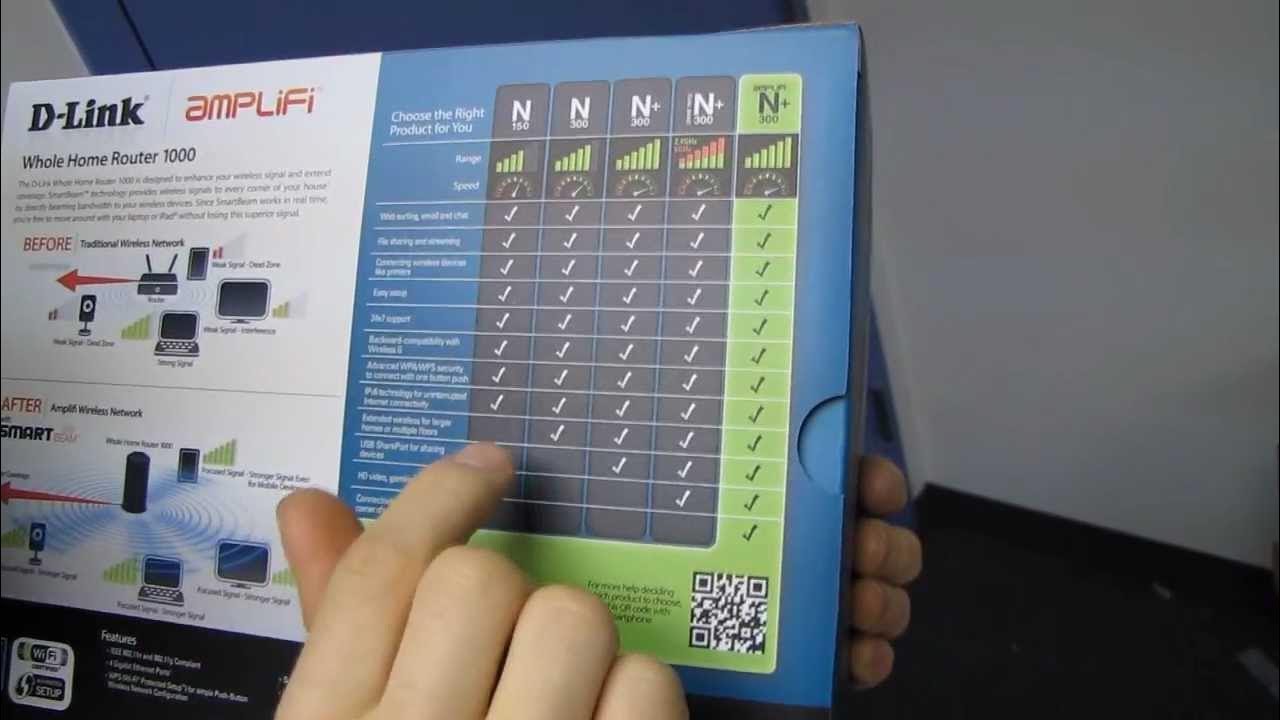
Linus Tech Tips presents an unboxing and first look at the D-Link Amplifi Whole Home Router 1000. The video opens with a high-energy unboxing segment that highlights the router’s unusual shape and the packaging, including the clear protective films and the CD with setup wizard. Linus walks through the included components: an Ethernet cable, a power brick, and the user guide, noting the presence of a USB port for network file sharing and a reset switch on the bottom. He discusses the device’s claimed sectorized antenna design and beamforming approach, emphasizing that the router aims to optimize wireless coverage by directing signals toward detected client devices rather than simply broadcasting in all directions. The host also touches on environmental considerations, briefly praising recyclable packaging and the D-Link green initiative, while cautioning that real-world performance will require testing. He closes by acknowledging that the unboxing is just the first step and teases future in-depth testing to verify range improvements, with a plan to publish performance results on the NCIX channel. The reviewer then details the product placement for choosing the right model, explaining that different variants target IPv6 and USB sharing, and outlines the key features of the DIR-645 such as energy efficiency and environmental considerations. He points out the device’s form factor, the visible indicators including a front-facing wireless LED and a WPS button, and the array of ports on the back: four Gigabit Ethernet ports, a WAN port, USB sharing capability, and a power input. Linus comments on the potential impact of the antenna technology on home networking and expresses excitement about testing the claims of stronger, more targeted signals. He also notes the learning curve for initial setup and emphasizes the importance of enabling wireless network security. The video ends with a call to subscribers to stay tuned for tests and a thank you to D-Link for the opportunity to review the router, signaling that more data on performance will follow in later videos.
Topics · technology · networking · hardware
Questions answered
- What is a whole home router and what problem is it trying to solve?
- A whole home router is designed to provide broad wireless coverage across a large home, often using advanced antenna design or beamforming to direct signals to devices and improve range and reliability.
- Which ports and features are on the D-Link Amplifi DIR-645 router?
- The router includes four Gigabit Ethernet ports, a WAN port, USB sharing capability for storage, a front LED indicators, a WPS button, and a power input, with a reset switch on the bottom.
- Why is enabling a wireless password emphasized in the unboxing video?
- Enabling a password helps prevent unauthorized access to the wireless network, reducing the risk of cyber activities tied to the network and protecting user security.






