HD Tutorial: Dafont - Free Fonts Online
Your rating
Reactions
Channels and socials
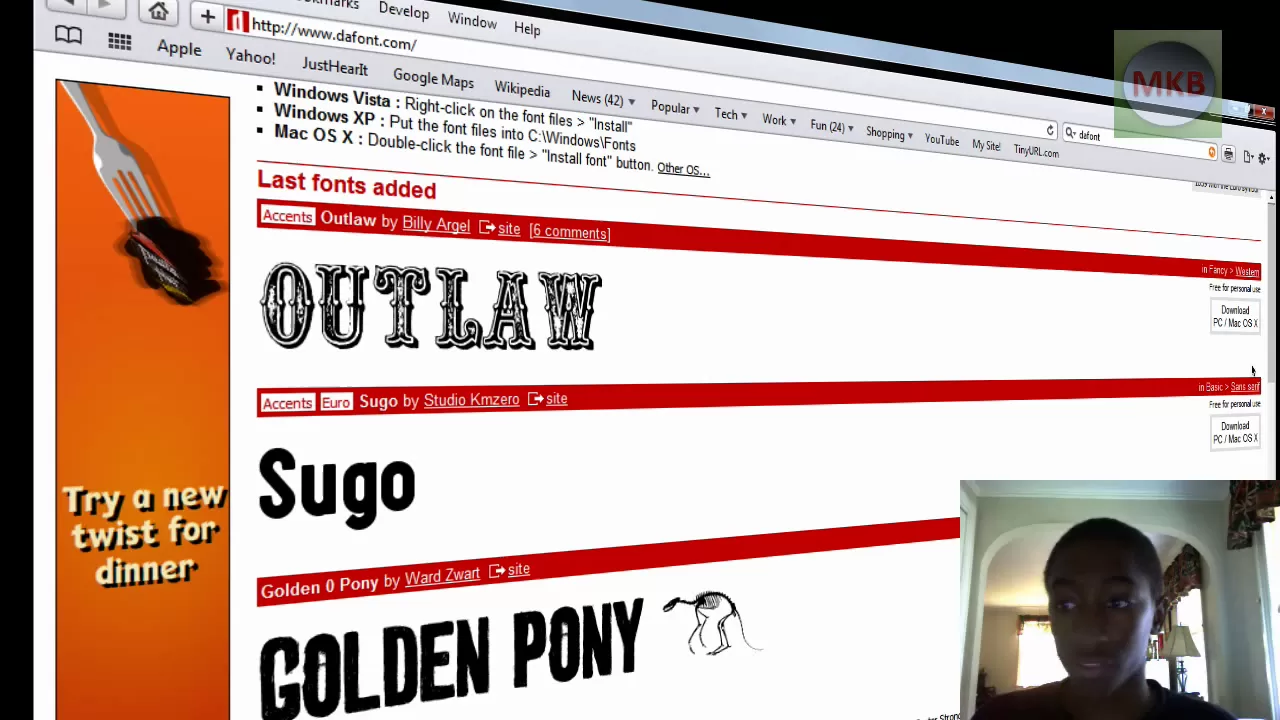
***WATCH IN HD*** In this episode, I show you how to download and install free fonts that you can download off the internet - all fonts are available @ dafont.com - I get fonts from this website - all the time! Rocket Dock Overview I mentioned: youtube.com True Type Fonts are the type when you are typing on, say, a Microsoft Word document - if you set the document to 100% scale, it's the EXACT same font that would come out on your printer - same size, same everything! I really like this feature of TrueType Fonts. Windows XP: Put the font files into C:\Windows\Fonts Windows Vista: Right-click on the font files, then click "Install" Mac OS X: Double-click the font file, then click the "Install font" button. Enjoy - SUBSCRIBE
AI Overview
This video is a practical, step by step guide to finding and installing free fonts from the Dafont website. The creator explains that the fonts showcased are multi platform, suitable for both Mac and Windows environments, and demonstrates the end-to-end process from locating a font on Dafont to downloading and extracting the font file. The tutorial highlights that the font files downloaded are typically zip archives containing a TrueType font, and provides clear, OS-specific installation instructions for Windows Vista, with mentions of XP and others. The presenter walks through using a chosen font example, Golden Pony, showing the extraction of the font from the zip file, locating the extracted font folder, and finally installing the font to make it available system-wide. Throughout, the emphasis is on accurate font size and rendering, with reassurance that TrueType fonts will display consistently in documents and on printers when the document is scaled. The closing portion summarizes the workflow and invites viewers to explore more fonts on Dafont, while also encouraging subscriptions for further tutorials. By preserving a clean desktop aesthetic and referencing related tutorials such as Rocket Dock, the video positions itself as a practical resource for users looking to expand their font repertoire and improve typography in everyday software like word processors and design tools. The overall outcome is a clear, actionable method for expanding font options on both Windows and Mac platforms, with explicit steps, screenshots, and follow-up recommendations for viewers seeking additional font resources or related installation guidance.
Topics · technology · tutorials · software · font · design · computer-literacy
Questions answered
- What is the first step to obtain a free font from Dafont?
- Open a web browser, go to dafont.com, and search or browse for a font to download.
- How do you install a downloaded TrueType font on Windows Vista?
- Extract the downloaded zip, locate the font folder, click the font file, and press the Install button when prompted.




