Coolermaster Notepal Ergostand Notebook Cooler Review & Temperature Testing Linus Tech Tips
Your rating
Reactions
Description
I run it through the paces. The Ergostand goes up against itself, the box it came in, and the carpeted floor!
AI Overview
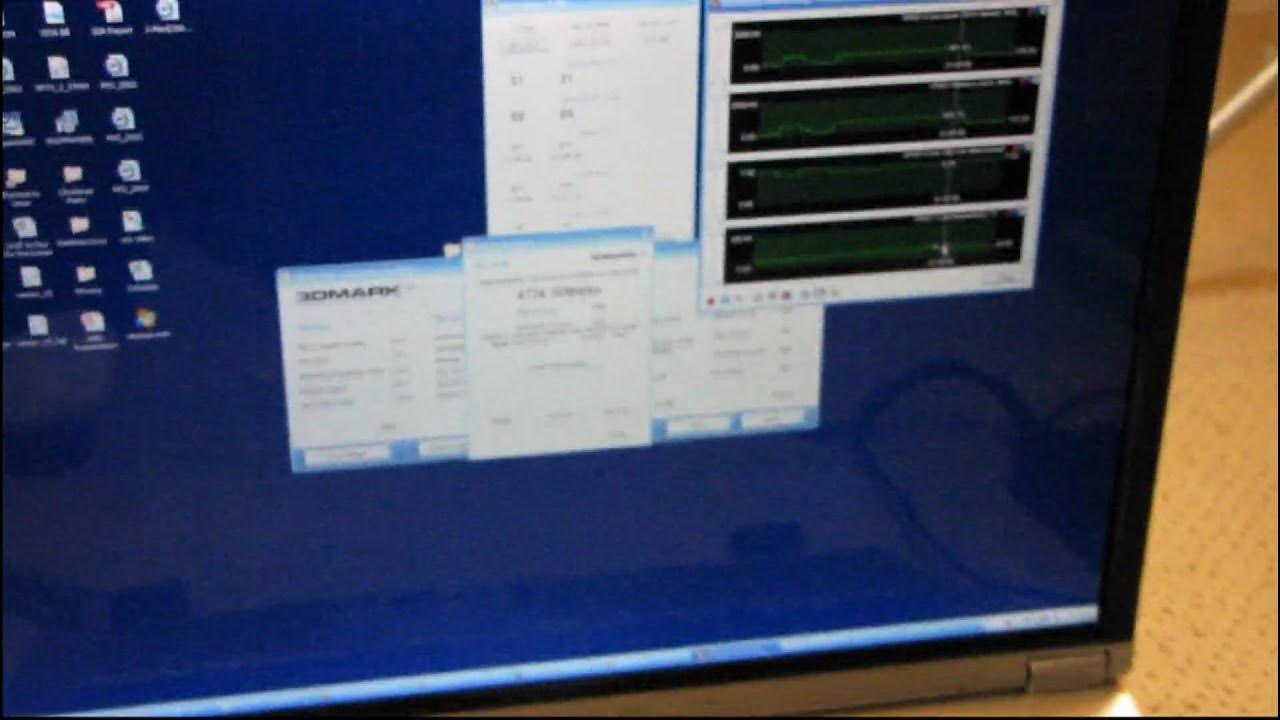
This Linus Tech Tips review documents a hands-on performance test of the Cooler Master Notepal Ergostand notebook cooler. The presenter explains the testing methodology, using Rivetuner and RealTemp to monitor temperatures while running 3DMark on a mobile GPU, capturing both CPU and GPU temperatures under three distinct fan scenarios: maximum, minimum, and a setup where the cooler sits on a box to simulate an elevated surface, then finally testing on a carpet to reflect common real-world usage. Initial results with the fan at full speed show the CPU temperatures peaking in the mid 50s Celsius range and the GPU around the mid 50s as well, with the high-end professional tools noting modest temperature drops when the fan is cranked up. Dropping the fan to minimum raises CPU temperatures to the upper 50s and GPU temperatures hover in the high 50s as well, indicating reduced cooling efficiency at low fan speeds. When the notebook sits on a box, temperatures rise slightly, with CPU readings around 59 Celsius and GPUs near 57 Celsius, suggesting that contact surface and airflow still play a significant role. The carpet test yields the worst outcomes, with GPU temperatures climbing to about 69 Celsius and CPUs reaching the low 60s, highlighting the limitations of any cooler on insulating surfaces. The conclusion is pragmatic: the Ergostand provides noticeable benefits at medium to high fan speeds, but its effectiveness diminishes on non-ideal surfaces like carpet, where airflow is hindered. The video closes with a concise verdict that the Ergostand is a useful accessory for better notebook thermals under appropriate conditions, rather than a universal solution for all laptop cooling scenarios.
Topics · technology · hardware · performance-testing · laptop-cooling
Questions answered
- How does the Cooler Master Notepal Ergostand affect CPU temperatures when the fan is at maximum vs minimum?
- With the fan at maximum, CPU temperatures in the test ranged from about 54 to 58°C. With the fan at minimum, CPU temperatures rose to about 55 to 59°C, showing reduced cooling performance at lower fan speeds.
- What surface condition produced the worst cooling results for the laptop in the test?
- The carpet test produced the worst results, with GPU temperatures around 69°C and CPU temperatures reaching the low to mid 60s Celsius, indicating insulating surfaces degrade cooling effectiveness.
- Is the Ergostand effective on all surfaces according to the video?
- The Ergostand is effective at medium to high fan speeds, but its performance is significantly reduced on non-ideal surfaces like carpet, where airflow is hindered.






