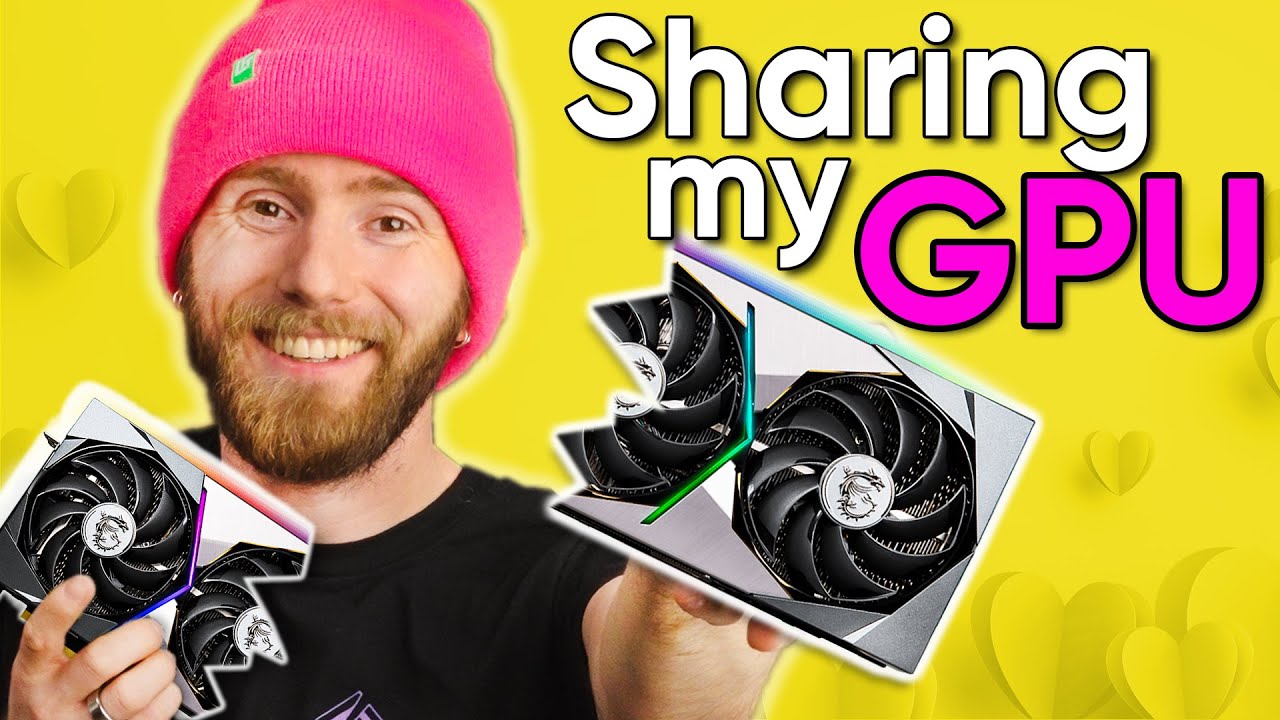
Nvidia tried so hard to stop this - GPU Sharing with Virtual Machines
Your rating
Reactions
Promos
Thanks to NZXT for sponsoring this video! Get your custom PC built with NZXT BLD at: nzxt.co Is this the solution to the chip shortage? Using Windows paravirtualization and a some custom scripts makes sharing your GPU power easier than ever. Easy-GPU-P Github page: github.com Discuss on the forum: linustechtips.com ►GET MERCH: lttstore.com ►SUPPORT US ON FLOATPLANE: floatplane.com ►LTX EXPO: ltxexpo.com AFFILIATES & REFERRALS --------------------------------------------------- ►Affiliates, Sponsors & Referrals: lmg.gg ►Our WAN Show & Podcast Gear: lmg.gg ►Private Internet Access VPN: lmg.gg ►Our Official Charging Partner Anker: lmg.gg ►Secretlabs Gaming Chairs: lmg.gg ►MK Keyboards: lmg.gg ►Amazon Prime: lmg.gg FOLLOW US ELSEWHERE --------------------------------------------------- Twitter: twitter.com Facebook: @LinusTech Instagram: @linustech Twitch: twitch.tv FOLLOW OUR OTHER CHANNELS --------------------------------------------------- Mac Address: lmg.gg Techquickie: lmg.gg TechLinked: lmg.gg ShortCircuit: lmg.gg LMG Clips: lmg.gg Channel Super Fun: lmg.gg They're Just Movies: lmg.gg MUSIC CREDIT --------------------------------------------------- Title: Laszlo - Supernova Video Link: youtube.com iTunes Download Link: itunes.apple.com Artist Link: soundcloud.com Outro Screen Music Credit: Approaching Nirvana - Sugar High youtube.com Intro animation by MBarek Abdelwassaa @mbarek_abdel Monitor And Keyboard by vadimmihalkevich / CC BY 4.0 geni.us Mechanical RGB Keyboard by BigBrotherECE / CC BY 4.0 geni.us Mouse Gamer free Model By Oscar Creativo / CC BY 4.0 geni.us CHAPTERS --------------------------------------------------- 0:00 Intro 0:45 Splitting your GPU 2:02 Easy-GPU-P 4:17 Initial VM impressions 7:25 HACKS 7:34 Performance theories 10:33 Setting up VMs 12:45 4 players, 1 GPU 14:05 Maxed out GPU 14:36 Horst attempts to play CS:GO 14:59 2070 Super results 16:13 3080 Ti Results 17:46 Conclusion
AI Overview
Nvidia tried to stop GPU sharing with consumer cards, but Linus Tech Tips demonstrates a low level hack to split a single GPU across multiple virtual machines. The video opens by framing the problem: consumer GPUs were not originally designed for para-virtualized, multi-VM usage, which is a feature that existed mainly on workstation and data center GPUs. The hosts explain the historical limitations and the economic reasoning behind NVIDIA locking down virtualization to higher-end cards, which naturally kept costs up for GeForce GPUs. They introduce a practical workaround that leverages Windows 11, paravirtualization, and a script called Easy-GPU-P to automate most of the setup, including partitioning resources, installing the OS, drivers, and Parsec. The segment emphasizes that this approach is about enabling a private, shared gaming setup among friends, effectively turning a single rig into a small “private cloud gaming” service. The early portion ends with a caveat: hardware outputs cannot be shared, so the solution relies on streaming the game via Parsec rather than passing through direct displays to each VM, while also noting the role of display dummy plugs to unlock higher resolutions inside each VM.
Topics · technology · hardware · gaming
Questions answered
- What is Easy-GPU-P and what does it do in this setup?
- Easy-GPU-P is a script that partitions GPU resources across multiple Windows VMs, automates VM creation, OS and driver installation, and configures Parsec for streaming, enabling multi-VM gaming on a single GPU.
- What hardware and software prerequisites are needed to make this work?
- A Pro or Enterprise edition of Windows 10/11, enabling virtualization in BIOS and Windows, Hyper-V, latest NVIDIA drivers, and the Easy-GPU-P scripts, plus Parsec for streaming.
- Why can GPU outputs not be shared directly across VMs, and how do they still display games?
- The approach cannot mirror physical GPU outputs to each VM. Instead, each VM streams the rendered video via Parsec to separate client devices, using display dummy plugs to unlock 4K in the VMs.
- What are the practical limits of this GPU sharing method for gaming?
- Even with multiple VMs, performance scales imperfectly; high-end games may run at lower frame rates per VM, and latency plus bandwidth requirements become limiting, especially over the internet.






