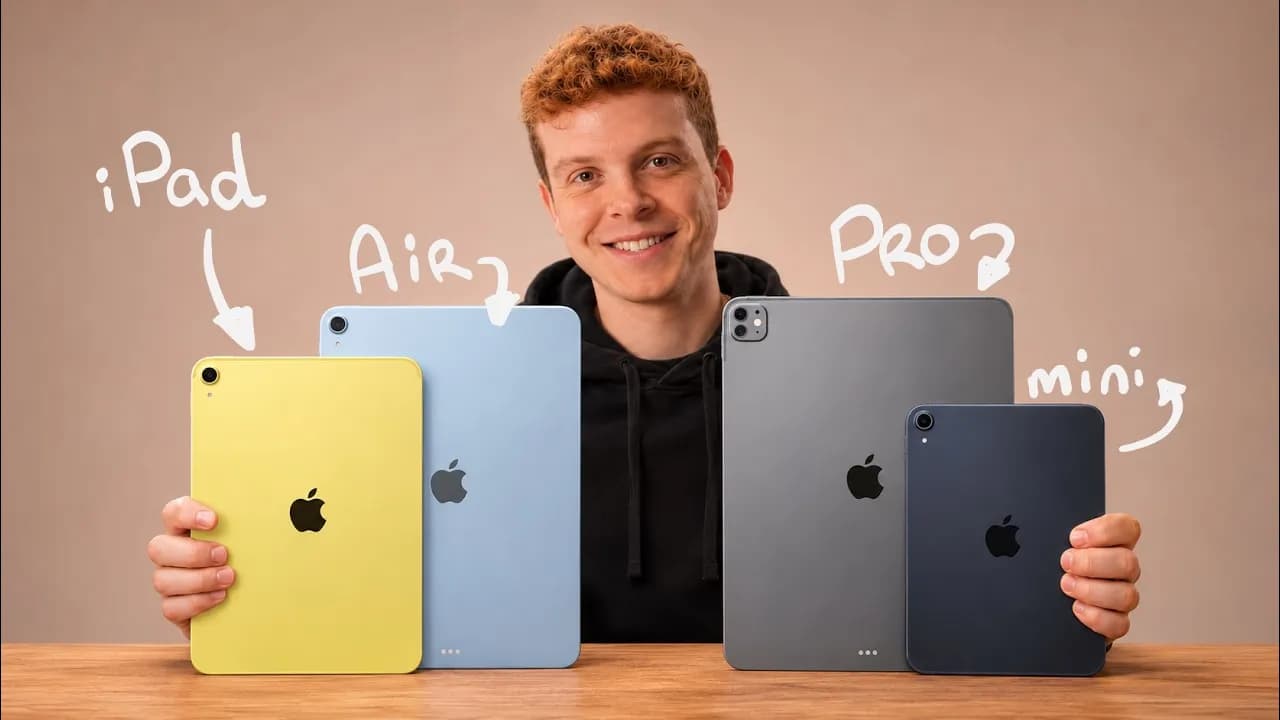
Mi MacBook favorito es un iPad Pro
This video also has English audio. In the player, open Settings → Audio track and choose English.
Your rating
Reactions
AudioSpanish (original)Dubbed: English, Chinese, Hindi, Japanese, Korean, PortugueseAuto-dubbed: Arabic
Channels and socials
Gracias a Paperlike por patrocinar este vídeo. Es el único protector que uso para escribir y dibujar con el Apple Pencil porque hace que la pantalla se sienta como papel de verdad. Consigue el tuyo aquí: paperlike.com Dejé el MacBook en casa dos semanas y casi no lo eché de menos. Este vídeo es la historia de cómo el iPad Pro se convirtió en la herramienta con la que gestiono mi vida, y por qué, para casi todo lo que no sea editar, se ha convertido en mi Mac favorito. No es un tutorial, es el porqué: la portabilidad de un 11" con LTE, la mejor pantalla que hace hoy Apple, Stage Manager, el teclado y una cosa muy difícil de meter en una ficha técnica: la atención. También te cuento dónde me falla, que no es poco: mover archivos, Vista Previa y que todavía no pueda conectarle las Apple Vision Pro. Y al final, mi veredicto honesto: gestor sí, creador… aun no. CAPÍTULOS 00:00 La apuesta: dejé el MacBook en casa 00:55 Qué es este iPad hoy: 11", LTE y esa pantalla 04:00 La atención: por qué salto menos de una tarea a otra 06:11 Archivos y el sistema PARA para organizarte 07:25 Importar y editar fotos: Thunderbolt, Lightroom y Pencil 08:15 Paperlike 09:42 Freeform, Notas y Notion: el iPad como segundo cerebro 12:00 Lo que me falla: archivos, Vista Previa y Vision Pro 14:41 Veredicto: gestor, no creador 16:15 Cierre Mis plantillas de Notion de las que hablo en el vídeo son estas: @victorabarca en concreto la que me parece super útil es la de "Habit Tracker", acabo de ver que ya la han descargado 50.000 personas. wow! Este vídeo incluye contenido patrocinado por Paperlike y puede contener enlaces de afiliado. Gracias por apoyar el canal. Hecho con cariño desde NYC. V
AI Overview
After leaving his MacBook at home for a two-week trip, the host says he barely missed it and explains why the 11-inch iPad Pro has become his favorite device for managing work. He values its portability, built-in LTE connection, and Tandem OLED display, and says the smaller size complements rather than replaces his 14-inch MacBook Pro. He also finds the iPad’s focused app and window setup helpful for limiting distractions, especially when using Stage Manager with a few apps at a time. The Magic Keyboard, organized Files app, Thunderbolt file transfers, and Apple Pencil support round out his work setup. He uses the iPad to import and edit photos in Lightroom, draw in Procreate, and organize ideas with Freeform, Notes, and Notion. The iPad is not a complete laptop replacement for him: moving large batches of files can cause problems, he dislikes aspects of the Preview app, and the iPad does not connect to Apple Vision Pro in the way he wants. He says the device works especially well for managing his business, researching, organizing tasks, and sharing ideas with his team, rather than for creating most of his video content. A Paperlike screen protector, the video’s sponsor, is recommended for adding friction when writing or drawing with Apple Pencil. His conclusion is that the iPad Pro is a strong tool for managing work, but not yet his main device for content creation. He encourages iPad owners to explore productivity apps and use the device more seriously.
Topics · people & blogs · consumer technology · tablet computers · productivity
Questions answered
- Why does the 11-inch iPad Pro work well as a portable work device?
- Its compact size is easy to carry and use in places such as cafés, small tables, and planes, while LTE provides internet access without relying on Wi-Fi or phone tethering.
- How does Stage Manager help with focus on the iPad Pro?
- It arranges apps in windows, and the host finds that working with a small number of apps helps limit switching between tasks.
- How does the host organize files on the iPad?
- He uses personal and work folders, then applies the PARA system: Projects, Areas, Resources, and Archives. The organization syncs with his Mac.
- What are the main limitations of using an iPad Pro instead of a MacBook?
- Moving large numbers of files can make the iPad stall, the host finds the Preview app unintuitive, and he wants but cannot use Apple Vision Pro with the iPad as an extended display.
- Is the iPad Pro suitable for content creation?
- The host uses it to edit photos, but mainly relies on it to manage his business, research, organize work, and collaborate. His verdict is that it is a manager, not yet his primary creator device.