Your rating
Reactions
Channels and socials
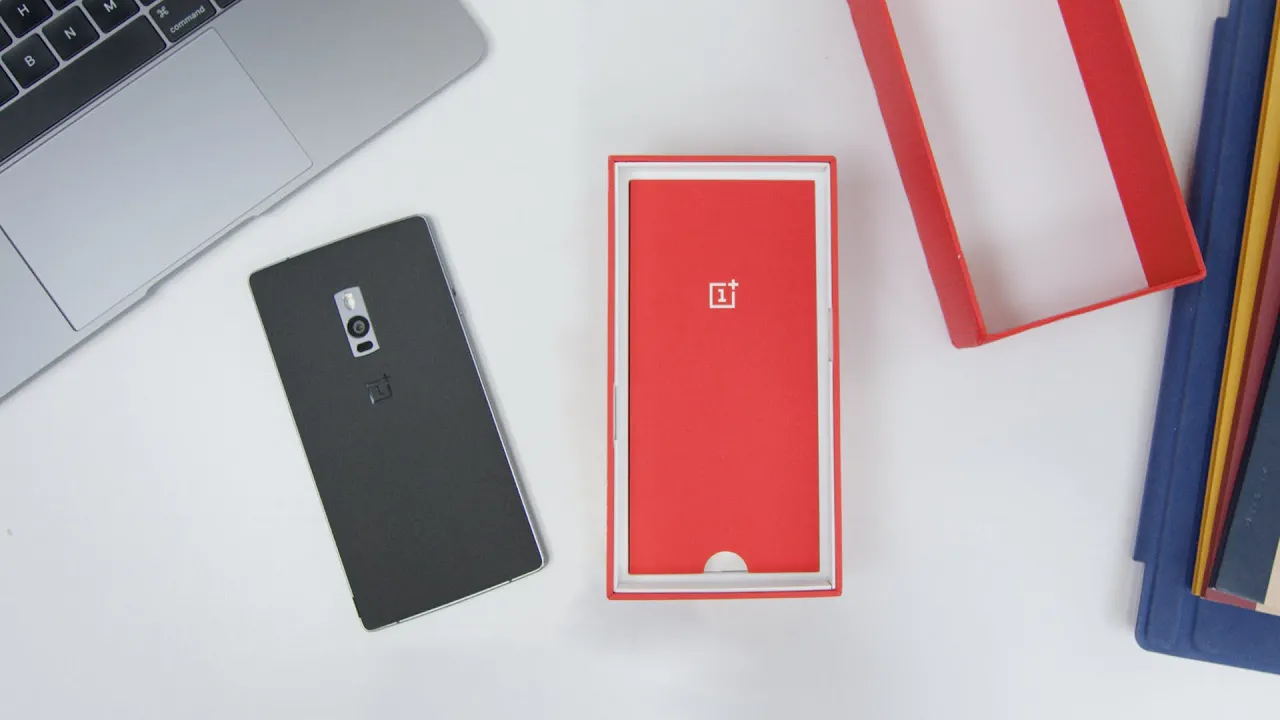
OnePlus 2 unboxing & hands-on of the retail packaging! 5 OnePlus 2 Impressions: youtu.be Soundcloud likes: soundcloud.com Video Gear I use: amzn.com Intro Track: Deadmau5 - Slow Down, Start Over ~ twitter.com google.com @MarquesBrownlee @MKBHD @MKBHD
AI Overview
The video provides a thorough, on-camera unboxing of the OnePlus 2, starting with the retail packaging and the included items. Marques Brownlee describes the unboxing sequence as simple and straightforward, noting the phone, paperwork, charging adapter, and a flat USB-C cable with a rubberized finish. He highlights the Sandstone black back, its removable back panel for customization, and the dual nano-SIM slots that the OnePlus 2 offers. After removing the SIM card and inserting it into slot one, he walks through the initial setup flow, including Google account integration and OxygenOS specific tweaks such as choosing hardware buttons, enabling gestures, and setting shelf on the launcher. The setup process continues with updating to the latest OS version, ensuring Google apps are up to date, and installing must-have apps like Dropbox, Hangouts, Google Keyboard, and Spotify, while customizing the home screen behavior and disabling automatic icon additions. He also demonstrates the process of enabling unknown sources for side loading, and shares preferences for apps like Twitter client Phoenix, Pocket, and SoundCloud, as well as calendar widgets for quick access. Finally, Marques dives into device tweaks such as selecting Google Now for quick access, configuring the fingerprint sensor, and most notably exploring the developer options to adjust animation speeds for a snappier feel, concluding that the OnePlus 2 setup is now complete and inviting viewers to request in-depth coverage in a future full review.
Topics · technology · mobile hardware · unboxing · setup · review
Questions answered
- Does the OnePlus 2 support two nano SIM cards?
- Yes, the OnePlus 2 has dual nano SIM slots allowing two SIM cards to be used simultaneously.
- What is a quick way to make the OnePlus 2 feel faster during daily use?
- Enable developer options and adjust the animation speed to a faster setting such as 0.75x to make the UI feel snappier.




