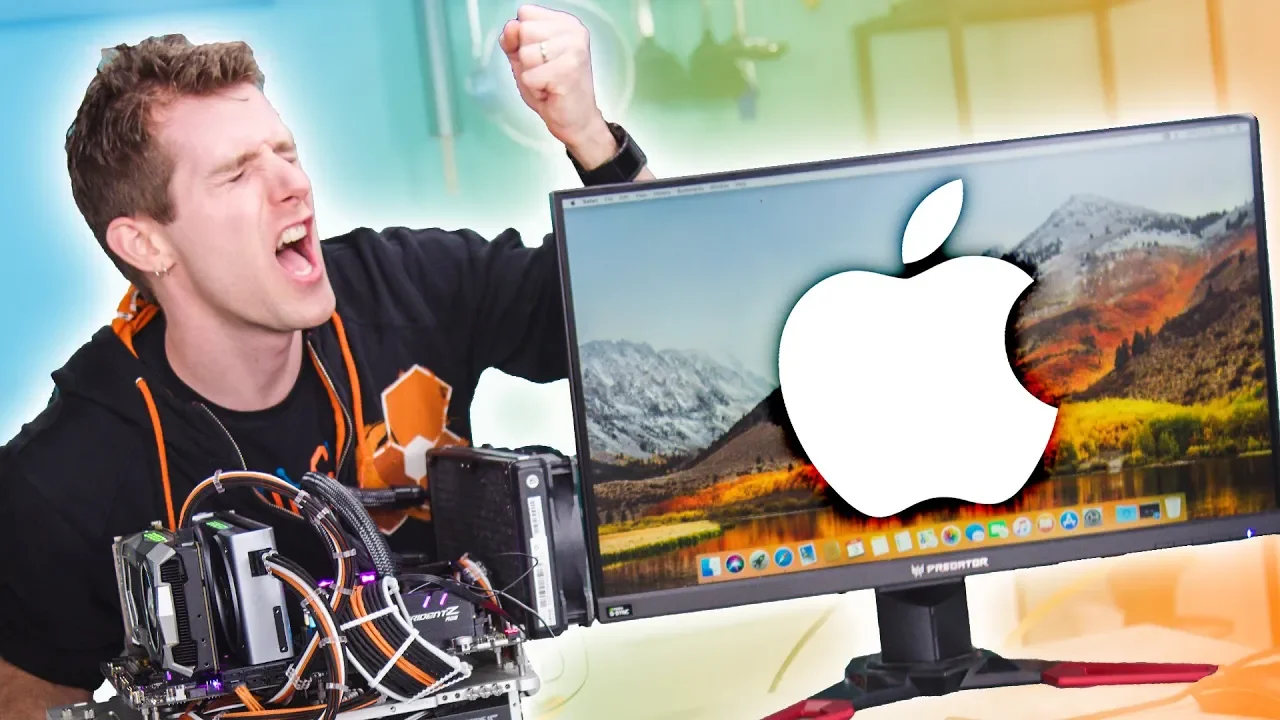
Apple won't like this... - Run MacOS on ANY PC
Your rating
Reactions
AudioEnglish (original)Auto-dubbed: Dutch, French, German, Spanish, Arabic, Bangla, Hebrew, Hindi, Indonesian, Italian+10 more
Promos
Hackintoshes are such a pain – You need the right hardware, and you need to invest a huge amount of time and effort EVERY TIME you change that hardware. But there’s another way… How-to on Passthrough Post: geni.us Buy AMD CPUs on Amazon: geni.us Buy Nvidia video cards on Amazon: geni.us Discuss on the forum: linustechtips.com Our Affiliates, Referral Programs, and Sponsors: linustechtips.com Get Private Internet Access today at geni.us Displate metal posters: lmg.gg Linus Tech Tips merchandise at lttstore.com Linus Tech Tips posters at crowdmade.com Our Test Benches on Amazon: amazon.com Our production gear: geni.us Twitter - twitter.com Facebook - @LinusTech Instagram - @linustech Twitch - twitch.tv Intro Screen Music Credit: Title: Laszlo - Supernova Video Link: youtube.com iTunes Download Link: itunes.apple.com Artist Link: soundcloud.com Outro Screen Music Credit: Approaching Nirvana - Sugar High youtube.com
AI Overview
Apple won’t like this... - Run MacOS on ANY PC walks through a workaround that lets a user run macOS inside a virtual machine with full hardware pass-through on non-Apple hardware. The video frames the problem from a longtime Mac user perspective, explaining the limitations of traditional Hackintoshes and hardware upgrade cycles, and then introduces virtualization as a no-compromise path to a fully upgradeable Mac Pro-like environment. Viewers follow the presenter as he outlines requirements, including a dedicated graphics card, a USB controller for hot-plug support, and a host machine that supports virtualization (Intel VT-d/VTX or AMD SVM). The core technique relies on a community-driven workaround from Pass-Through Post to enable macOS in a VM despite Apple’s licensing and DRM constraints. The segment then details Linux-based setup steps, starting with preparing a Linux host (Manjaro), enabling KVM, and acquiring macOS installation media using a High Sierra patcher, while acknowledging the legal caveats of running macOS on non-Apple hardware. The process moves into configuring a Hackintosh VM using an example XML, adjusting loader and NVRAM references, and booting the macOS installer through Clover. The video then demonstrates the first boot of macOS on AMD Ryzen hardware, discusses performance considerations, and introduces Clover and NVIDIA driver setup to improve graphics and user experience. Finally, the presenters discuss further optimizations such as CPU pinning, memory assignment, and USB device pass-through, ending with reflections on feasibility, potential next steps, and inviting audience input for future experiments like hackintosh vs. a loaded iMac Pro, or cross-OS gaming comparisons.
Topics · technology · virtualization · hardware_hacking · computing






