Your rating
Reactions
Description
***WATCH IN HD*** Here's a tutorial on how to get all the Vista start menu features I use in my videos - for Windows XP Users!
AI Overview
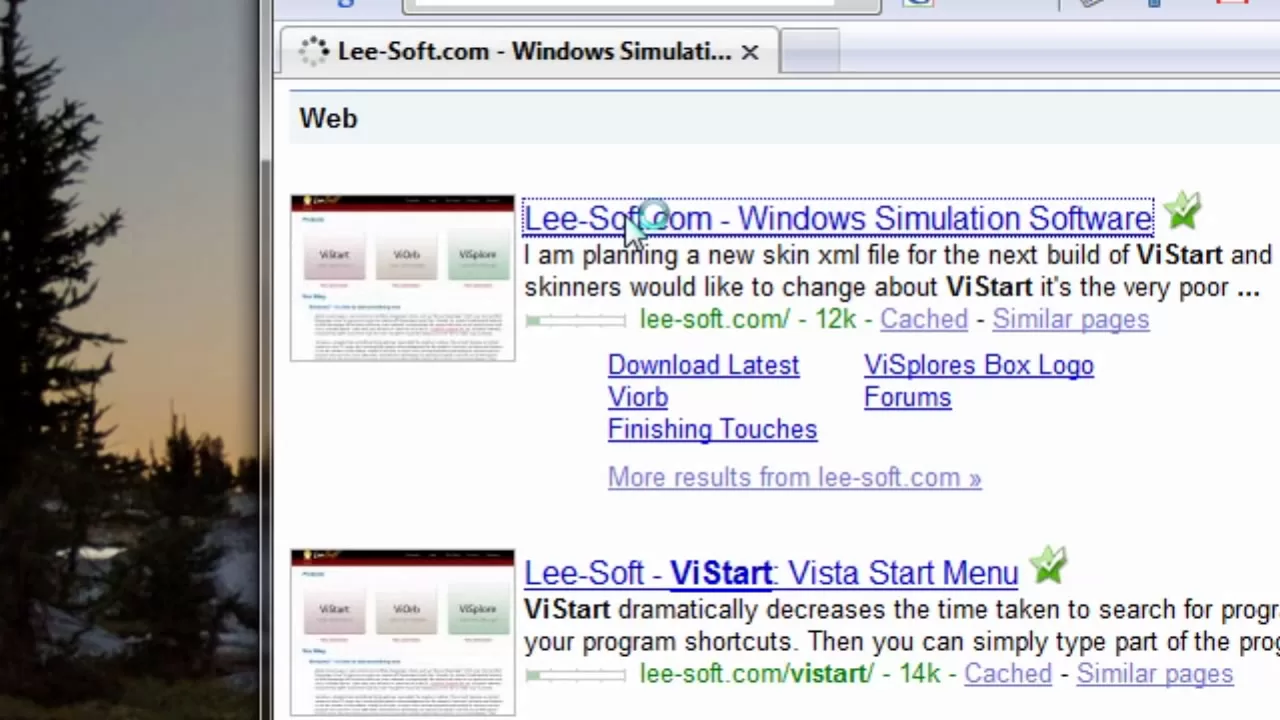
This HD tutorial demonstrates how to replicate the look and feel of the Windows Vista start menu on a Windows XP system using free third-party tools. The presenter walks through the initial step of opening a web browser, performing a search for Vista-related utilities, and locating a site offering three downloadable components: the Vista start menu, the glowing start orb, and the Vista-style explorer. After selecting the appropriate download, the video explains restarting the machine to apply the new UI, and describes how the XP environment can mimic Vista’s search results, including the ability to type in programs, files, and even emails to access familiar items quickly. The tutorial emphasizes using a specific magnifier tool as part of the visual customization, and it highlights how the new start menu and orb integrate with the user’s workflow, enabling faster access to programs and files. By the end, viewers see how these changes render a Vista-like experience inside XP, with practical notes on exploring, searching, and navigating the modified interface. The video closes with encouragement to subscribe for more tutorials, underscoring the practical value of the tweaks for users who prefer XP but want a Vista-inspired interface.
Topics · software · operating systems · tutorial · windows
Questions answered
- What does this tutorial enable on Windows XP?
- It enables a Vista-like start menu, glowing orb, and Vista-style explorer features by downloading free utilities and applying them after a restart.
- Which components are downloadable in the tutorial?
- The downloadable components are the Vista start menu, the orb start button, and the Vista-style explorer.
- What should a user do if the start button disappears after installation?
- The video mentions this issue but does not provide a concrete fix; users experiencing it should seek further troubleshooting resources or reinstall the utilities.




