Your rating
Reactions
Channels and socials
My daily smartphone setup to start 2017! Google Pixel Review: youtu.be iPhone 7+ skin: dbrand.com Video Gear I use: kit.com Intro Track: On and On Pt II by Hocus Pocus ~ twitter.com snapchat.com google.com @MKBHD @MKBHD
AI Overview
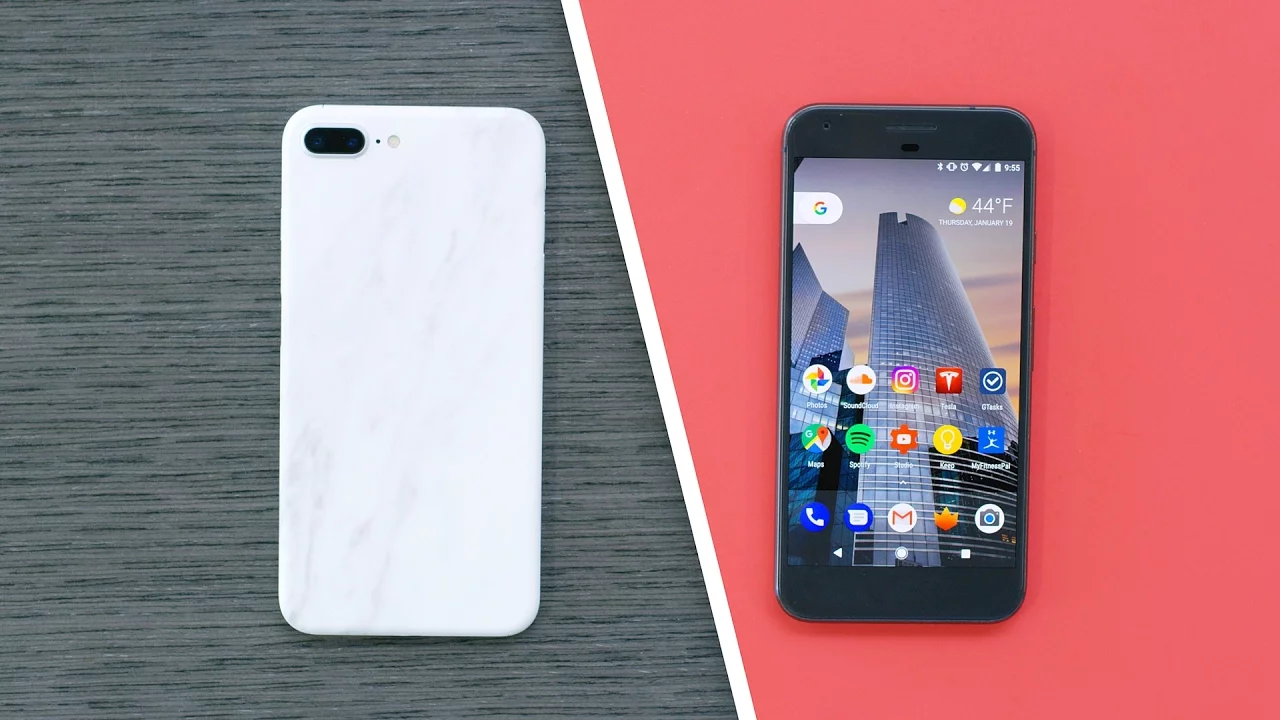
In this 2017 edition of What’s on my Smartphone, Marques Brownlee (MKBHD) reintroduces his long-running annual series by explaining that he hasn’t done this type of video in nearly a year and that his approach remains intentionally simple and clean. He walks through the main device setup, emphasizing a near stock experience on the Google Pixel with Android 7.0, using Google Launcher, weather widgets, and a preference for built-in or Google-native features to minimize third-party clutter. The video then details the home screen layout, dock essentials, and a few key apps tracked across three screens, such as Google Photos, Maps shortcuts, YouTube Studio, Spotify, Instagram, and Tesla’s car app, as well as organizational tools like Google Keep and Google Tasks. Brownlee notes his workflow is anchored by consistency, noting that app choices haven’t changed drastically since last year because the current setup already fits his routine and workflows well. He also highlights a few smart home integrations with Philips Hue and Google Home, showcasing how he controls lighting and nest devices from the phone, and mentions new inclusions like the Nest ecosystem to manage cameras and thermostats. The video closes with a nod to the ongoing relevance of maintaining a focused, minimally cluttered mobile setup and hints at revisiting the topic again in the future, inviting viewers to share their thoughts and experiences in the comments.
Topics · technology · lifestyle
Questions answered
- What phone and operating system is used in the setup?
- The video centers on the Google Pixel with Android 7.0, customized with Google Launcher and built-in features.
- Which apps does MKBHD highlight as essential on his home screen?
- Key apps include Google Photos, Google Maps, Spotify, Instagram, YouTube Studio, the Tesla app, Google Keep, and Google Tasks.




