Your rating
Reactions
Channels and socials
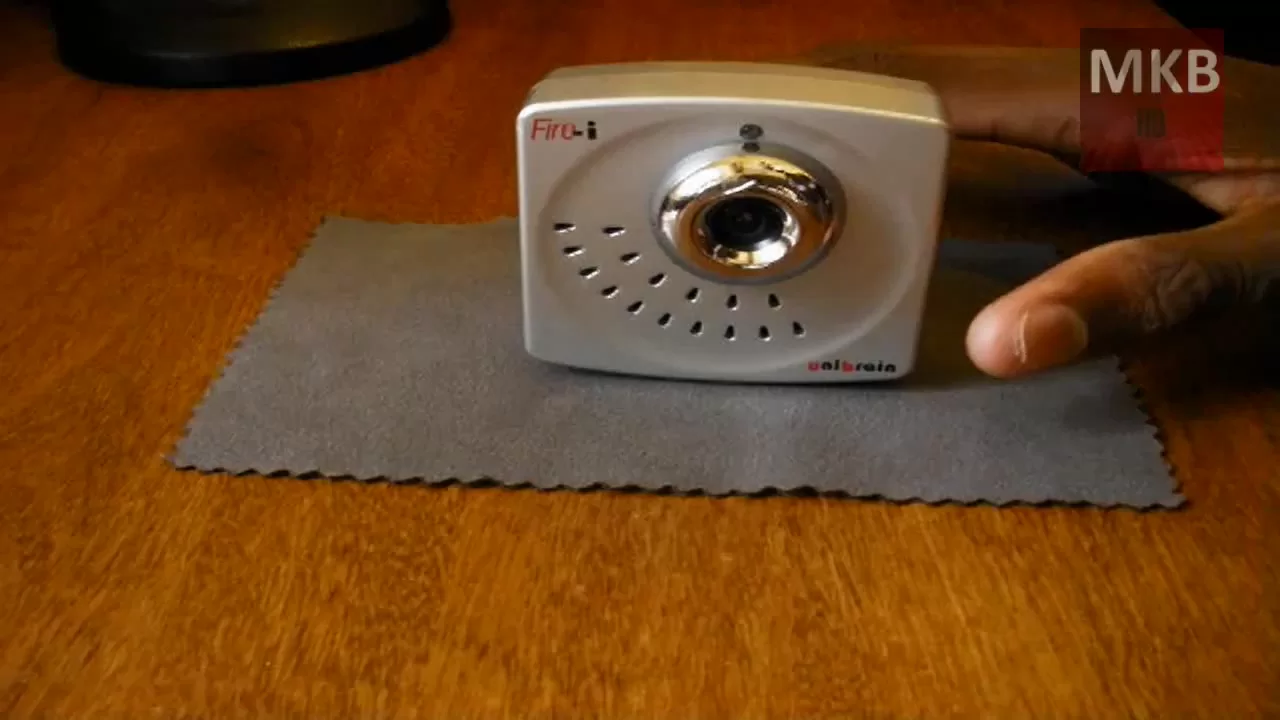
***WATCH IN HD*** This has been a really great webcam so far, I've used it for about 3 weeks so far. It's quite nice! I have had no problems with the software OR hardware so far. Here are all the specs and Main Features: --Home/Office Monitoring, locally or remote --Direct Internet streaming: Web Server included in Fire-iSoftware --Multiple cameras simultaneous operation and display on same PC --Picture sharing between several PCs --Still images or video stream captures, while monitoring --Storage in any encoding format --Low power consumption --Bright (F 2.0), glass elements, 4.3 mm focal length, lens. --Two 400Mbps FireWire ports --640x480 video resolution --30 frames per second --Tripod adaptor with standard photographic screw (compatible with tripods and wall /ceiling mounting fixations) --Included mini-tripod with telescopic legs Cons: --Sometimes a bit difficult to adjust angles --Manual focus High-Res Photos: @N07 Overall Rating: 8.5/10 Here's your link: unibrain.com Enjoy - SUBSCRIBE
AI Overview
Marcus Brownlee presents a full hardware-focused review of the UniBrain Fire-i webcam, emphasizing the device’s FireWire data connection as a core feature. He walks through the physical design, noting the dual FireWire ports for daisy-chaining multiple cameras and the adjustable focus control on the lens. The front panel shows the LED recording indicator, while the back hosts the tripod mount and the power plus second FireWire port. Brownlee demonstrates the tripod attachment process, highlighting the camera’s ability to operate both in portrait and landscape orientations to accommodate different setups. He then shifts to performance, explaining that the included software bundle is installed from a CD and offers different recording quality and encoding options, including a maximum 640x480 resolution at 30 frames per second. The reviewer notes the overall ease of software installation on Windows and claims the webcam provides solid image quality with a sturdy plastic build and a compact form factor suitable for home offices or security-like monitoring. He showcases potential use cases such as streaming to services like Ustream or BlogTV and points out how the device supports single or multiple camera configurations for expanded monitoring. Brownlee also discusses the accessory bundle, including the mini tripod, and the importance of having the correct FireWire adapter when using non-6-pin laptops. He closes with final impressions, rating the product 8.5 out of 10 and inviting viewers to check the official product page for more details and pricing, while noting the mic setup and audio timing issues as part of his ongoing production improvements.
Topics · hardware-review · webcams · consumer-electronics · streaming · security-camera
Questions answered
- Is the UniBrain Fire-i webcam suitable for live streaming and multi-camera setups?
- Yes, the review notes Direct Internet streaming with a Web Server included in the Fire-i software and mentions the possibility of multiple cameras connected via FireWire for a larger setup.
- What resolutions and frame rates does the Fire-i offer?
- The webcam supports 640x480 resolution up to 30 frames per second, with additional options like 15 fps, 7.5 fps, and 3.75 fps available in the software.
- Does the video indicate whether the Fire-i works with Mac systems or only Windows?
- The reviewer provides Windows-based software installation details; compatibility for Mac is not officially specified in the video, though some comments claim Mac support. Users should verify official product documentation for cross-platform compatibility.




