Your rating
Reactions
Channels and socials
Android N Developer Preview 1 of the next version of Android! Android N wallpaper: imgur.com Video Gear I use: amzn.com Intro Track: Ongoing Thing by 20syl, Oddisee ~ twitter.com google.com @MarquesBrownlee @MKBHD @MKBHD
AI Overview
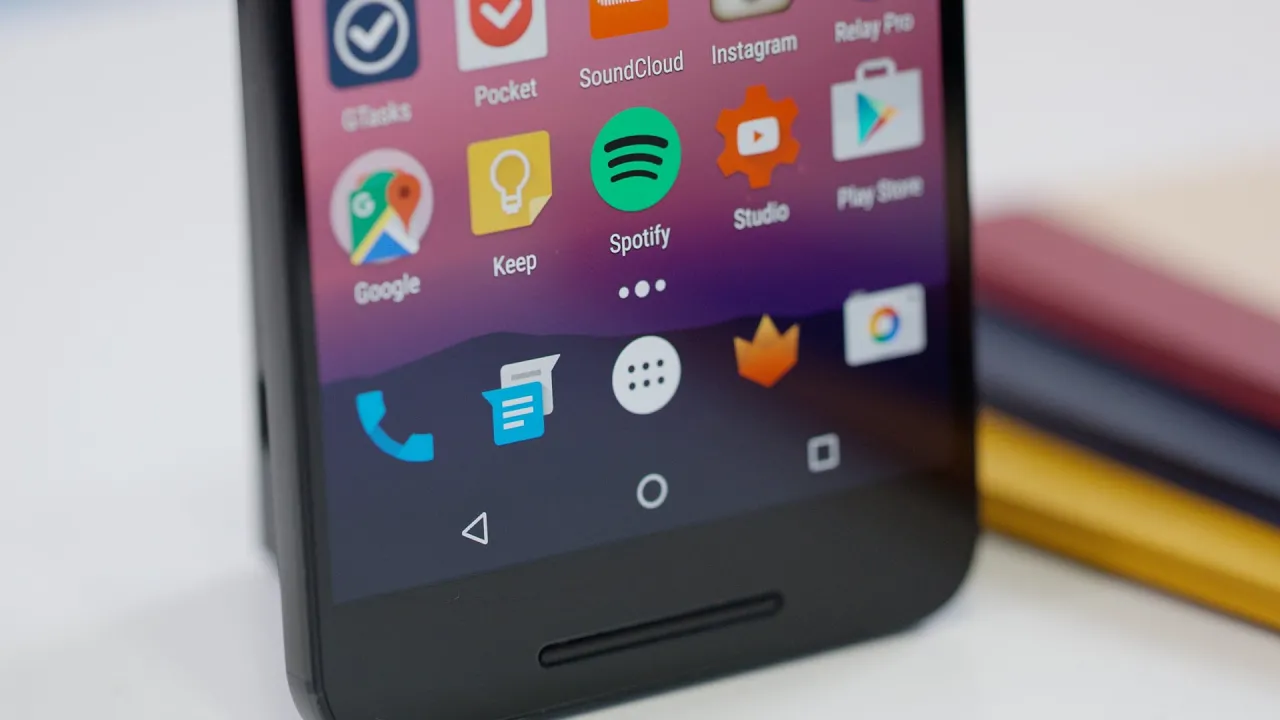
The video presents a early hands-on look at Android N Developer Preview on the Nexus 6P, highlighting a series of substantial design and usability updates that the speaker anticipates will ship in a future Android 6.1 timeframe. The first major change is a redesigned Settings app that leverages larger screens, showing quick info at a glance such as battery, storage, and current connections before you dive into a category. A side swipe navigation inside settings is introduced, offering faster access to related submenus, and the speaker notes it seems particularly effective in landscape orientation where the layout echoes earlier Honeycomb tablet designs. The video then covers a redesigned notifications system that expands more information directly in the shade and supports per-item actions, including inline replies from apps like Hangouts, while the partial two-finger drag makes adjusting or archiving notifications more intuitive. The third key change is an upgrade to Quick Settings, where pull-down reveals a multi-page, easily customizable panel of toggles with an edit button to reorder items, enabling users to keep their most-used controls within easy reach. Finally, the presenter dives into the multitasking overhaul, where cards are larger to show more context, a double-tap quick switcher returns you to the most recently used app, and a new split-screen multitasking feature allows resizing and independent operation of two apps side by side, all noted as surprisingly smooth for a developer preview. He also mentions a dark mode built into Android N and hints at other improvements like better Doze battery savings and a data saver mode, closing with encouragement for developers to adopt the features early and prompting viewer opinions on favorites. Overall, the video serves as a feature tour that balances excitement for new Android N capabilities with practical notes on usability and developer readiness, underscoring the trajectory from preview to a broader rollout later in the year.
Topics · Technology · Mobile · Software · Operating Systems
Questions answered
- What is the main focus of Android N in this preview?
- The video highlights redesigned system UI elements such as Settings and Notifications, a revamped Quick Settings area, an upgraded multitasking experience including split-screen, and the introduction of a dark mode, all showcased as part of the Android N Developer Preview.
- Which feature is emphasized as particularly handy for multitasking?
- The double-tap quick switcher that swaps to the most recently used app is emphasized as a convenient way to switch between two apps, along with the new split-screen multitasking capability.




