Your rating
Reactions
Channels and socials
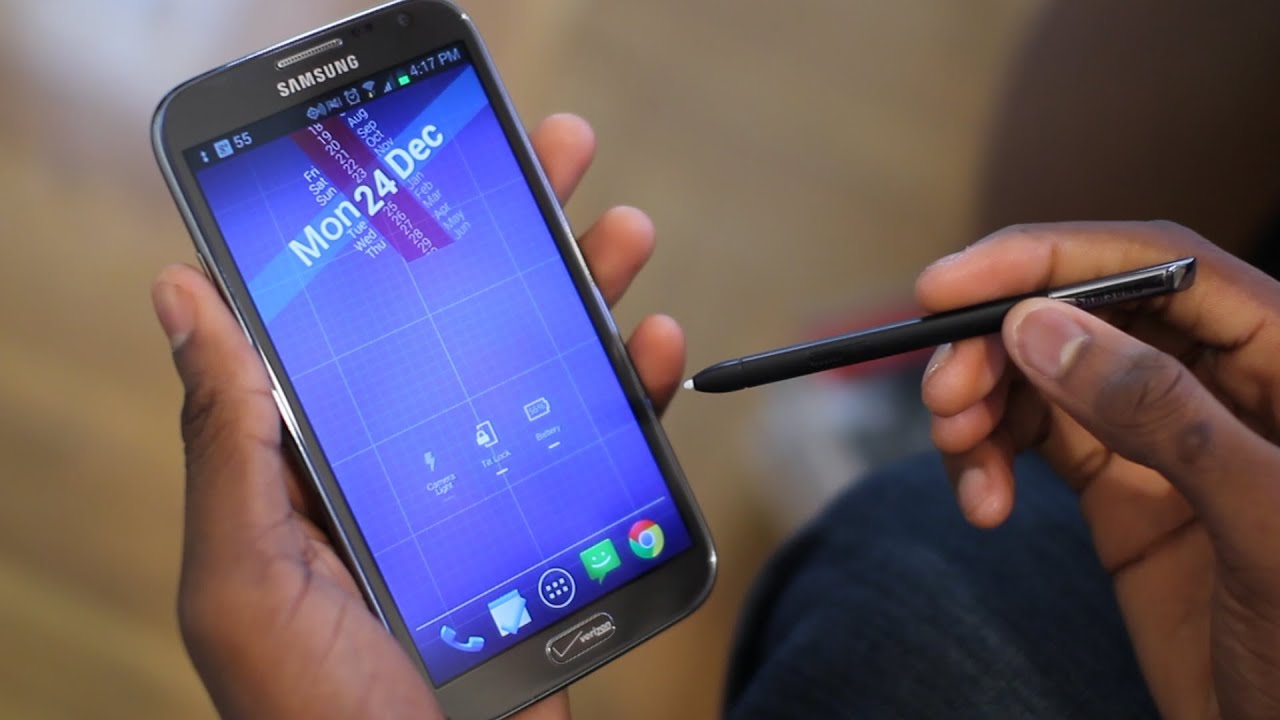
This is what's on my Android phone at the end of 2012. Enjoy! Apps, in order BELOW! Samsung Galaxy Note 2: goo.gl Wallpaper: wallbase.cc Nova Launcher: goo.gl WidgetLocker: goo.gl Zooper Widget Pro: goo.gl HD Widgets: goo.gl Tasks: goo.gl Swipepad: goo.gl Stock Messaging: goo.gl Stock Calculator: goo.gl Stock Clock/Alarm: goo.gl Stock Gallery: goo.gl All other apps go by the name I said in the video! Feel free to leave a comment if you have a question. Intro Track: ASDF Movie Song Outro Track: "Channel 41" by Deadmau5 ~ twitter.com gplus.to @MarquesBrownlee @MKBHD @MKBHD
AI Overview
The video provides a detailed tour of Marques Brownlee’s Android setup as of late 2012, centered on the Samsung Galaxy Note 2 from Verizon. He begins by acknowledging audience demand and then dives into the hardware and software choices that shape his daily use. The introduction stresses that while the device looks stock, it is customized with a set of apps and widgets that mimic a rooted experience without altering the core Android version. The overview then shifts to the lock screen, with Widget Locker enabling quick access to Google Now, dialer, messaging, camera, and unlock functions, all arranged on a single home screen powered by Nova Launcher Prime for a clean, centralized interface. He walks through the primary widgets and quick-access shortcuts that surface essential tools like battery status, tilt lock, LED light, and a compact dock of frequently used apps, emphasizing speed and one-handed usability. In the main segment, Brownlee enumerates the apps and configurations that define his Android workflow. He highlights Google Now and its voice actions, social apps like Falcon Pro for Twitter, and a preference for stock or near-stock experiences delivered via the Google Play Store rather than manufacturer skins. He demonstrates practical features such as swipe gestures with SwipePad for recent tasks, battery tracking with Battery Reborn, and the integration of Google Reader for feeds. The video continues with app categories, including music, navigation, productivity, and media consumption, detailing specific tools like SoundHound for song identification, Spotify for music, Snapseed for photo edits, and S Note for stylus-based notes. Brownlee concludes with encouragement for viewers to experiment and share their own setups, offering links and tips for those seeking similar customization and optimization for their devices.
Topics · technology · mobile-phones · android · productivity
Questions answered
- What phone is featured in the video and which carrier is it associated with?
- The Samsung Galaxy Note 2 on Verizon is shown as the device of choice.
- Which launcher and widgets define the home screen layout in this setup?
- Nova Launcher Prime is used as the launcher, with Widget Locker on the lock screen and various widgets such as Zer Widget Pro and HD Widgets providing quick access to information.




