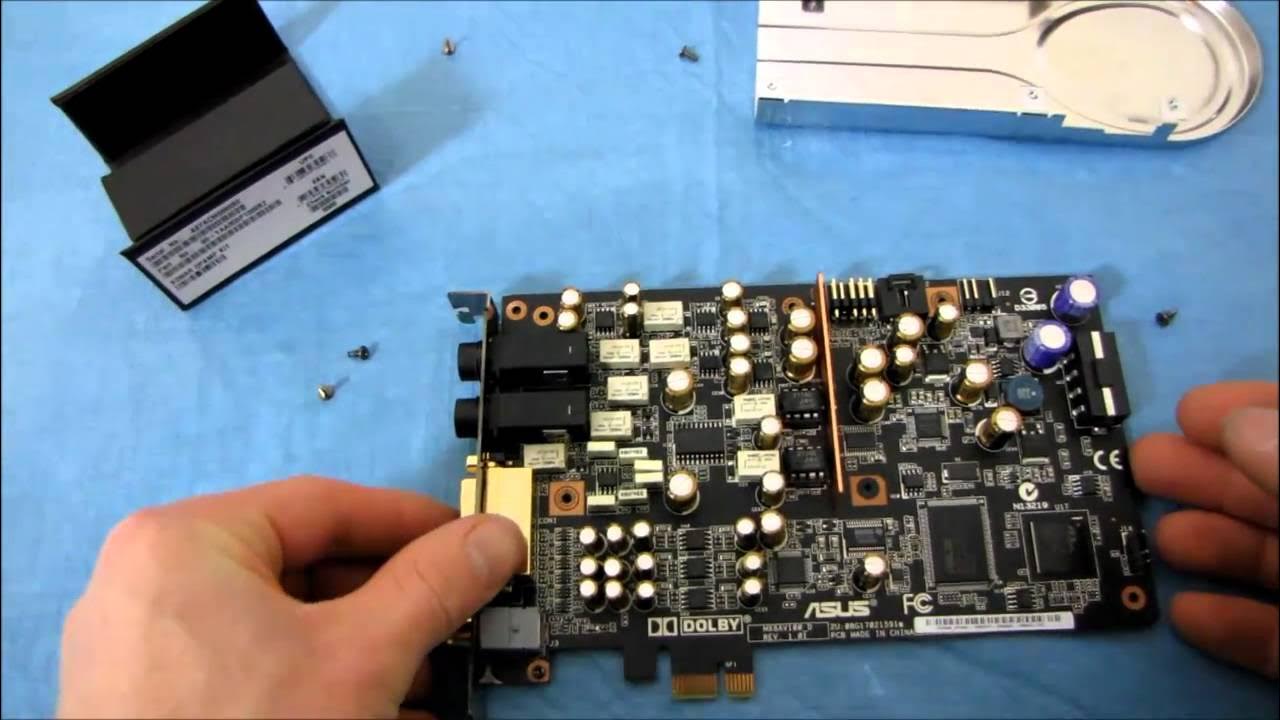
ASUS XONAR XENSE OPAMP Replacement Upgrade Guide Linus Tech Tips
Your rating
Reactions
Description
ncix.com I try & fail several times to upgrade the OPAMPS on my XONAR sound card. Watch the video near the end if you want to finally see the success. Card is working btw. I can't tell the difference. Guess I should've done some testing before/after...
AI Overview
This video serves as a practical upgrade guide for the ASUS XONAR XENSE, focusing on replacing the onboard opamps to potentially improve the sound output. Linus walks through the hardware procedure step by step, starting with identifying the opamps, then removing the heat sink shroud and the screws that secure the opamp sockets. He demonstrates how to carefully pry out the stock opamps and notes the correct orientation for the replacement units, emphasizing the importance of placing the new opamps in the same orientation as the old ones. The presenter discusses using a small tool to assist with removal and highlights a potential physical fit issue where the legs of the opamps can catch on the housing, which requires adjusting the insertion angle and applying gentle pressure. Throughout, he stresses that the audible impact of opamp swapping is subjective, and he personally does not claim a dramatic difference, inviting viewers to test and compare themselves. The guide wraps up with reinstalling the shroud, reassembling the card, and inviting viewers to subscribe for more hardware guides and related content. The overall takeaway is that opamp replacement is a hands-on modification that can be done with basic tools, but results may vary and careful handling is essential for a secure installation.
Topics · hardware · audio · diy · technology
Questions answered
- What is the purpose of replacing the opamps on the ASUS XONAR XENSE?
- The replacement opamps are used to potentially improve the audio performance by altering the signal processing characteristics of the card's built-in headphone amp.
- Are there any cautions when performing the opamp swap?
- Yes, ensure correct orientation of the new opamps, manage any interference with the housing, and verify secure seating on both legs before powering the card.






