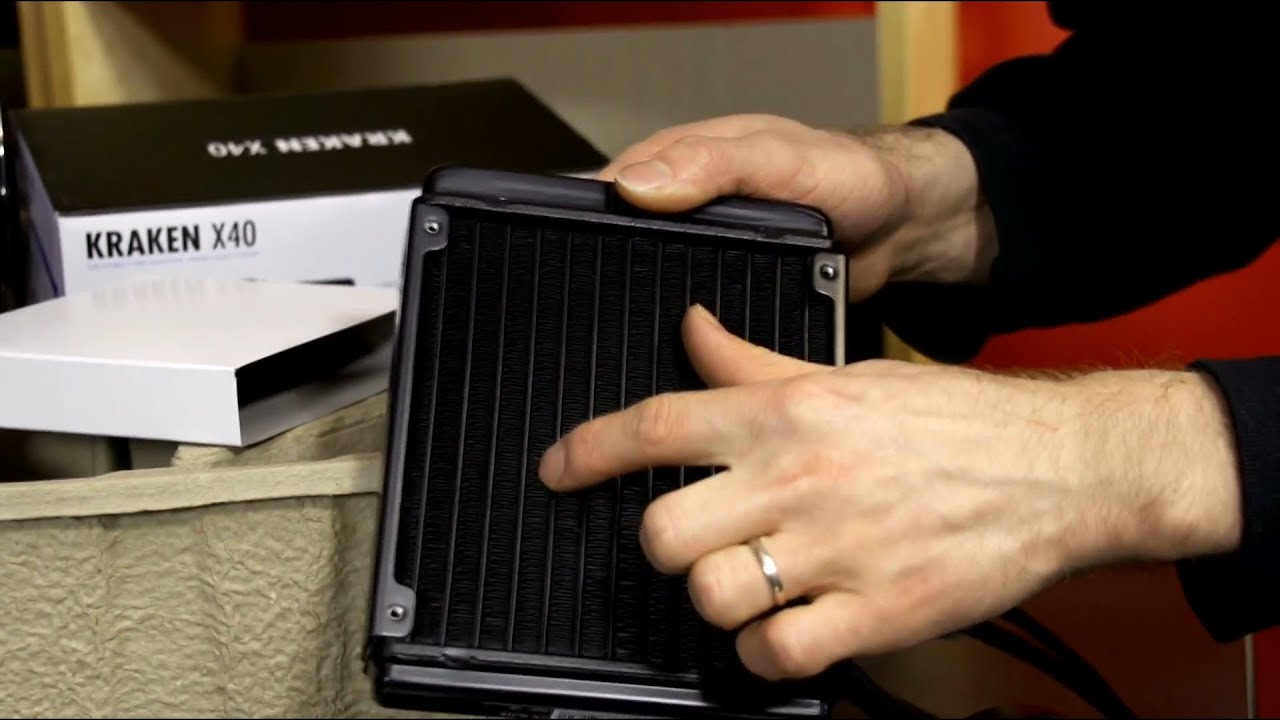
NZXT Kraken X40 140mm CPU Liquid Cooler Unboxing & First Look Linus Tech Tips
Your rating
Reactions
Description
NZXT's Kraken X40 is the next generation of self-contained CPU liquid coolers. More surface area gives it more cooling performance than 120mm liquid coolers. CA/International: ncix.com US: us.ncix.com
AI Overview
The video provides an in-depth unboxing and first look at the NZXT Kraken X40 140 mm CPU liquid cooler, hosted by Linus Tech Tips. It starts by positioning the X40 as the world’s first all-in-one 140 mm liquid cooler, emphasizing the large radiator surface area and the anticipated performance benefits over typical 120 mm designs. Linus explains the potential compatibility advantages for cases, noting that dual 140 mm radiators can be a challenge for some builds but offer significant cooling headroom when space allows. The packaging and included hardware are outlined, highlighting the environmentally friendly box, the instruction disc, and the 9-blade all-in-one fans with premium sleeving. The discussion covers mounting options, fan control via USB, and the winding cables that enable flexible routing behind a motherboard tray. As the unboxing progresses, he demonstrates the radiator construction, long tubing with neat sleeving, and the robust mounting hardware that supports a wide range of sockets from older to newer Intel and AMD platforms. The hosts compare the X40’s design to previous generations, touching on tubing thickness, radiator fin density, and the potential benefits of a push-pull setup with high static pressure fans for maximum performance. They also remark on the illuminated NZXT logo, the extended tubing length, and how the entire assembly could be positioned for minimal kinking and clean cable routing. The segment wraps with practical takeaways on installation and a tease for further testing, inviting viewers to subscribe for reviews and future benchmarks.
Topics · technology · hardware · unboxing · consumer-electronics






