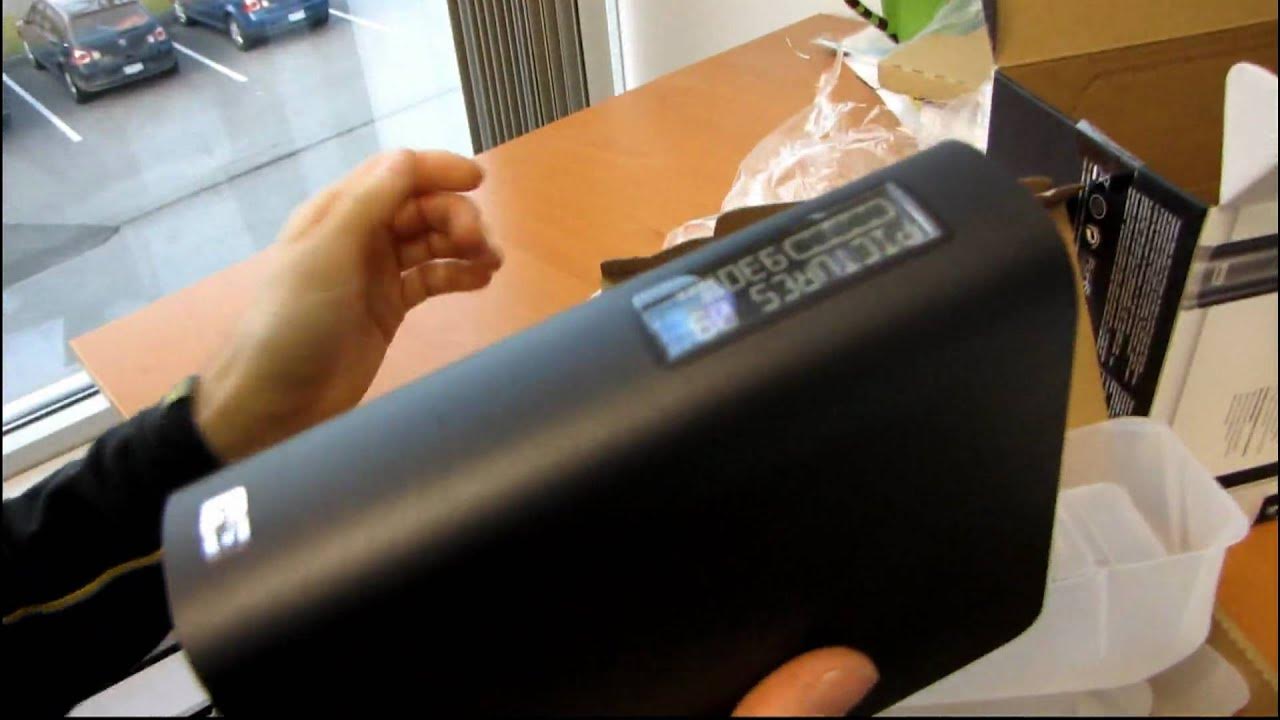
Western Digital MyBook Elite 1TB External Hard Drive Unboxing & First Look
Your rating
Reactions
Description
It has e ink on the front. It took me forever to figure that out. I thought it was a sticker! Lol. You can see more details when I post my setup guide.
AI Overview
The video is an in‑depth unboxing and early look at the Western Digital MyBook Elite 1TB external hard drive. The presenter walks through the packaging and what’s included, starting with the claim that the drive is one of the world’s bestselling external hard drives and noting a three‑year warranty. He highlights the LCD display on the front, capable of showing content categories and a visual backup status, along with a drive lock indicator and a capacity gauge for at‑a‑glance monitoring. The unboxing reveals the accessories: a 100‑240V power adapter, a USB 2.0 data cable with a smaller connector, and a printed safety and setup guide. The presenter also touches on the Smartware software with automatic continuous backup, password protection with 256‑bit hardware encryption, and the ability to view available capacity and security status even when unplugged. He discusses the physical design, including the matte black finish, two rubber feet for stability, and venting that enables natural convection to keep the drive cool. Throughout, he notes the setup flow described in the quick start guide: plug in power, connect data, and use the computer to manage the Smartware software. The video culminates with the drive being opened and examined in detail, and the host teasing a follow‑up video for installing or testing the drive in a setup scenario. Overall, the unboxing emphasizes both the hardware features and the software ecosystem that Western Digital promotes for secure, automated backups. The presenter also points out the multiple language guides and support resources that ship with the product, underscoring the global reach of WD’s warranty and service network. By the end, viewers are left with a clear sense of the MyBook Elite’s purpose as a compact, feature‑rich external storage solution ready for immediate use after a simple plug‑in, with ongoing improvements to the user experience via the included software.
Topics · technology · hardware · unboxing · storage
Questions answered
- What is the WD MyBook Elite 1TB external drive primarily advertised as able to do?
- It is advertised as a premium backup and storage device with automatic continuous backup through WD Smartware, password protection with 256‑bit hardware encryption, and a front LCD for at-a-glance status and content categorization.
- What accessories are included in the box?
- The box includes a 100‑240V power adapter, a USB 2.0 data cable with a small connector, and a quick start guide with safety and warranty information.






