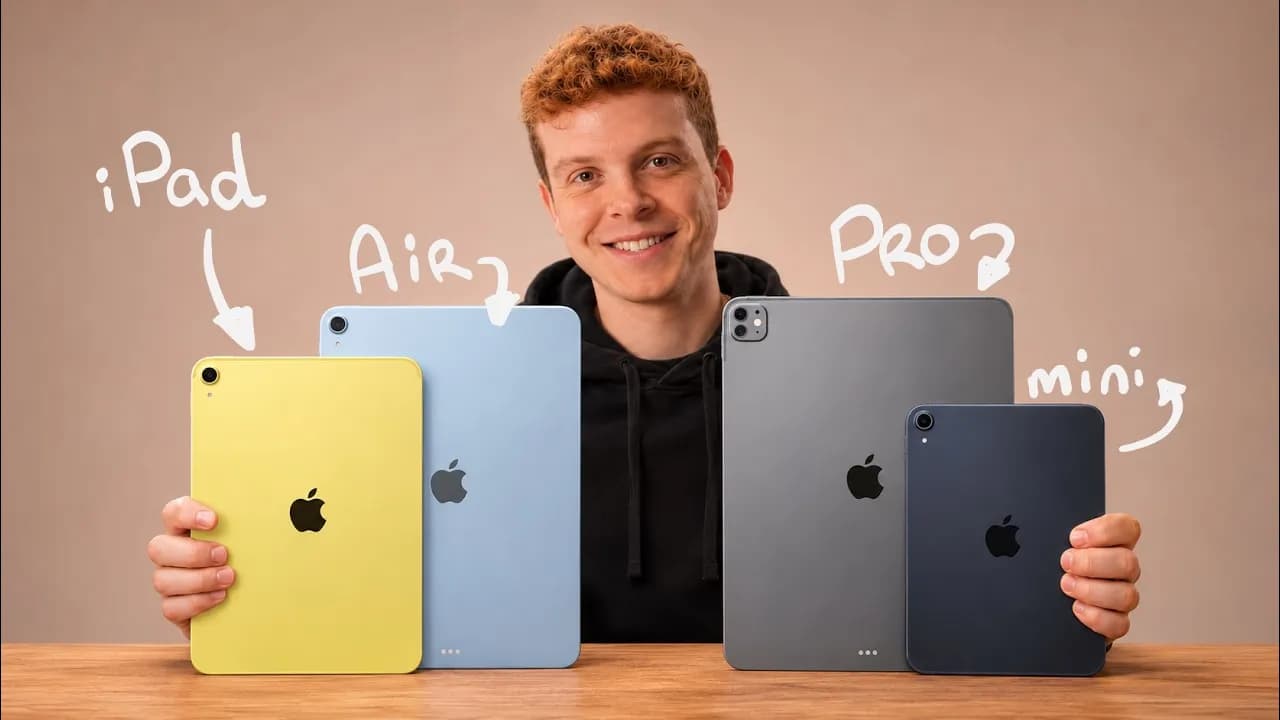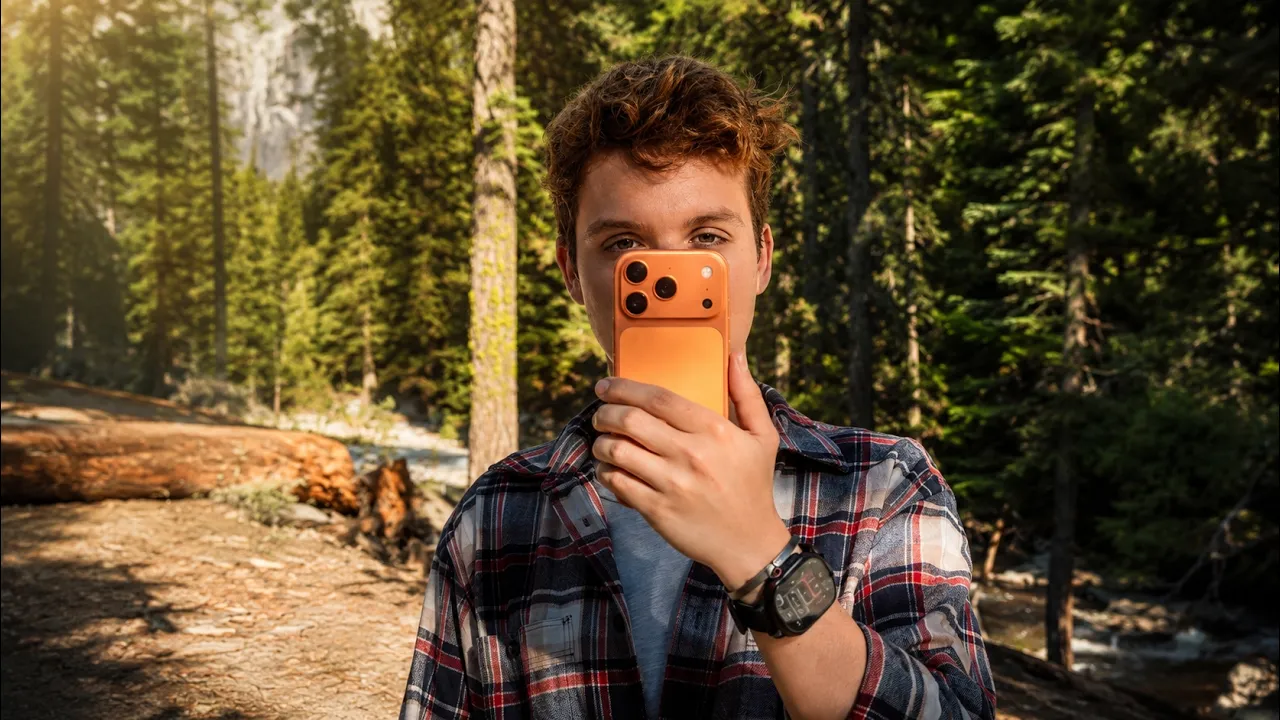
así uso el iphone 17 pro para hacer fotos aesthetic
This video also has English audio. In the player, open Settings → Audio track and choose English.
Your rating
Reactions
AudioSpanish (original)Dubbed: English, Chinese, Hindi, Japanese, Korean, Portuguese
Description
Cómo hacer buenas fotos con el iPhone, de principio a fin. En este vídeo te enseño exactamente cómo hago yo mis fotos con el iPhone 17 Pro: cómo tengo configurada la cámara, cómo las disparo por la calle y cómo las edito en Lightroom con mi preset. Sin tecnicismos raros y sin trampa — lo que toco yo es lo que vas a ver. Nos vamos una mañana entera a SoHo, en Nueva York, y montamos la guía completa: los ajustes que dejo tocados antes de salir, cómo busco composición, formas y luz en la calle, cómo posar sin que se note, y todo el proceso de edición hasta el resultado final. Si después de verlo haces mejores fotos con tu móvil, he hecho mi trabajo. LO QUE USO – iPhone 17 Pro – Cámara nativa: ProRAW a 48 MP + cuadrícula – Moment Pro Camera (control manual) – Adobe Lightroom CC – Mi preset VA Daydream: houseofva.com Voy a dejarte una lista de productos, software y cosas random que uso Accesorios Apple Funda iPhone: url.rhinoshield.es Lámina protectora de cristal: geni.us Protector para iPad: paperlike.com El Mac que uso: amzn.to Mejor cable USBC: geni.us Mejor cable Thunderbolt: amzn.to Batería portátil: geni.us Accesorios del día a día Mis auriculares favoritos: geni.us Mi billetera fav: geni.us Mi reloj inteligente: geni.us Botella de agua inteligente: glnk.io Mi lista de lectura: goodreads.com El Kindle que uso: geni.us Accesorios para viajar: Cargador universal (solo necesitarás este): geni.us Mejor videoconsola: geni.us Equipo para grabar Mi curso para aprender a grabar buenos vídeos: cursocreadores.com Cámara Sony avanzada: geni.us Cámara Sony intermedia: geni.us Objetivo Sigma: geni.us Bolsita para guardar la cámara: geni.us Grabadora de audio: geni.us Mi cámara retro geni.us Apps que uso en mi día a día: Notion: ntn.so Surfshark VPN: surfshark.deals CleanMyMac: macpaw.audw.net SetApp para descargar muchas apps de Mac: setapp.sjv.io Estos links son de afiliado, lo que significa que cuando compres a través de ellos yo me llevaré una pequeña comisión. A ti no te repercute en nada, pero a mi, me paga el café que es el fuel de estos vídeos. Hecho con cariño desde NYC por House of VA
AI Overview
The creator walks through using an iPhone 17 Pro for street photography, starting with camera settings and ending with edited images. He recommends turning on the composition grid and using Apple ProRAW at 48 megapixels for special photos, since RAW files preserve more detail for adjusting shadows, highlights, and color. For everyday shooting, he suggests JPG and says Apple’s Amber photographic style can add a preferred look without later editing. He says most of his photos are taken with the native camera, while Moment Pro Camera is useful for RAW capture and manual controls such as exposure and focus peaking. In the street, he looks for uncluttered frames, leading lines, shadows, reflections, repeating architecture, and color. He also praises the iPhone 17 Pro’s 8x zoom for isolating details and reducing visual clutter.
Topics · people & blogs · photography · smartphone photography · photo editing · social media
Questions answered
- Which iPhone 17 Pro camera settings are useful for taking photos?
- Turn on the composition grid and use Apple ProRAW at 48 megapixels for special photos. JPG is suggested for everyday shooting because RAW files take up more space.
- Why shoot iPhone photos in RAW instead of JPG?
- RAW files retain more image information, giving more flexibility to adjust shadows, highlights, background detail, and color during editing.
- What does Moment Pro Camera add to iPhone photography?
- It can capture RAW and offers controls including exposure adjustment and focus peaking, which highlights in-focus areas.
- What should photographers look for when composing street photos?
- Look for a clear subject, leading lines, shadows, reflections, geometric patterns, repeated shapes, and complementary colors. The creator recommends keeping one main idea in the frame.
- How does the creator edit iPhone photos in Lightroom?
- He imports and selects RAW photos in Lightroom CC, applies the VA Daydream preset, adjusts highlights when needed, and exports the finished images.