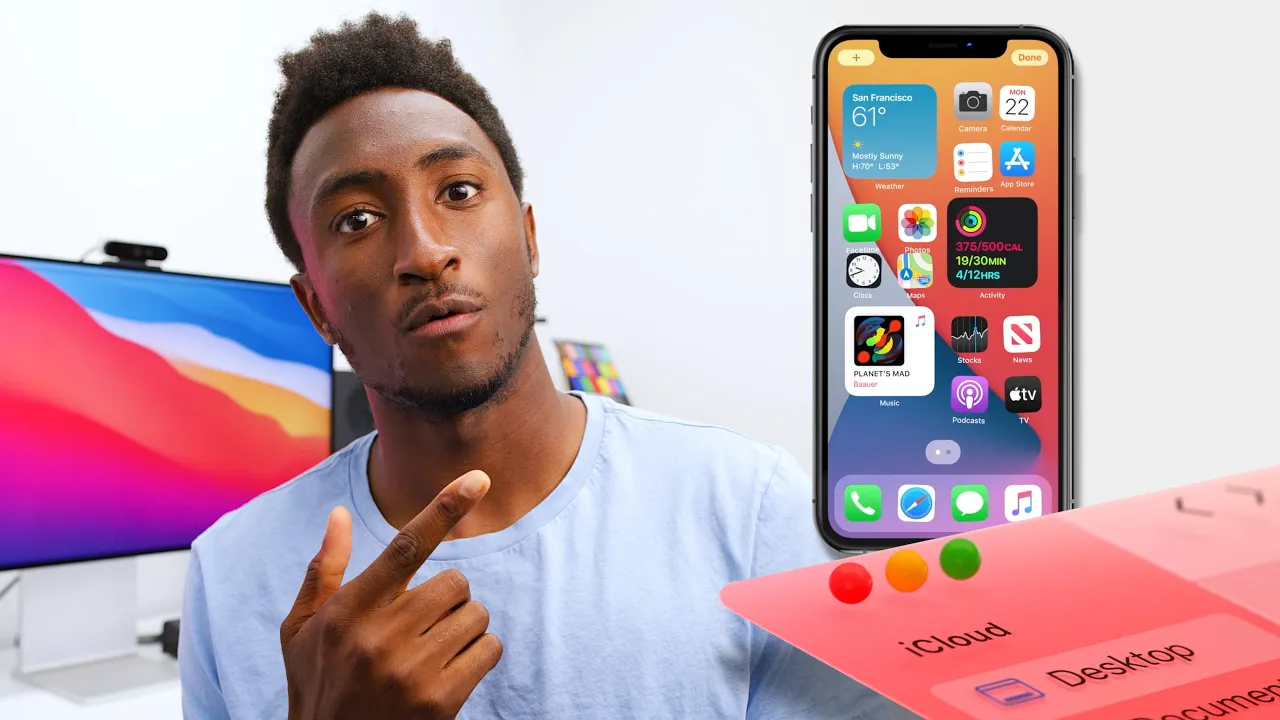
WWDC 2020 Impressions: Widgets and The Great Transition!
Your rating
Reactions
Promos
WVFRM podcast: bit.ly The wallpaper: we.tl CleanMyMacX: bit.ly Timestamps: 0:00 Intro 1:27 iOS 14 5:53 iPadOS 8:10 WatchOS 9:44 MacOS Big Sur 11:40 The Mac Transition 14:48 Sponsor MKBHD Merch: shop.mkbhd.com Video Gear I use: http://kit.co/MKBHD/video-gear#recom... Tech I'm using right now: amazon.com Intro Track: Jordyn Edmonds smarturl.it Playlist of MKBHD Intro music: goo.gl ~ twitter.com @MKBHD @MKBHD
AI Overview
WWDC 2020 Impressions dives into Apple’s software announcements and the broader implications of the event, focusing on iOS 14, iPadOS 14, watchOS 7, and macOS Big Sur. The presenter highlights major UI overhauls such as the App Library, which changes how users organize apps, and the introduction of widgets that can live on the home screen, including the smart stack that rotates content throughout the day. The segment on iOS 14 and iPadOS 14 emphasizes continuity across devices, with features like a redesigned Siri, app clips, and the ability to set default apps, all aimed at deeper ecosystem integration. A recurring theme is the convergence and overlap between iOS and Android capabilities, noting how many features have appeared on Android first and are now arriving on Apple platforms, while Apple emphasizes seamless cross-device experiences driven by their own silicon roadmap. The final portion of the video is dedicated to the big macOS transition from Intel to Apple Silicon, underscoring the performance and power efficiency gains that could unlock new use cases and products, such as more capable notebooks and potential future Mac Pro configurations. The host also previews a forthcoming Waveform podcast featuring Craig Federighi, inviting questions on the macOS transition and future software direction, while acknowledging sponsor messages and a brief discussion of maintenance tools like CleanMyMac X. Overall, the presentation is celebrated for its production quality and pacing in a pre-recorded, online-only format, while the host provides a balanced take on how these changes position Apple within the broader tech landscape and consumer expectations. The episode closes by tying together the ecosystem advantages with device-specific enhancements and speculates about practical implications for developers and users alike, all while inviting ongoing discussion and follow-up coverage.
Topics · technology · software · consumer-electronics · mobile-ecosystem · computing
Questions answered
- What are the key new features in iOS 14 and how do they change daily usage?
- iOS 14 introduces the App Library for organized app access, widgets on the home screen, the smart stack that rotates content, a redesigned Siri, and the ability to set default apps like a browser and email. These changes aim to streamline multitasking, improve information at a glance, and integrate apps more deeply into everyday workflows.
- How does the macOS Big Sur design shift relate to the Apple Silicon transition?
- Big Sur features a design overhaul with rounded corners, a refreshed dock and icons, and a new notification center. This visual rework aligns with the shift to Apple Silicon, where deeper integration and performance gains can be leveraged by developers through universal binaries to run on both Intel and Apple chips during the transition.




