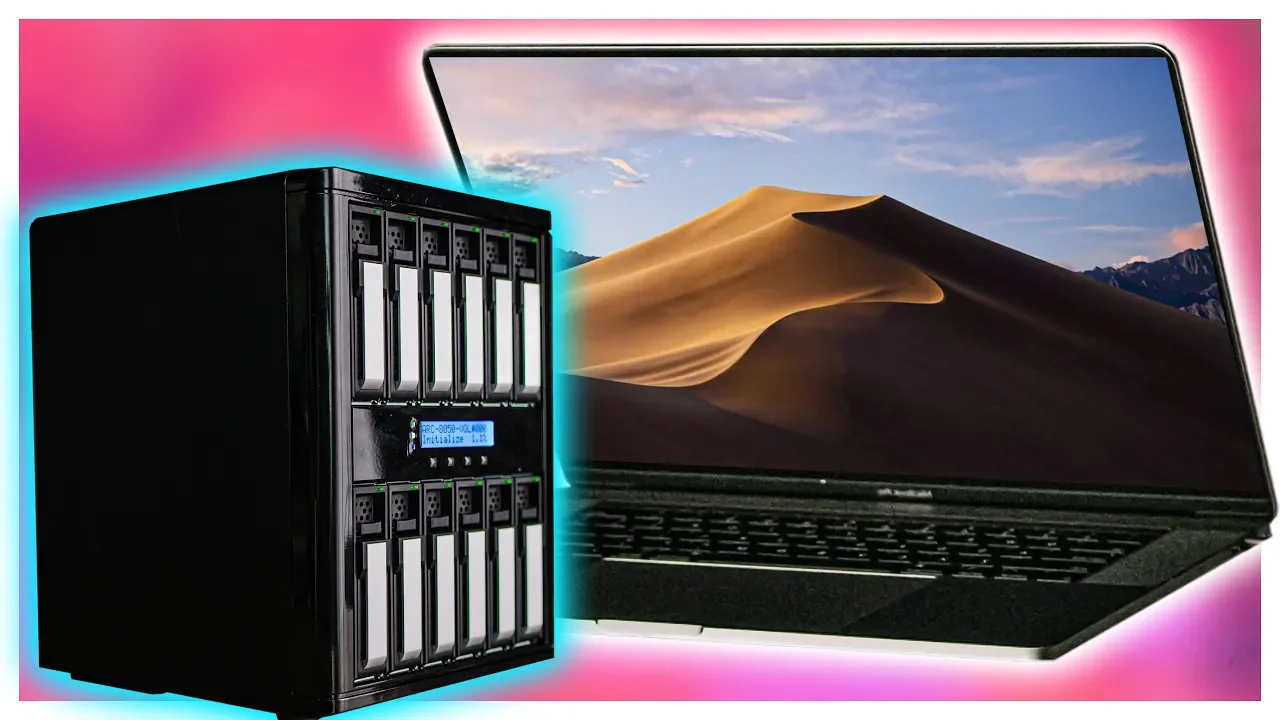
The Laptop with 100TB Storage!! - Areca 8050T3-12 DAS
Your rating
Reactions
Promos
Buy the Corsair Ironclaw RGB Wireless Mouse at Amazon: geni.us Newegg: geni.us Use code LINUS and get 25% off GlassWire at lmg.gg Want to give your Thunderbolt 3 equipped laptop 100TB of storage? We explain how to set up Areca's 8050T3-12 DAS, which RAID to use, and why you would want to do any of this in the first place. Buy RAID enclosures Amazon: geni.us Discuss on the forum: **Coming Soon** Our Affiliates, Referral Programs, and Sponsors: linustechtips.com Get Private Internet Access today at geni.us Displate metal posters: lmg.gg Linus Tech Tips merchandise at lttstore.com Linus Tech Tips posters at crowdmade.com Our Test Benches on Amazon: amazon.com Our production gear: geni.us Twitter - twitter.com Facebook - @LinusTech Instagram - @linustech Twitch - twitch.tv Intro Screen Music Credit: Title: Laszlo - Supernova Video Link: youtube.com iTunes Download Link: itunes.apple.com Artist Link: soundcloud.com Outro Screen Music Credit: Approaching Nirvana - Sugar High youtube.com
AI Overview
The video presents a high-end storage expansion concept for laptops, focusing on Areca’s 8050T3-12 Direct Attached Storage unit to deliver over 100 terabytes of fast accessible storage via a single Thunderbolt 3 connection. The host explains that Thunderbolt 3 provides both the performance and the usability needed to make a portable, high-capacity solution viable, rather than a mere tech demo. The setup includes a daisy-chained capability through an SF8644 port, allowing the main enclosure to be managed as one large array while maintaining a sleek, single-cable connection to the laptop. They emphasize the difference between a DAS and a NAS, noting that the DAS typically offers lower latency and faster access, which is critical for editing workloads. The unit ships with a Thunderbolt 3 cable for 40 Gbps peak transfer speeds and is configured to support online volume expansion, enabling capacity growth without reformatting the entire array. The discussion also covers the hardware RAID processor inside the Eureka enclosure, the Radon chip, and ECC RAM that helps detect and correct read or write errors, balancing performance with data integrity. The editors describe drive choices for this build, highlighting Seagate IronWolf Pro drives for a strong price-to-performance ratio and noting the option to upgrade to SAS for higher-end deployments, though not necessary for their current use case. Power considerations are touched on with a reminder to use a UPS or battery backup to protect against power outages, ensuring uninterrupted editing sessions. In conclusion, the host demonstrates the setup process, from installing the Eureka software to configuring RAID 5 plus spare, and confirms the system is ready for real-world editing workloads, including 4K and 8K workflows, while charging the laptop at the same time. The segment ends with a quick plug for accessories and sponsorship while reaffirming the practicality of having a portable, high-capacity editing rig.
Topics · technology · storage · hardware-raid · video-editing · laptops






