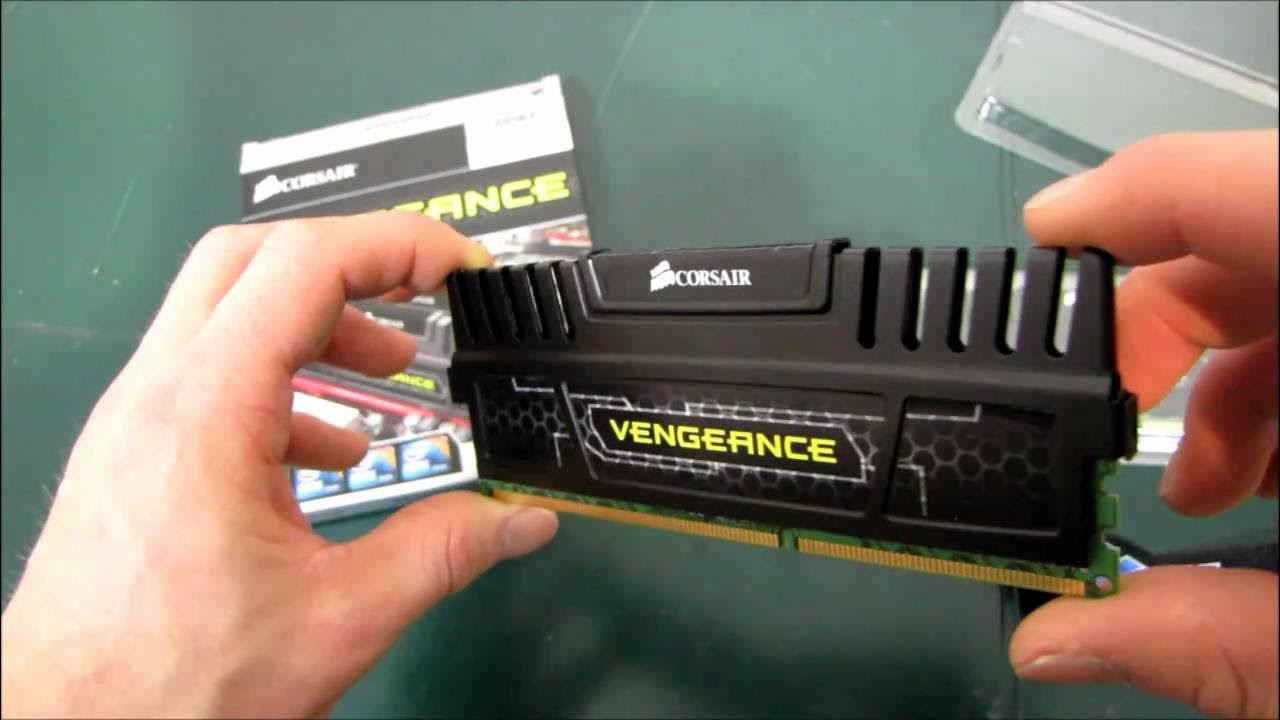
Corsair Vengeance DDR3 Memory Unboxing & First Look Linus Tech Tips
Your rating
Reactions
Description
ncix.com Corsair has been heavily marketing their Vengeance line of memory lately.
Check out what all the fuss is about.
AI Overview
The Linus Tech Tips unboxing video of the Corsair Vengeance DDR3 memory focuses on presenting the packaging, physical design, and core specifications of the kit. The host explains that the Vengeance line is positioned as a value memory option and highlights compatibility with multiple platforms, noting support for Core i3, i5, i7, and AMD Phenom X2 processors. Each memory module is shown as individually packaged, which enables flexible kit configurations such as dual or triple channel families by simply adjusting the SPD programming. The product in this video is an 8 GB kit consisting of two 4 GB modules, running at 1600 MHz with a remarkably low voltage of 1.5 volts, which the host points out as a practical detail for system stability and power efficiency. Visually, the heat spreader is described as a middle ground between matte and glossy finishes, contributing to a sleek overall look that complements various builds. The host also discusses the physical labeling and marketing stickers on the modules, including top, side, and barcode stickers that carry important part numbers and information about the kit. Although the video centers on unboxing and first impressions, the host acknowledges that he does not have a motherboard handy to demonstrate installation, but he provides a clear summary of the kit’s specifications and intended use. The closing remarks invite viewers to consider compatibility and style when upgrading memory, and the host signs off with a reminder to subscribe to Linus Tech Tips for more hardware coverage.
Topics · technology · hardware · computer-memory · consumer-electronics
Questions answered
- What is the Corsair Vengeance memory kit configuration shown in the video?
- The kit shown is an 8 GB DDR3 memory kit consisting of two 4 GB modules, rated at 1600 MHz with 1.5 V.






