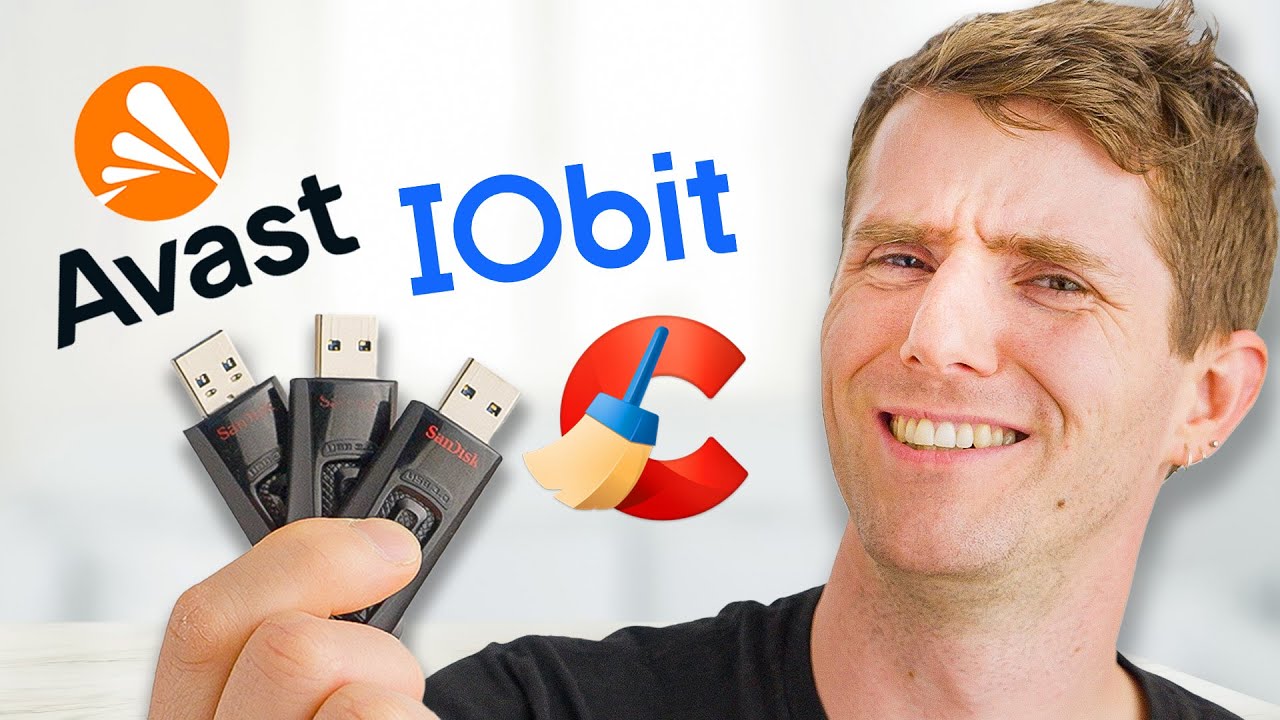
My PC is Slow… Can These “Speed Up” Tools Fix it?
Your rating
Reactions
Promos
Visit squarespace.com and use offer code LTT for 10% off
Check out the GL.iNet Flint 2 using the link below! lmg.gg Everyone wants their computer to be running in the best condition possible, but they dont want to re install windows. Thats why we decided to run 6 Different tools to see if any of these can Speed up your computer. Will they work? Are they Snake Oil? The only way to find out was to hand over our credit card, and get Labs to test them! Discuss on the forum: linustechtips.com Download these Tools...If you dare! Avast: avast.com CCleaner: ccleaner.com IOBit: iobit.com AVG Tuneup: avg.com MS PC Manager: pcmanager.microsoft.com Ashampoo Win optimizer: ashampoo.com Purchases made through some store links may provide some compensation to Linus Media Group. ► GET MERCH: lttstore.com ► GET EXCLUSIVE CONTENT ON FLOATPLANE: lmg.gg ► SPONSORS, AFFILIATES, AND PARTNERS: lmg.gg ► EQUIPMENT WE USE TO FILM LTT: lmg.gg ► OUR WAN PODCAST GEAR: lmg.gg FOLLOW US --------------------------------------------------- Twitter: twitter.com Facebook: @LinusTech Instagram: @linustech TikTok: @linustech Twitch: twitch.tv MUSIC CREDIT --------------------------------------------------- Intro: Laszlo - Supernova Video Link: youtube.com iTunes Download Link: itunes.apple.com Artist Link: soundcloud.com Outro: Approaching Nirvana - Sugar High Video Link: youtube.com Listen on Spotify: spoti.fi Artist Link: youtube.com Intro animation by MBarek Abdelwassaa @mbarek_abdel Monitor And Keyboard by vadimmihalkevich / CC BY 4.0 geni.us Mechanical RGB Keyboard by BigBrotherECE / CC BY 4.0 geni.us Mouse Gamer free Model By Oscar Creativo / CC BY 4.0 geni.us CHAPTERS --------------------------------------------------- 0:00 Intro 1:58 Our Tools of Choice 2:29 Startup Time Results 3:29 Some Failed before starting... 4:26 Productivity Test Results 7:10 Scary Marketing Tactics 9:45 Gaming Results 10:12 Why didnt they work? 11:11 Should you buy them? 12:00 DIY Solutions 15:01 Outro
AI Overview
The video begins by showing how a system can become slow through clutter, bloated startup items, and extraneous software. The hosts deliberately bloat a high-end gaming PC with assorted free trials, RGB utilities, and multiple startup managers to create a worst-case scenario. They then explore the common claim that so-called speed-up tools can rescue a slow PC by cleaning, optimizing, or reconfiguring Windows. The team notes that many reputable review sites repeatedly recommend a small set of utilities, yet questions how independent those recommendations are once you dig deeper. They step through the process of purchasing and testing six popular speed-up tools, comparing them to a fresh Windows install and to built-in Windows features. The narrative emphasizes transparency about licensing, features, and the marketing tactics some vendors use, which often blur the line between utility and bloatware. The labs perform a structured series of benchmarks, including startup time, a 1080p video encode in HandBrake, a Cinebench test, and a 7-zip storage benchmark, to quantify any measurable improvements. Across tests, the results show only modest gains in some cases, with several tools performing similarly to or only marginally better than a clean install, while others introduce unintended bloat or questionable marketing claims. The reviewers conclude that while some tools can unslow a system and reduce startup times, they rarely deliver real, day-to-day speed increases comparable to upgrading hardware or using built-in OS optimizations. They recommend pragmatic, low-friction maintenance steps such as managing startup programs, uninstalling unused apps, and using Windows Disk Cleanup and defragmentation/trim features, rather than paying for speed-up packages. The episode also covers the ethics and tactics seen in marketing campaigns, including aggressive upsells and misleading partner claims, and urges viewers to be cautious with third-party software purchases. In closing, the hosts suggest that for sustained performance gains, the most impactful options are often simple upgrades like an SSD, complemented by free or built-in maintenance steps, rather than relying on paid optimization suites. They tease further discussion and analysis on FloatPlane and publicly available resources, and promote Squarespace as a sponsor while reiterating practical steps for keeping a PC responsive.
Topics · Technology · Software · PC Maintenance · Hardware Upgrades · Consumer Advice
Questions answered
- What should a user do first when their PC is slow according to the video?
- Begin with simple, no-cost actions: review startup programs in Task Manager, uninstall unused apps, and run Windows Disk Cleanup and drive optimization tasks before considering paid tools.
- Do speed-up tools reliably outperform a fresh Windows install or free alternatives?
- No, the tests show that while some tools can unslow a system, they rarely beat a clean Windows install or free built-in features, and many offer only marginal gains.
- Which tools showed the strongest performance in the benchmarks?
- In startup reduction, IObit and CCleaner performed well; Avast also did well in certain cleanup benchmarks, but overall gains varied across tests.
- What is the video’s stance on marketing tactics used by these tools?
- The video criticizes invasive and misleading marketing tactics, partner misrepresentations, and aggressive upsells, recommending viewers be cautious and rely on transparent testing.






