This is superior to everything! - GuliKit KingKong 2 Pro Controller
Votre note
Réactions
Promotions
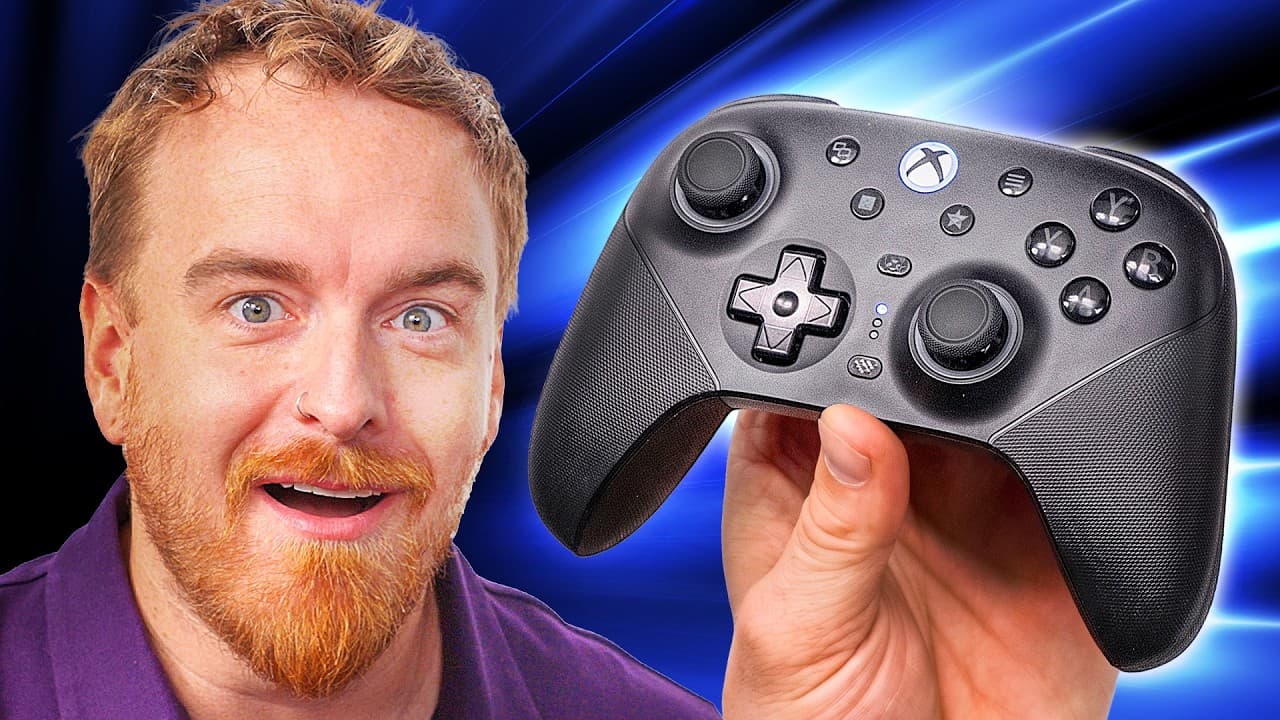
Get a dbrand skin or case today at dbrand.com Stick drift sucks, and it seems to be a continual problem in game controllers. Today on ShortCircuit, we get Linus to open up the GuliKit KingKong 2 Pro. It's durable, it's cross compatible... but does it hold up to Linus' expectations? Buy a GuliKit KingKong 2 Pro: lmg.gg On Amazon (Paid Link): geni.us Buy a Brook Wingman Xbox Converter: geni.us Buy a Nintendo Switch OLED: geni.us Best Buy: shop-links.co Purchases made through some store links may provide some compensation to Linus Media Group. Want us to unbox something? Make a suggestion at lmg.gg ► SUBSCRIBE ON FLOATPLANE: floatplane.com ► GET MERCH: lttstore.com ► AFFILIATES, SPONSORS & REFERRALS: lmg.gg ► PODCAST GEAR: lmg.gg ► SUPPORT US ON FLOATPLANE: floatplane.com FOLLOW US ELSEWHERE --------------------------------------------------- Twitter: twitter.com Instagram: @shortcircuityt TikTok: @linustech Facebook: @ShortCircuitYT CHAPTERS --------------------------------------------------- 0:00 The perfect controller? 0:18 First look and initial thoughts 1:00 A better way to joystick 2:55 Other included accessories 3:31 No native Xbox compatibility? 4:57 Pricing and build quality/button impressions 6:14 Sponsor - dbrand 7:10 Linus doesn't know how to use a switch 7:48 Gaming impressions 9:00 Replacement parts 9:55 "AI" controller settings and macros 11:33 Trying the gyroscope 13:22 Misc features and battery life 13:42 Overall thoughts 14:04 Outro
Aperçu IA
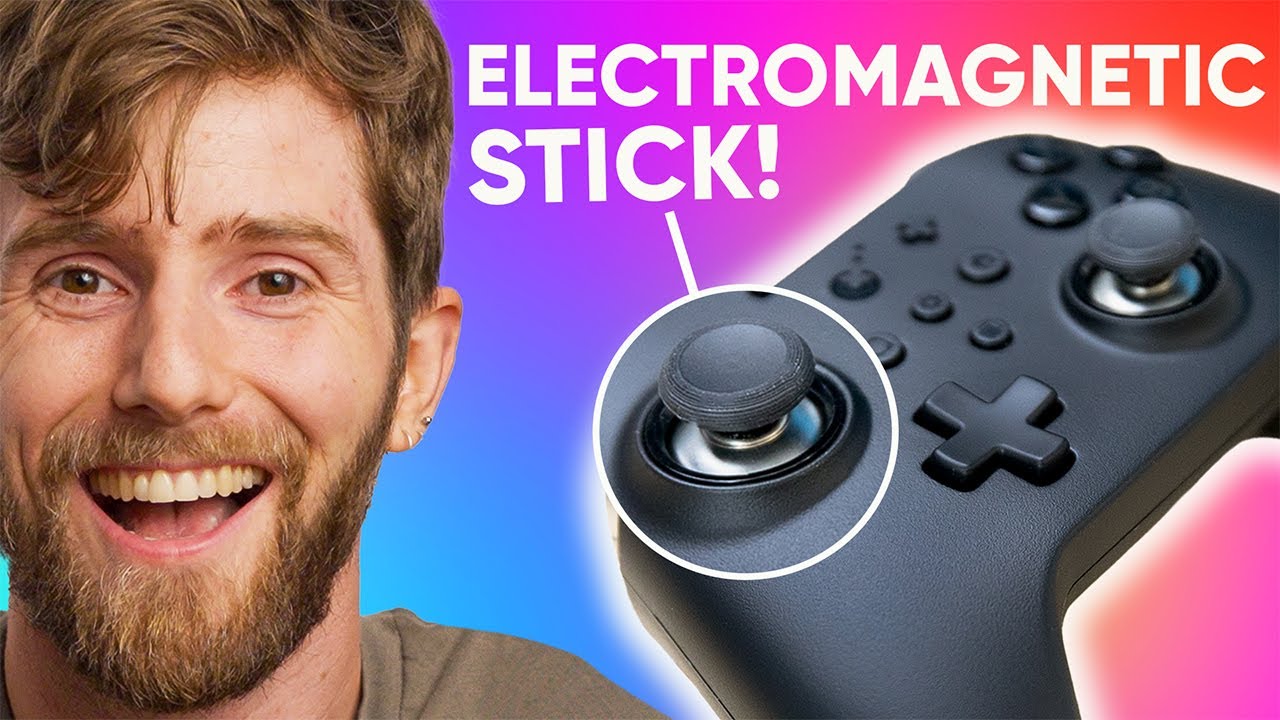
The video provides a thorough hands-on look at the GuliKit KingKong 2 Pro Controller, focusing on what makes it stand out in a crowded field of cross‑platform gamepads. The host begins with an overview of the product’s goals, highlighting durability and cross‑compatibility, then compares its exterior design to familiar controllers while noting practical quirks like the lack of a charging pass‑through in the included case and a hinge that could be fragile over time. A core technical claim is explained in detail: the KingKong 2 Pro uses hall effect joysticks instead of traditional potentiometer pots, which, according to the presenter, should dramatically reduce drift and extend joystick life. The unboxing reveals the included accessories, a USB‑C cable, firmware updates, and a sour note about native Xbox compatibility that only comes via a third‑party dongle, while still offering broad cross‑platform options. The host then delves into how the controller behaves across platforms, including D input, X input, Android and iOS modes, and the Nintendo Switch orientation that targets Switch players who want to spare their joysticks from wear. The segment concludes with a teaser of the gyroscope, Amiibo tapping, and the overall packaging experience, setting up a deeper dive into performance later in the video.
Sujets · gaming · peripherals · technology · reviews · hardware
Questions traitées
- What is the key technology used in the KingKong 2 Pro joysticks and why does it matter?
- The controller uses hall effect joysticks instead of potentiometer-based joysticks, which should reduce wear and drift over time and improve long-term accuracy.
- Is native Xbox compatibility included, or is a workaround required?
- Native Xbox compatibility is not included; a third-party dongle is needed to connect to Xbox.
- What are some notable features of the AI Button and macro capabilities?
- The AI Button allows swapping XBAY layouts, and pressing the gear button with shoulder triggers enables short macro repeats up to 20 activations per second, plus a long input replay feature for fine tuning.