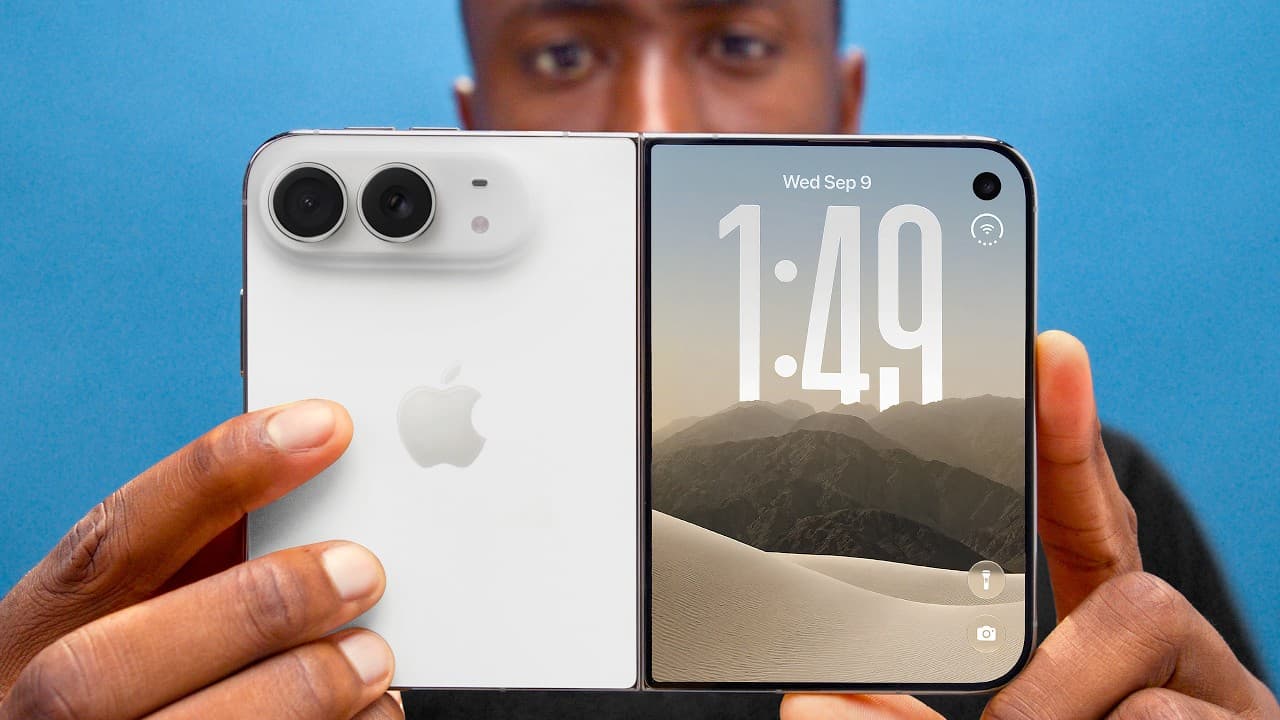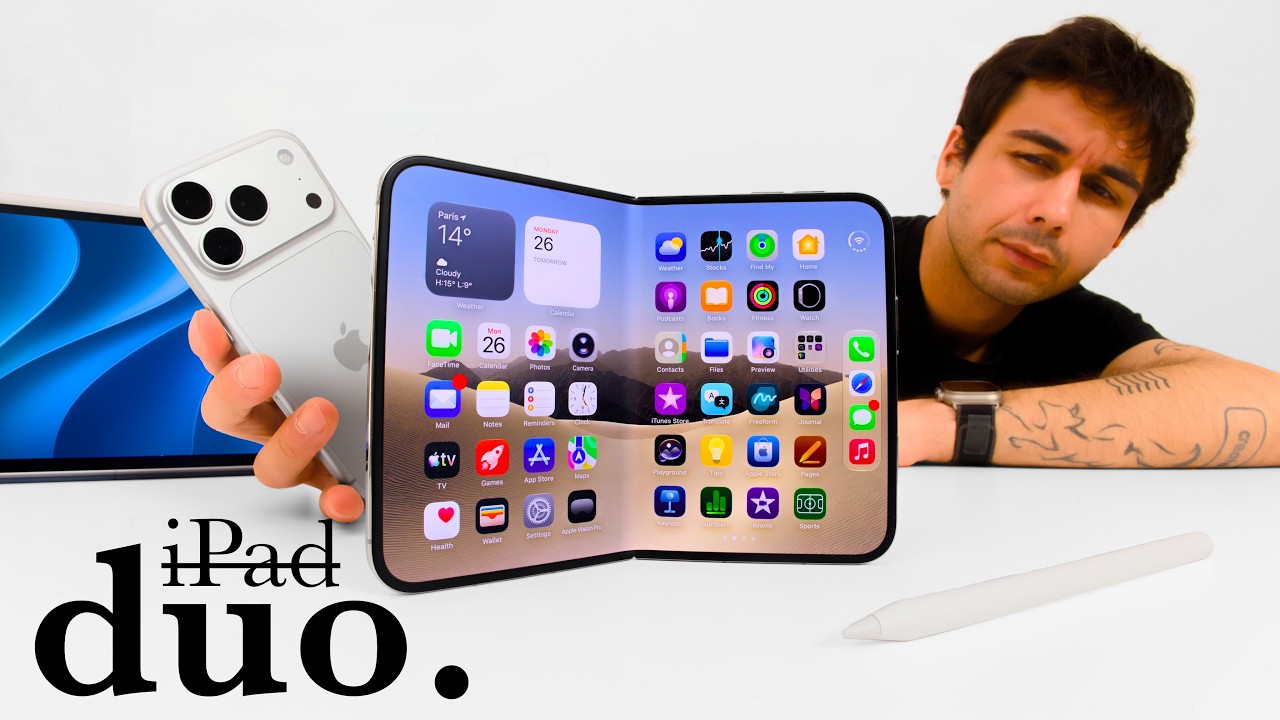
J’ai tenté de remplacer mon iPhone & iPad par un iPhone Duo
Tu valoración
Reacciones
AudioFrancés (original)Doblaje automático: Inglés
Descripción
Merci à UGREEN de soutenir la chaîne sur ce projet, toujours là La nouvelle gamme MagFlow Pro, c’est par ici : La batterie MagFlow Pro: amzn.to Le chargeur nomade MagFlow : amzn.to Le dock MagFlow Pro de fou: amzn.to En vraaaaai, un iPhone pliable, j’étais moi même pas sûr d’en vouloir La pliure, des applications à peine optimisées, des usages jamais trop réfléchis… Et juste j’ai déjà un iPhone et un iPad séparés, pourquoi je voudrais un mélange des deux ? Et beh, vous regardez Nightech, c’est Thomas, et aujourd’hui il faut que je vous raconte mes 10 jours avec l’iPhone Duo.
Promociones
Musique Epidemic Sound, je recommande Timecode - 0:00 : L’iPhone pliable. - 2:05 : La claque de l’objet. - 4:50 : Le piège de l’habitude. - 7:50 : Le début de l’adaptation. - 10:50 : Le plaisir du Duo. #Apple #iPhoneDuo
Contacto
Contact o Mail pro : thomas @nightech.fr o Mon insta’ : @nightech_yt o Mon Threads : @nightech_yt o Mon X : twitter.com Les produits mentionnés (affiliés) Si vous achetez quelque chose en passant par là, vous paierez le même prix, et Nightech percevra une petite commission au passage. Merci, ça aide beaucoup. o Tous mes essentiels tech’ ici: amzn.to o Le Duo est disponible ici à -80% c’est fou : urlr.me/RuhMF3 o Mon iPhone Duo : link.amazon o Ma coque : link.amazon o Mon folio : link.amazon o Mon 18 Pro : link.amazon
Resumen de IA
After ten days with the iPhone Duo, Thomas concludes that it is not better than using an iPhone 18 Pro and an iPad separately, though he found it unexpectedly enjoyable. He praises its compact folded size, large matte inner display, discreet crease, smooth app switching, and picture-in-picture video. He also notes compromises: the right-handed controls felt awkward at first, many apps were not optimized for the larger screen, and the camera quality was below the best iPhone models. After four or five days, he began adapting to the form factor and found the battery lasted until around 10 p.m. with about 15 percent remaining. The phone’s two-screen transitions and book-like use became more natural as he spent more time with it. The Duo did not eliminate his need for an iPad for watching shows, workouts, or creative work, where he prefers the iPad’s apps and Apple Pencil support. Its advantage was being always with him, making it easier to read, check a newsletter, or use a larger screen without going to fetch another device. He says he finished the 400-page book "Chaos Monkeys" on the Duo and enjoyed reading on it about as much as on an e-reader. With its folio, he also used it as a small desk dashboard for the time, music, and a Pomodoro timer. His conclusion is that the Duo is a more versatile and comfortable companion for some tasks, but it is also more expensive and fragile, and he is not yet sure it is the right iPhone for him.
Temas · science & technology · review · comparison · foldable smartphones · mobile devices
Preguntas respondidas
- Can the iPhone Duo replace an iPhone 18 Pro and an iPad?
- Not completely. It combines a phone and a larger inner display, but the reviewer still preferred the iPad for watching shows, workouts, and creative work.
- What did the reviewer like about the iPhone Duo's display?
- He liked the large matte inner screen, the subtle crease, the lack of distracting reflections, and the smooth transition of content between the two screens.
- What were the main drawbacks of the iPhone Duo?
- The right-handed controls felt awkward to a left-handed user, many apps were not optimized for the larger screen, the camera was not among the best iPhone cameras, and the device felt fragile and expensive.
- How long did the iPhone Duo's battery last in the reviewer's test?
- On a test day starting at 7:30 a.m. with a full charge, it had about 15 percent battery remaining around 10 p.m.
- What did the iPhone Duo make easier than using an iPad?
- Because it was always at hand, it made it easier to read, browse a newsletter, or use a larger screen for quick tasks without fetching a separate iPad.