Apple Really Does it Better - MacBook Pro with PROLED XDR
Tu valoración
Reacciones
Canales y redes sociales
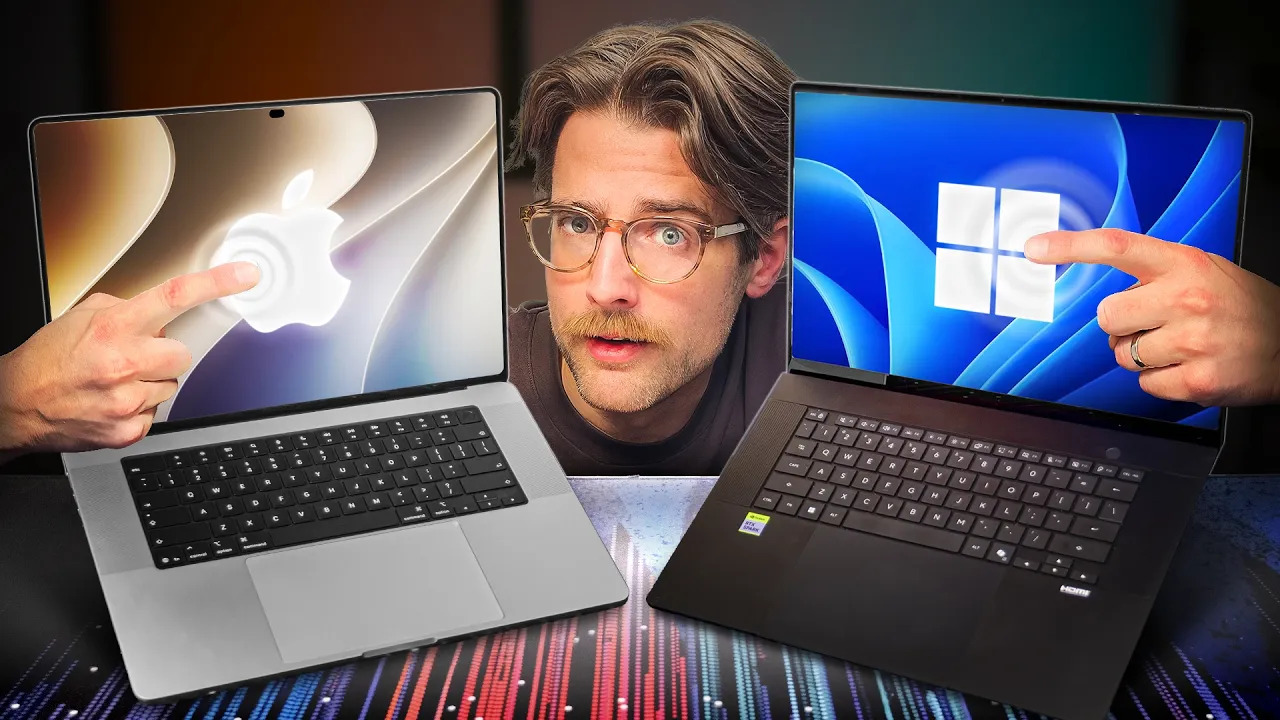
Get your overpriced cases, screen protectors, and stickers at shortlinus.com Apple has finally added a touchscreen to the MacBook Pro, so we go hands-on with what it's like to touch macOS, and the new hardware. Plus, we also wrangled LABs into the mix to put the new OLED display to the test. You're not going to want to miss this evaluation because this computer is extremely hype. Buy a MacBook Pro with PROLED here - apple.com Want us to unbox something? Make a suggestion at lmg.gg Thanks to our channel partner Secretlab! - Grab a TITAN Evo ergonomic gaming chair: lmg.gg - Grab an ATLAS ergonomic office chair: lmg.gg - Grab a MAGNUS Pro sit/stand gaming table: lmg.gg ► SHOP OUR PRODUCTS: lttstore.com ► GET A VPN: piavpn.com ► GET EXCLUSIVE CONTENT ON FLOATPLANE: lmg.gg ► DIVE DEEPER ON THE LTT LABS WEBSITE: lmg.gg ► SPONSORS, AFFILIATES, AND PARTNERS: lmg.gg Purchases made through some store links may provide some compensation to Linus Media Group. Affiliate links powered in part by affilimate.com Studio lighting by Aputure: aputure.com Linus Sebastian is an investor in Framework Computer, Inc and HexOS by Eshtek. CHAPTERS --------------------------------------------------- 00:00 - The First Touchscreen MacBook 01:57 - macOS Touch UI 07:19 - ProLED XDR Display First Look 08:35 - OLED vs Mini-LED Comparison 12:28 - Pixel Layout Under the Microscope 14:40 - Labs Display Test Results 17:55 - Teardown & Weight Comparison 19:37 - Sound Test 21:46 - Webcam 22:33 - Pricing, Final Thoughts & Wrap Up
Resumen de IA
Apple’s first touchscreen MacBook Pro also introduces an OLED display, and the review sample uses an M5 Max. The video tests whether touching macOS feels natural and compares its controls with Windows 11. macOS enlarges some controls and spaces menus farther apart when tapped, and window resizing feels responsive to the host. Touch gestures feel familiar, while macOS allows touchscreen and trackpad gestures to be configured separately. Windows is praised for its built-in window-snapping options, which the reviewers find macOS lacks by default. The ProLED XDR screen has a 3472 × 2266 resolution and ProMotion refresh rates from 10 to 120 Hz. In side-by-side viewing, the OLED panel shows deeper blacks and less blooming than the previous MacBook Pro’s mini-LED display. Lab testing measures up to 2,000 nits in HDR, while the SDR test reaches 600 nits. The panel covers about 99% of sRGB, P3, and Adobe RGB, and reaches 80.6% of BT.2020 in HDR. Its HDR color accuracy improves substantially over the mini-LED panel, though its measured SDR accuracy is slightly worse. The teardown comparison finds the 2026 model about half a pound lighter than the 2023 model, despite a similar-looking thermal setup. The video attributes the weight reduction to small design changes, including a chassis that is just under a millimeter thinner. Apple claims 50% more bass from the six-speaker system, and the reviewers hear a noticeably fuller sound than on the older model. Sound remains usable with the lid closed, although it becomes somewhat more muted. During the webcam test, the screen visibly jiggles when touched, while a reviewer praises the camera’s colors and lighting. The reviewers conclude that the MacBook Pro’s display and touch response are major strengths, and describe the speakers, thinner design, and lower weight positively. The touchscreen and OLED configuration costs $400 more than the otherwise comparable predecessor. The listed starting price is $2,900 for an M5 Pro configuration with 24 GB of unified memory and 1 TB of storage. The discussion also questions whether Apple will keep iPad and Mac software separate, while noting that Windows 11 already supports touch on laptops and tablet-style devices. Overall, the product is presented as an impressive upgrade with a substantial price premium.
Temas · apple · laptop · computer · review
Preguntas respondidas
- How does the touchscreen work on the Apple MacBook Pro with ProLED XDR?
- Touch controls feel responsive, some macOS menus and controls become easier to tap, and gestures feel broadly familiar. macOS also lets users configure touchscreen gestures separately from trackpad gestures.
- How does the MacBook Pro OLED display compare with the previous mini-LED screen?
- The OLED display produces deeper blacks and less blooming, and the reviewers observe richer colors. Lab testing also finds much better HDR color accuracy than on the previous mini-LED panel.
- How bright is the MacBook Pro ProLED XDR display?
- Lab testing measured up to 2,000 nits in HDR and 600 nits in SDR.
- Is the 2026 MacBook Pro lighter than the 2023 model?
- The 2026 model is about half a pound lighter, with the video also noting a chassis just under a millimeter thinner.
- How do the MacBook Pro speakers sound compared with the older model?
- The reviewers hear a fuller sound and noticeably stronger bass. Audio remains usable with the lid closed, though it sounds somewhat more muted.
- How much does the touchscreen OLED MacBook Pro cost?
- The reviewed touchscreen and OLED configuration costs $400 more than the otherwise comparable predecessor. The listed starting price is $2,900 for an M5 Pro model with 24 GB of unified memory and 1 TB of storage.